
Analysing outbound calls
Video in English · English captions · 1:52
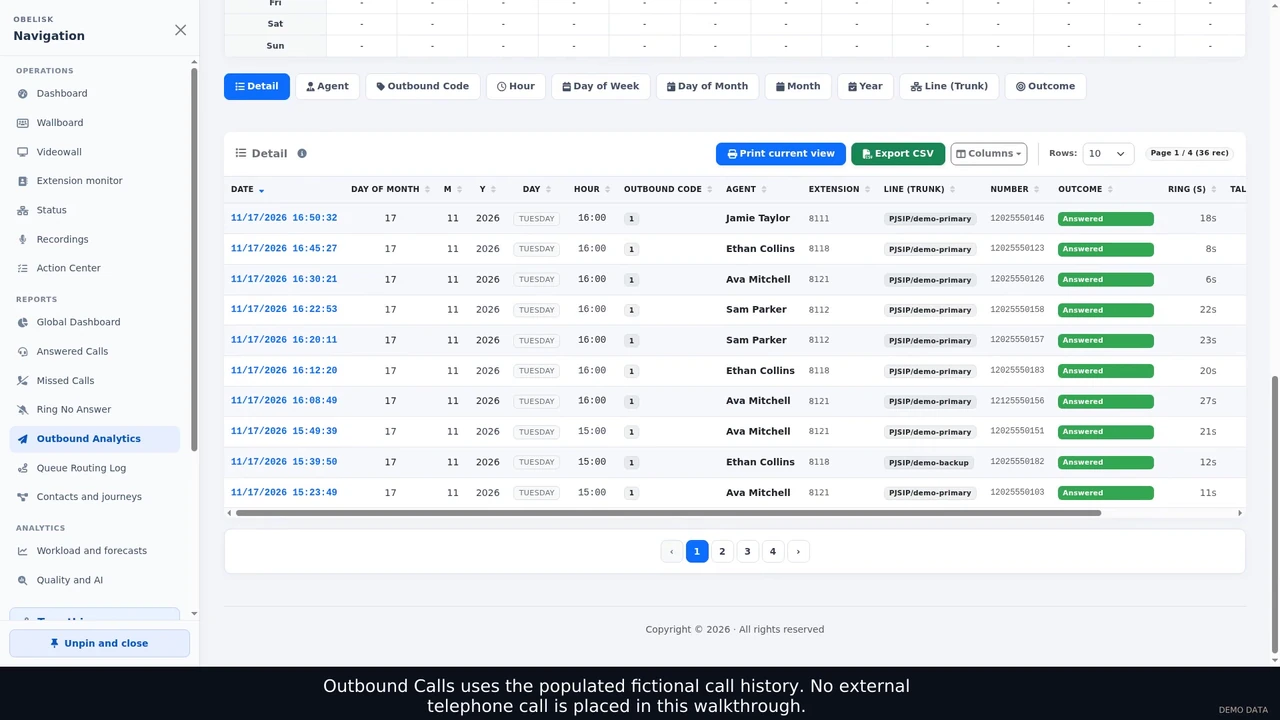
Set a date range for outbound calls, compare attempts by line or outcome, and choose which columns to show before exporting the report.
Chapters
- 00:00Read the report
- 00:09Open the outbound call filters
- 00:16Set a reporting period
- 00:22Apply the selection
- 00:27Group by line
- 00:34Group by outcome
- 00:40Return to Detail
- 00:47Focus on an outcome
- 00:53Restore the report
- 00:59Sort the rows
- 01:06Change the page size
- 01:11Choose columns
- 01:17Change a visible field
- 01:23Restore the field
- 01:29Reorder a KPI card
- 01:35Restore the card order
- 01:43Review export controls