
 3:36
How to supervise FreePBX queues with Listen, Whisper and Barge
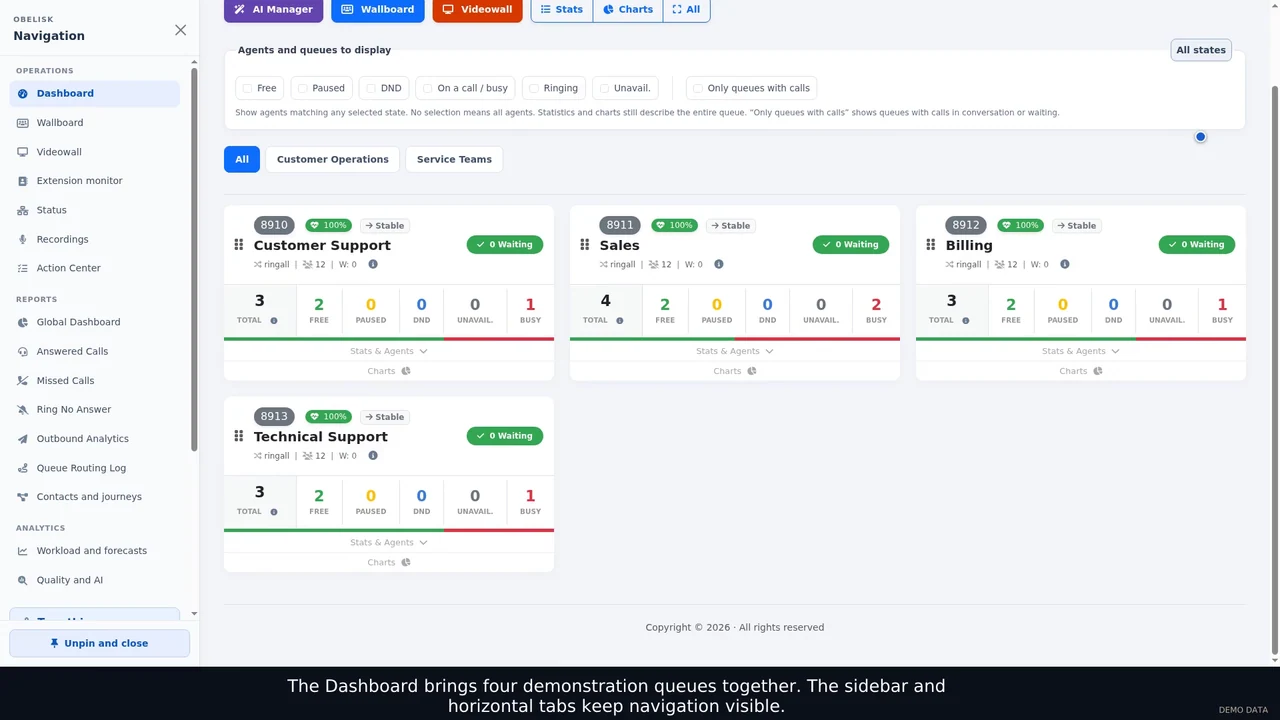
Filter agents by state, pause and resume a queue member, and arrange queue cards on the Dashboard. Hear how Listen, Whisper and Barge work during a call.
Watch Obelisk in use. Follow a queue in real time, trace a call through reports, plan staffing or configure the contact center. Choose a tutorial to jump to its chapters.
23 tutorials · Video in English · English captions 3:36
Filter agents by state, pause and resume a queue member, and arrange queue cards on the Dashboard. Hear how Listen, Whisper and Barge work during a call.
 1:33
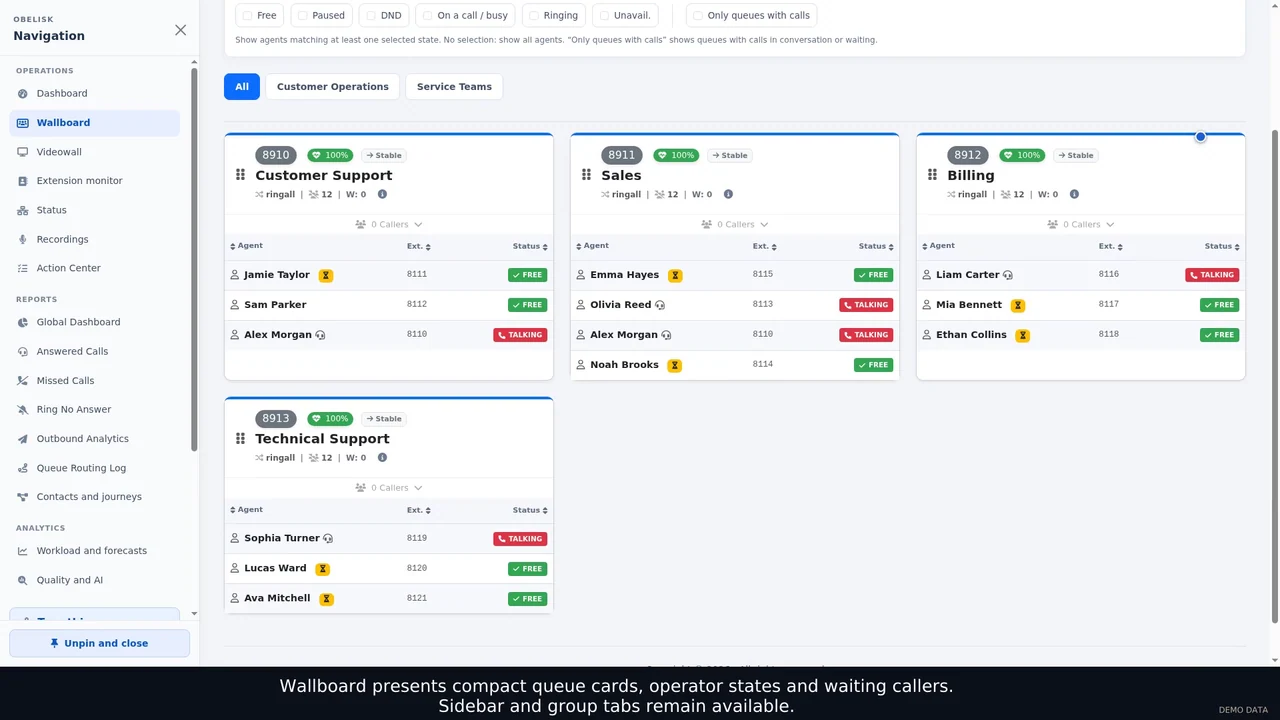
Find available operators, pause and resume a team member, and open the list of callers waiting in a queue.
 1:02
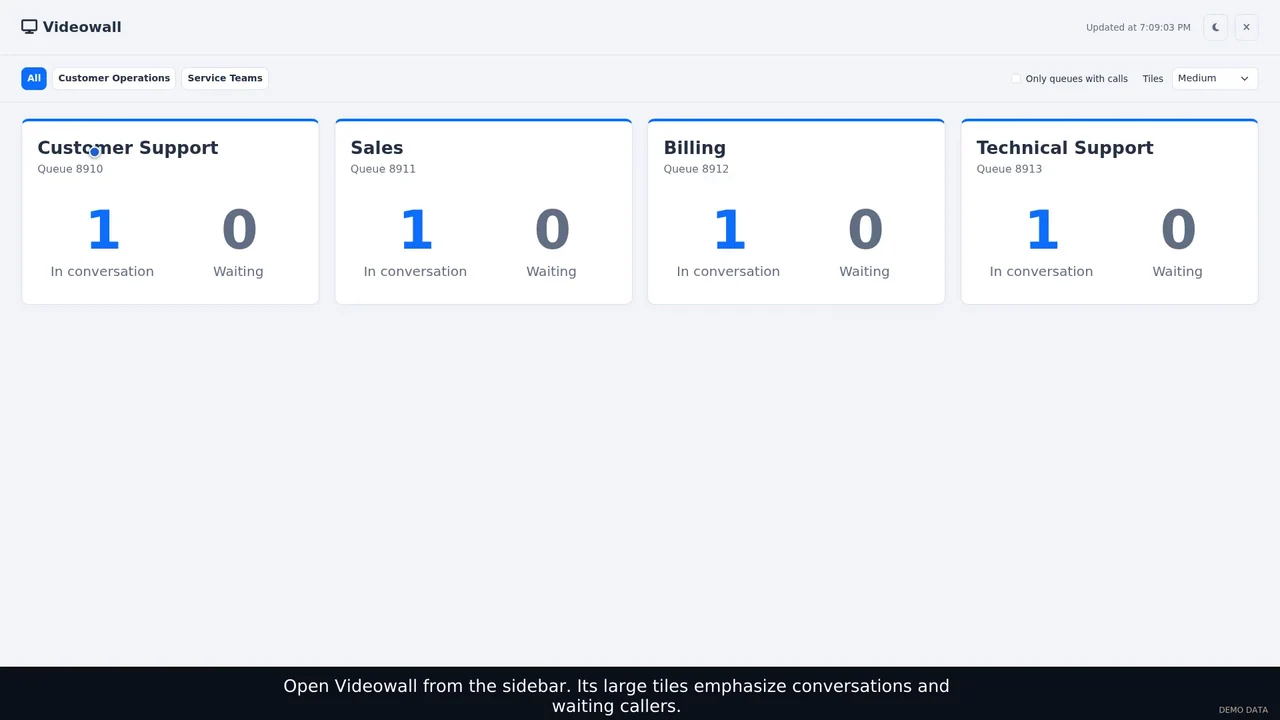
Switch between queue groups on a shared display and adjust tile size and theme for the room.
 1:37
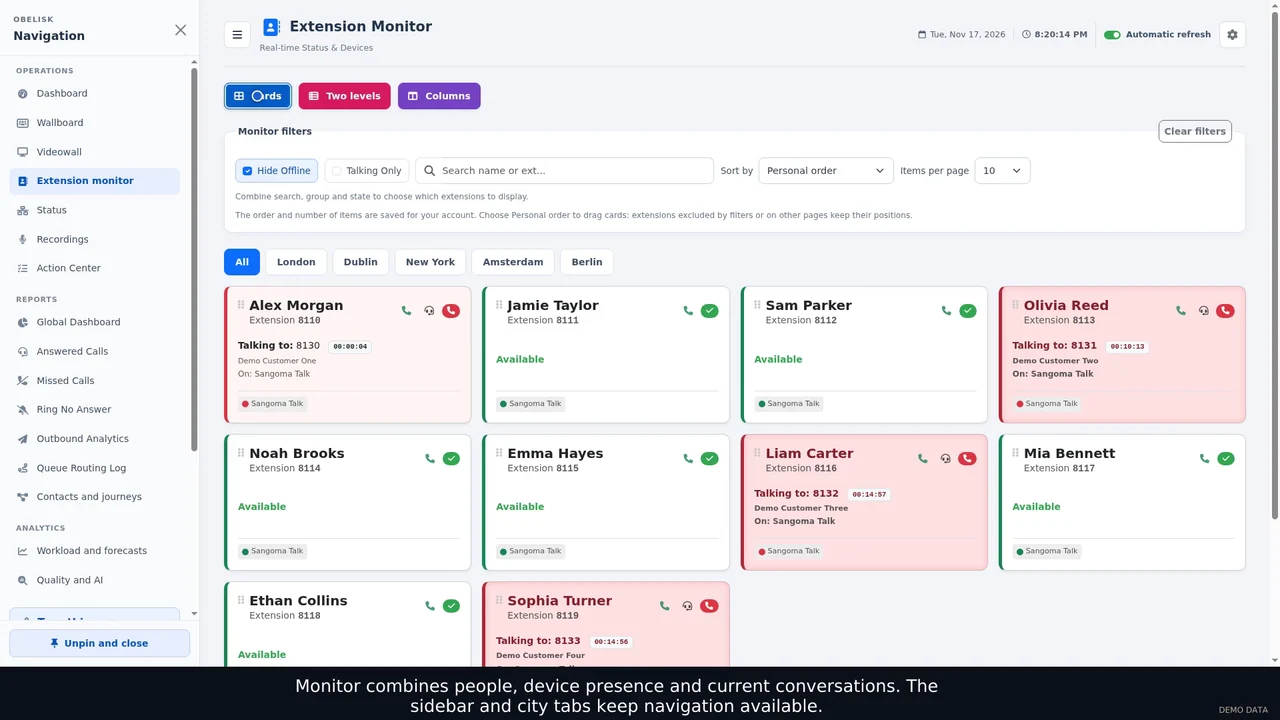
Find an extension by office, isolate active conversations and compare the card, table and grouped layouts.
 2:48
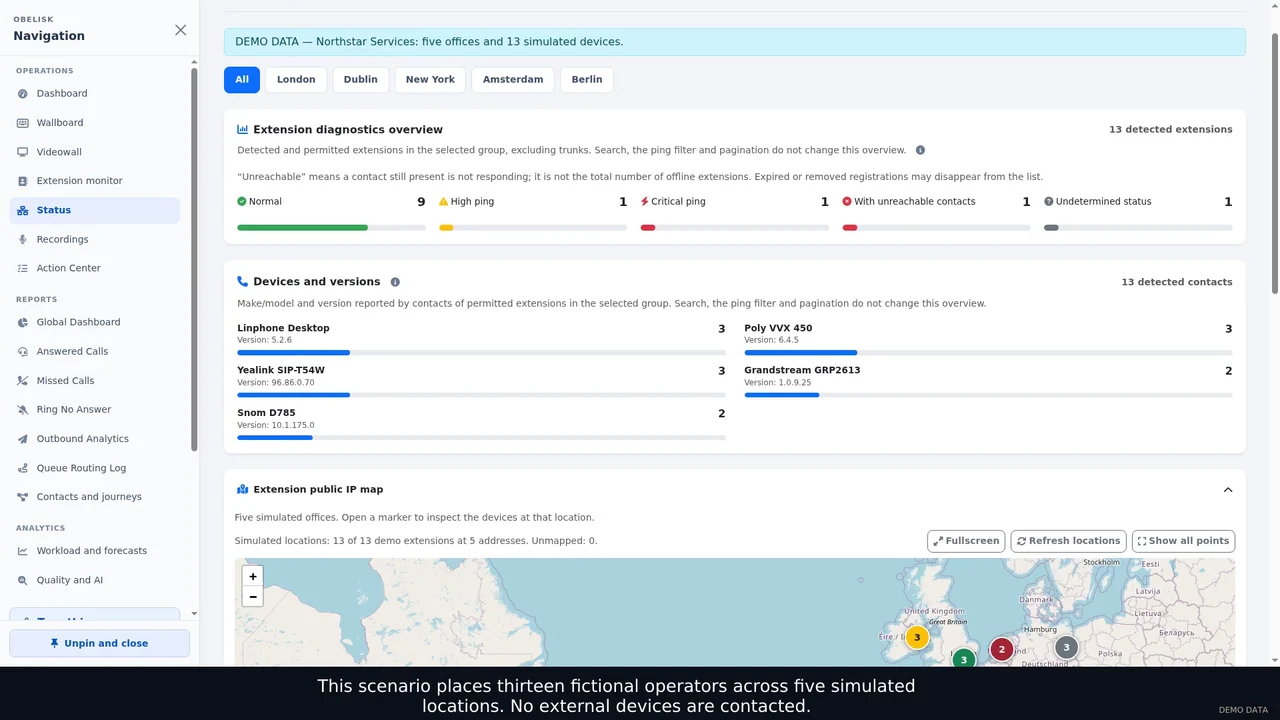
Read warning and critical markers across five offices, filter slow devices and look up a specific extension.
 1:44
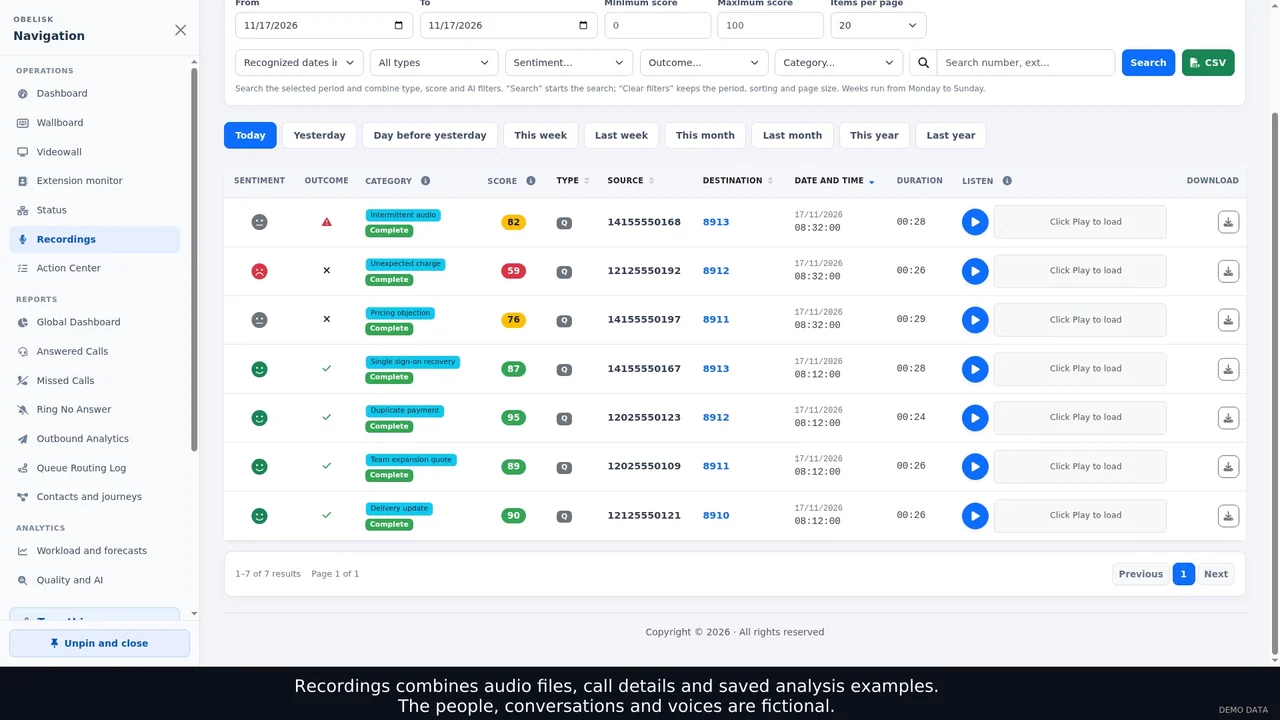
Find a caller’s recording, listen to the call, then open its saved transcript and quality assessment.
 1:54
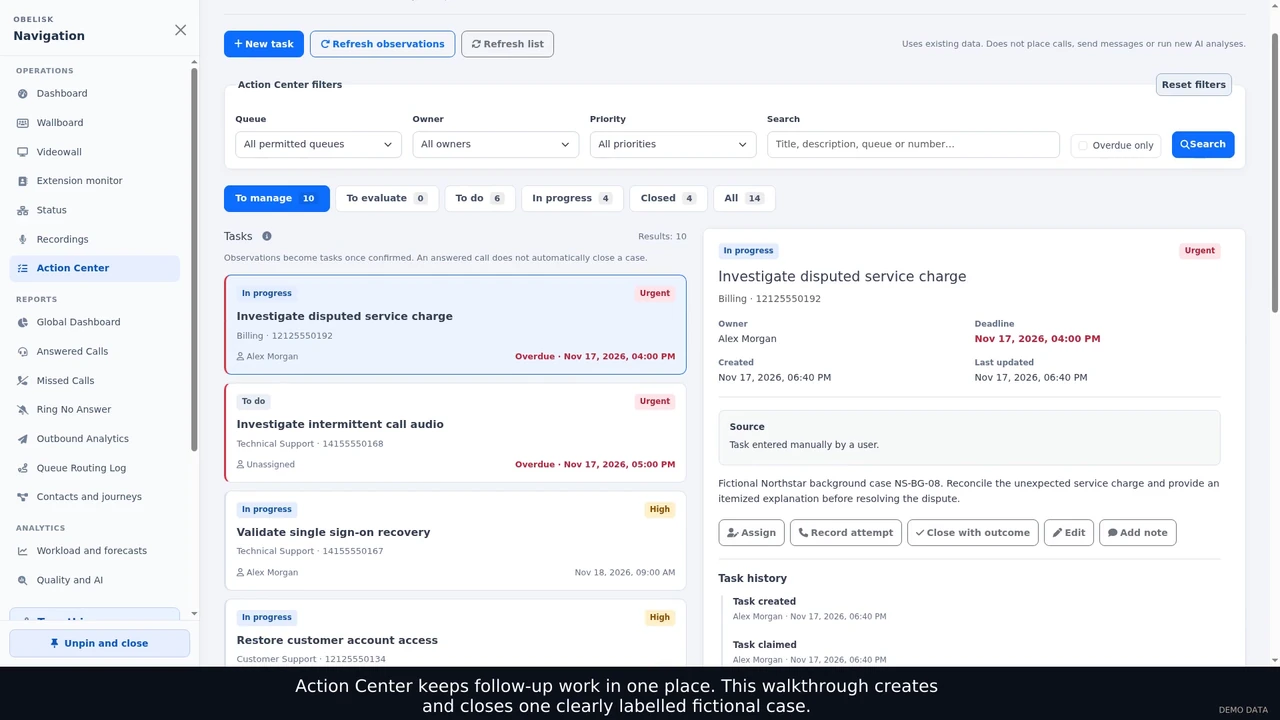
Create a follow-up case, take ownership and log a contact attempt. After closing the case, open its details to review the full history.
 1:15
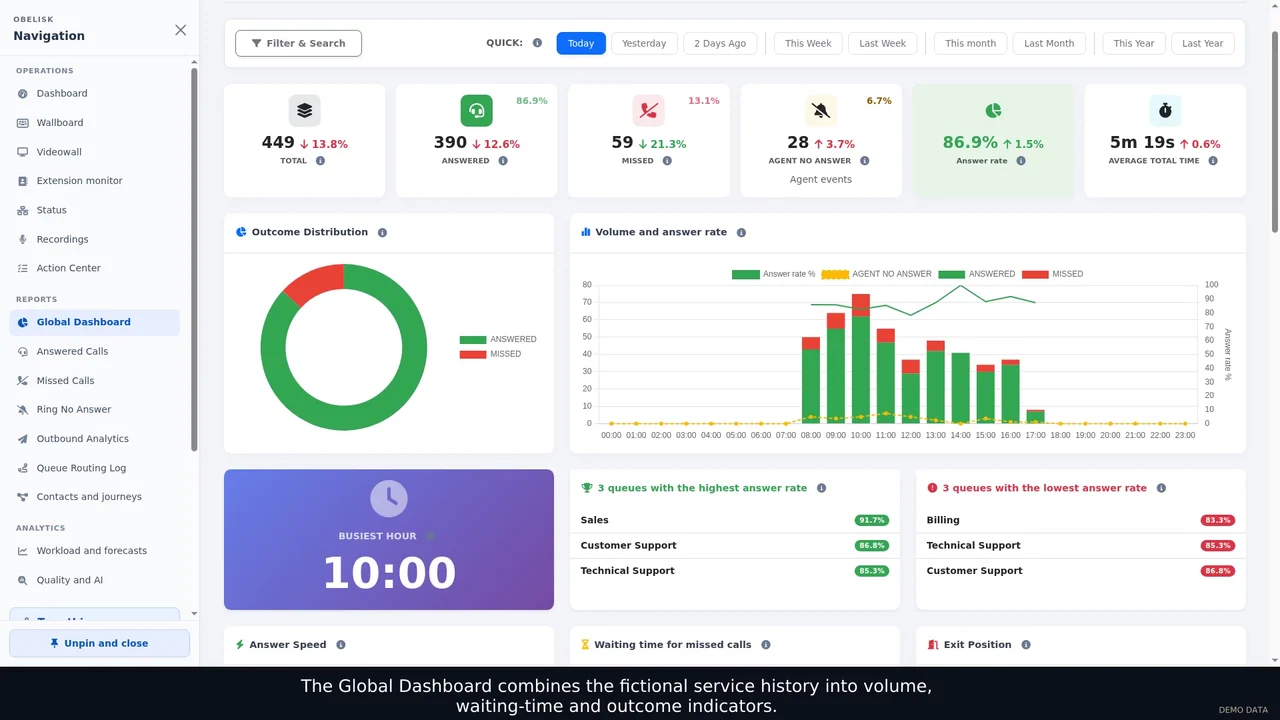
Set the reporting period to compare call volume and outcomes, then sort the queue summary and locate the CSV export.
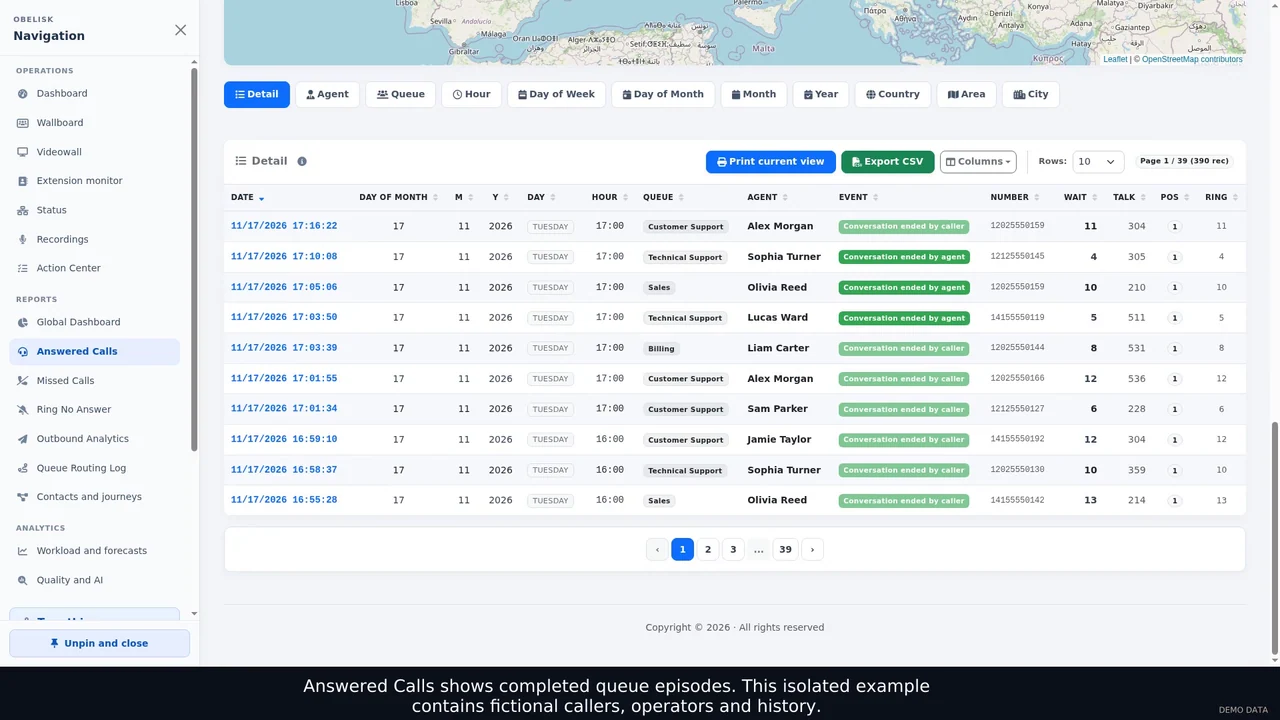 2:08
Locate callers on the map, group answered calls by agent or queue, and filter the report for short conversations.
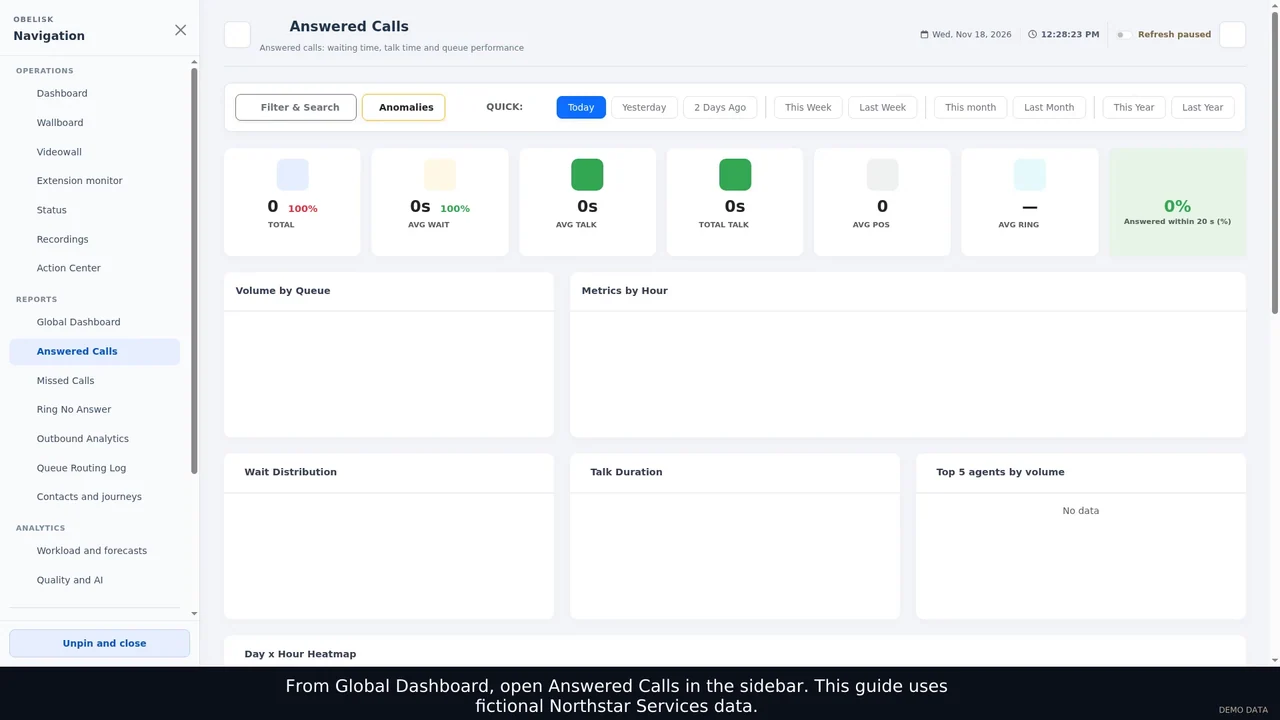 2:29
Compare the same calls by month, year and day of month to see how the period affects the total and how grouping changes the rows.
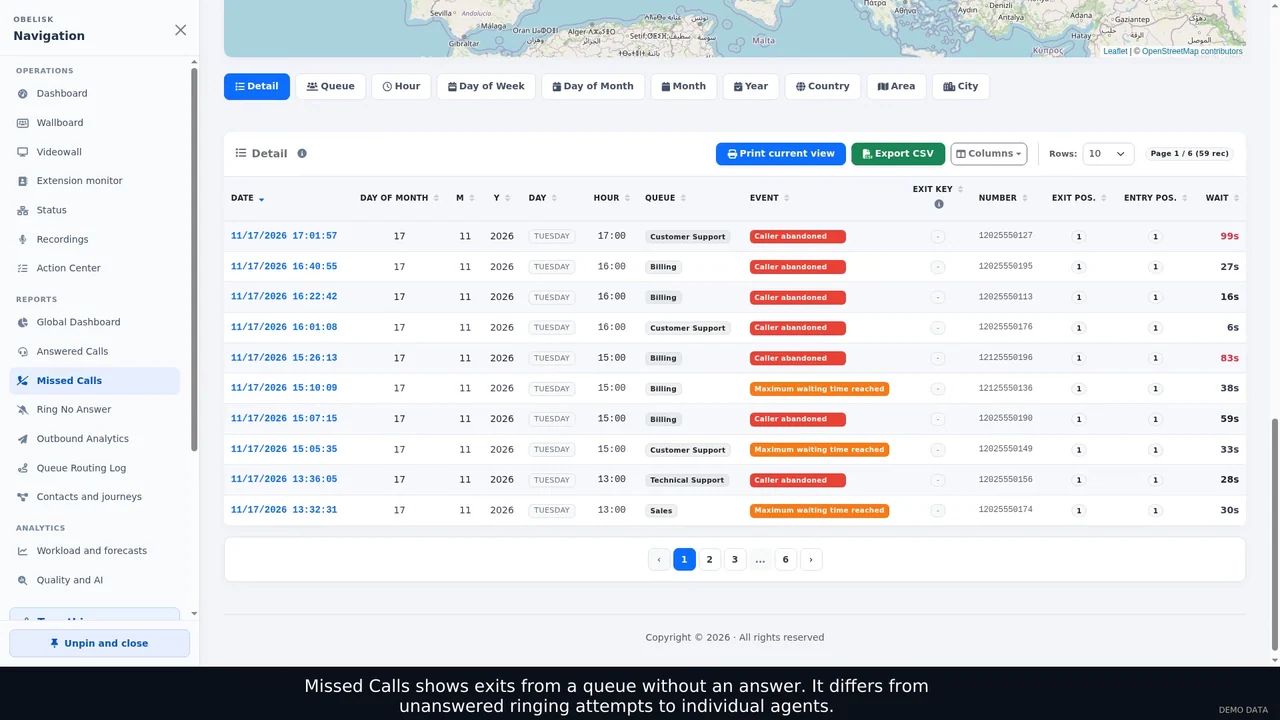 2:06
Find short waits among missed calls, compare results by queue or hour and inspect callers’ locations on the map.
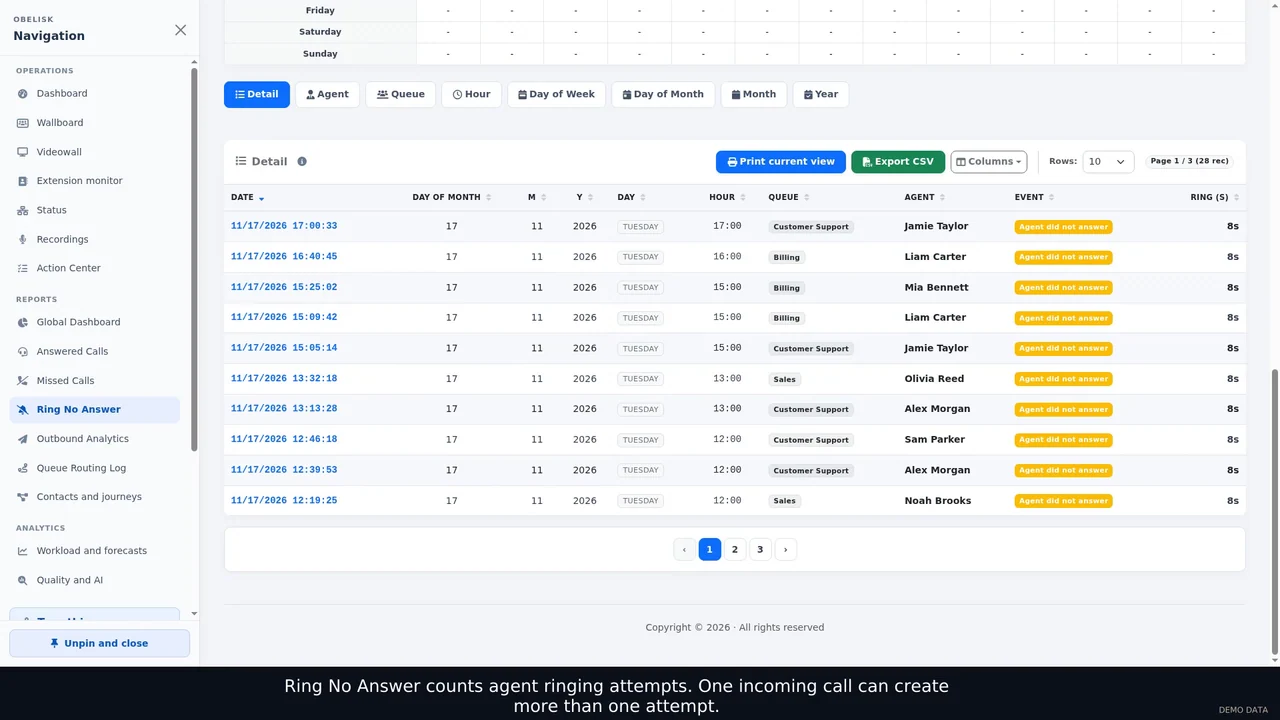 1:48
Compare unanswered ringing attempts by agent and queue, then narrow the report to short rings.
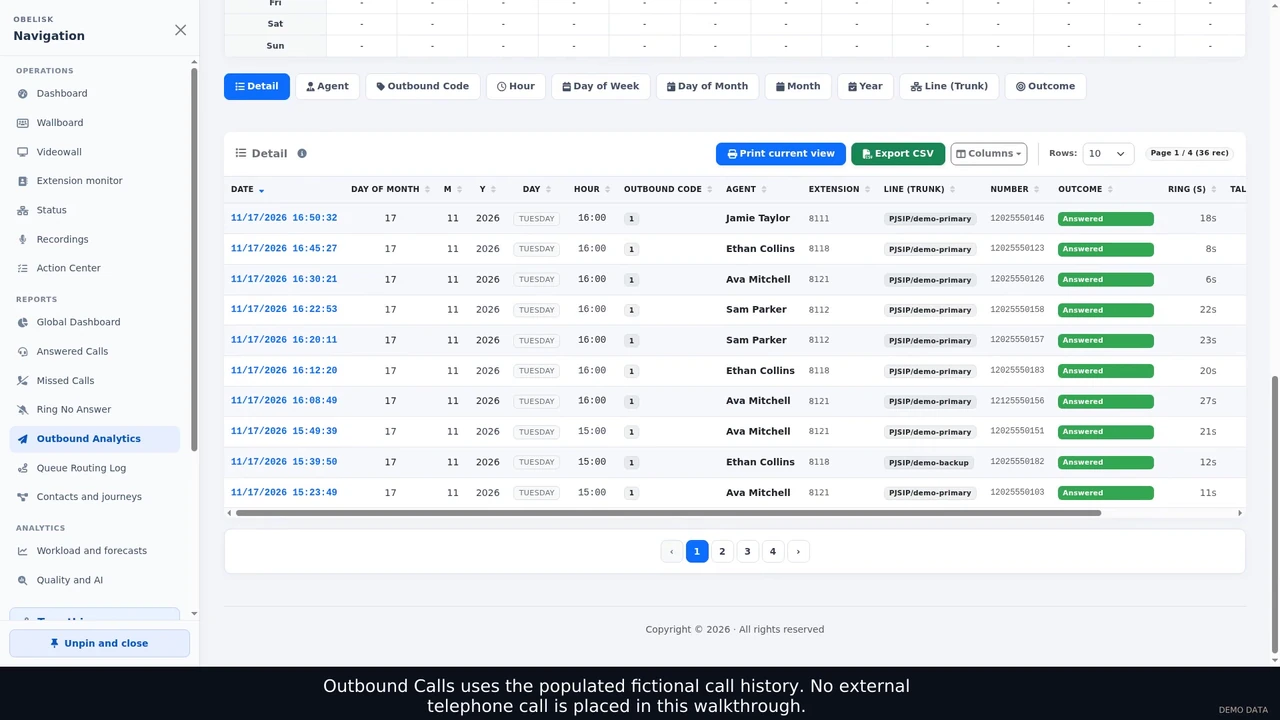 1:52
Set a date range for outbound calls, compare attempts by line or outcome, and choose which columns to show before exporting the report.
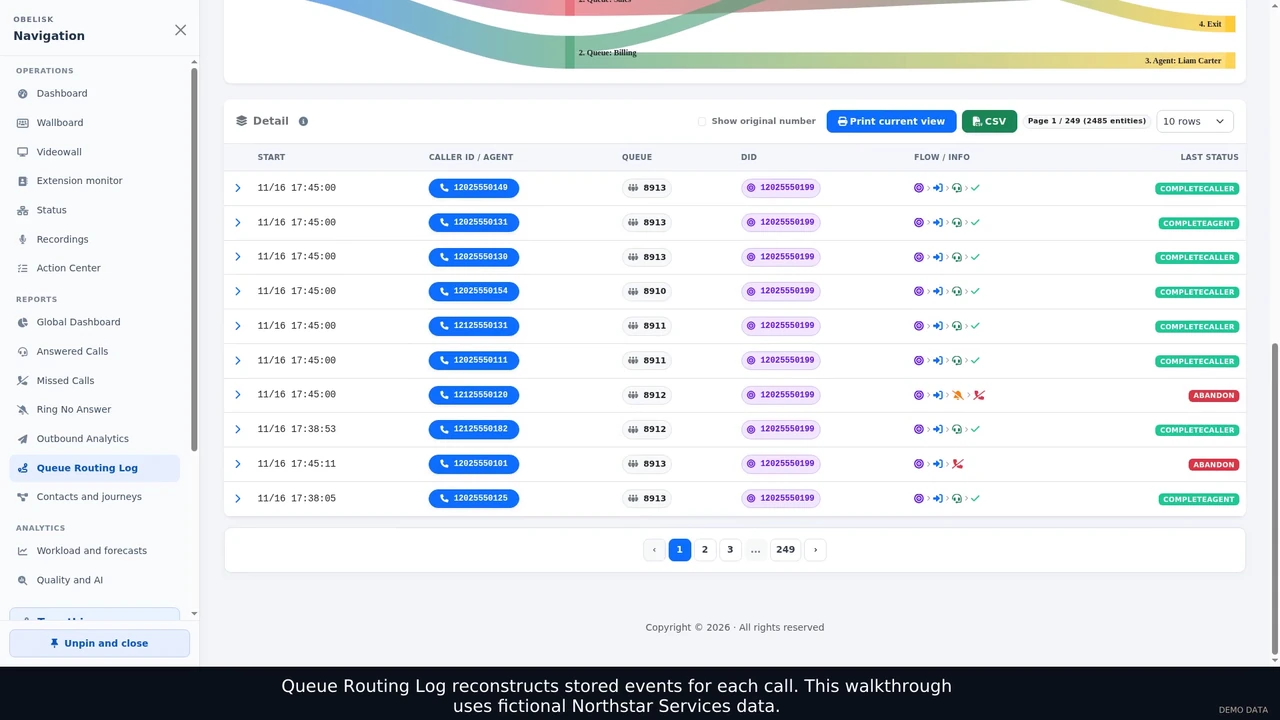 1:35
Enter a Call ID in the Routing Log to find one call. Expand the result to see its events in order and check the original number.
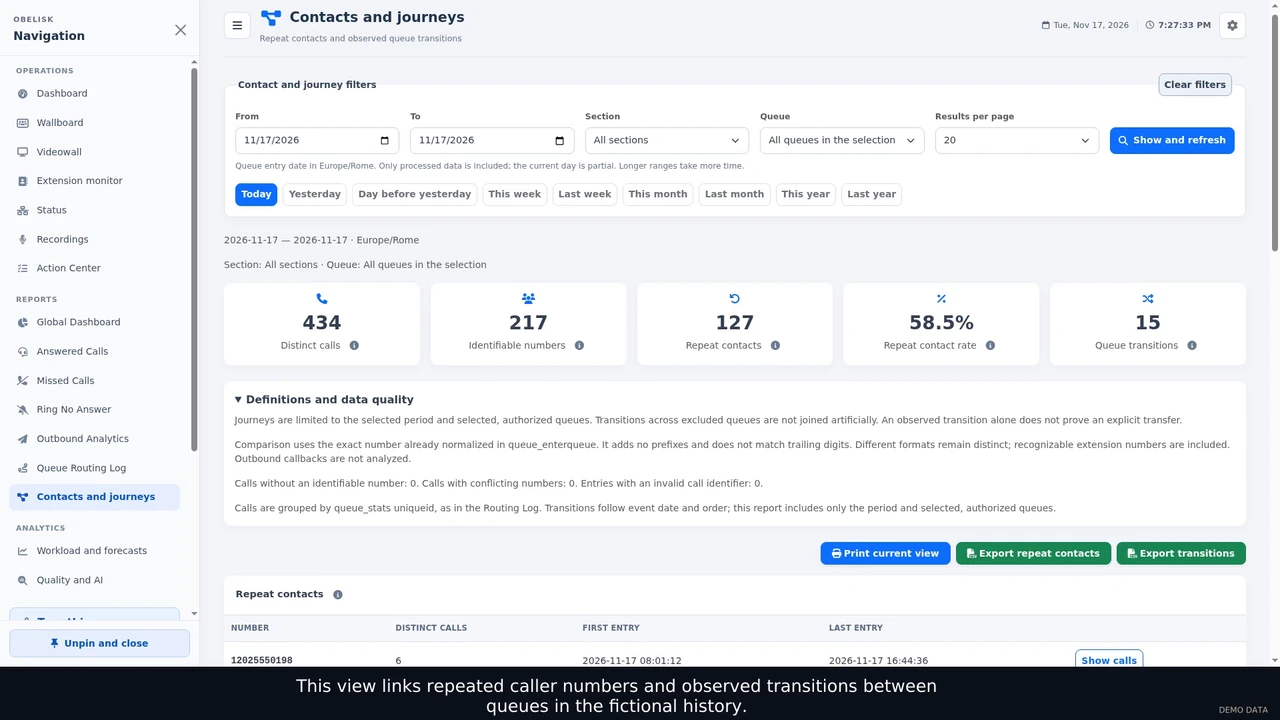 1:05
Find a number that called more than once, compare when it entered each queue, then follow one queue transition into the Routing Log.
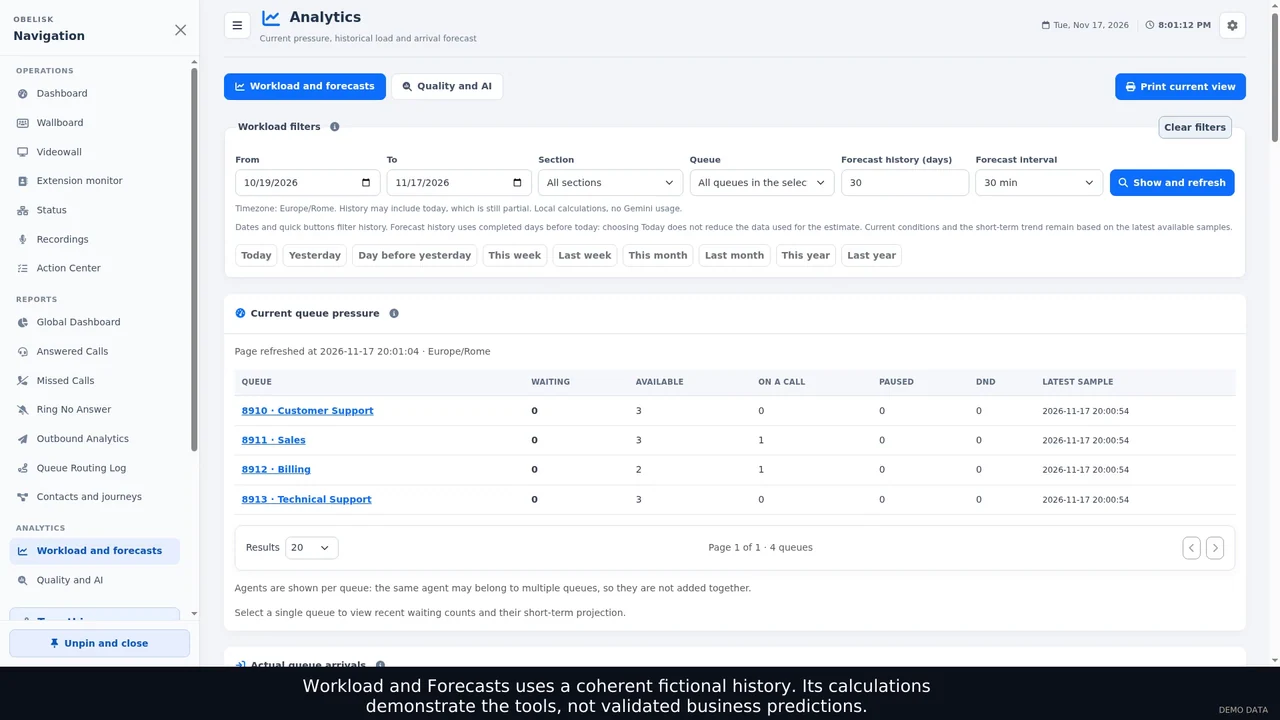 2:01
Check a queue forecast against historical arrivals, then change the team size in a manual staffing scenario.
 1:29
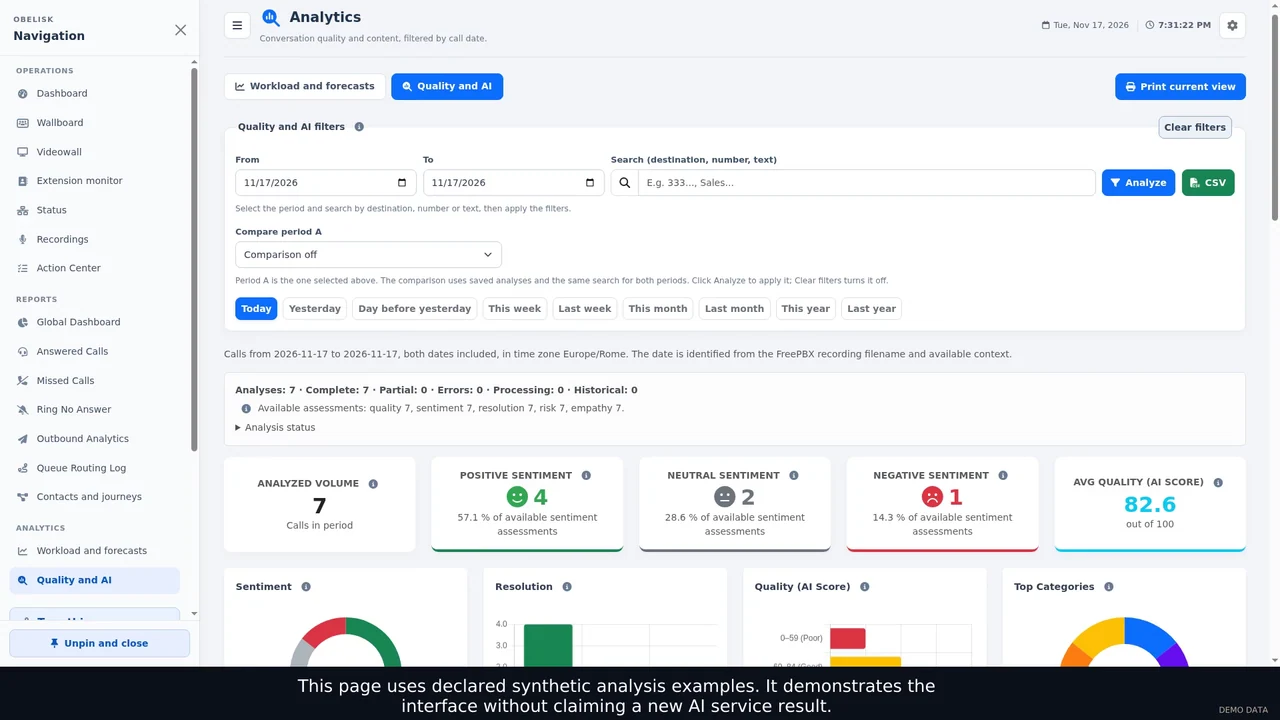
Check how many calls have usable assessments, then compare sentiment, resolution and quality scores over time.
 2:31
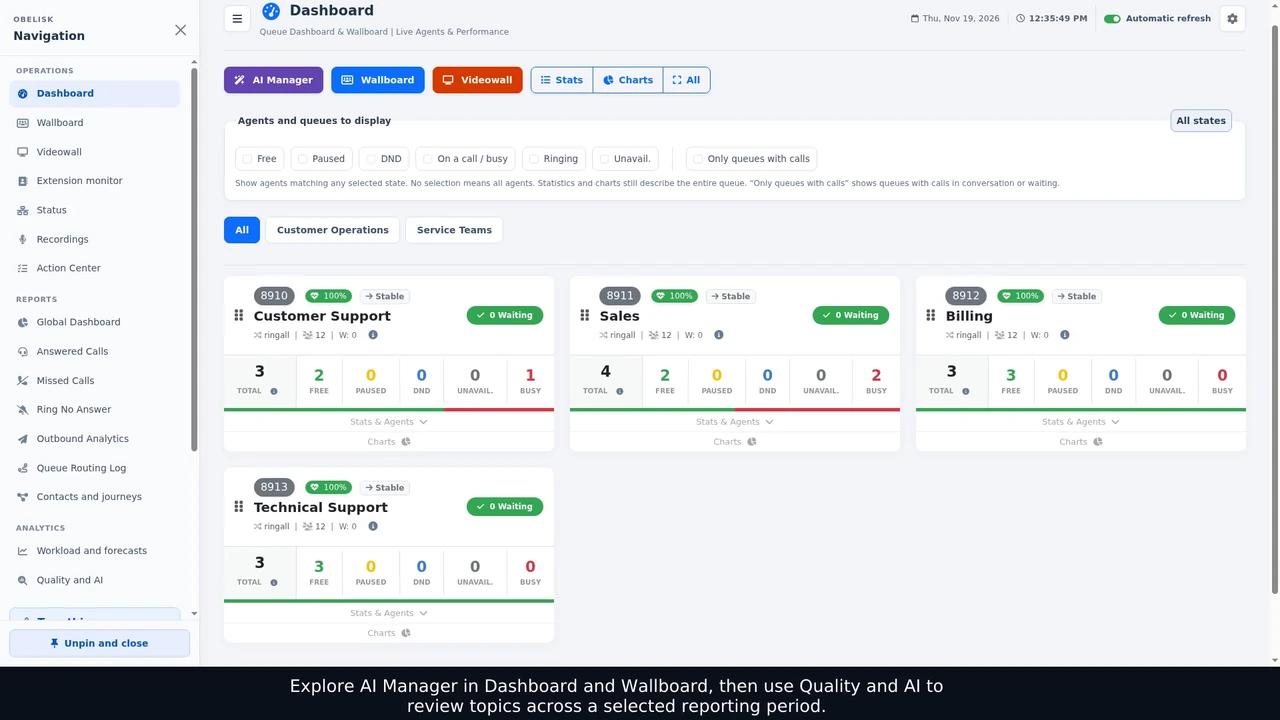
Use AI Manager on the Dashboard and Wallboard to review waiting calls and agent availability. Then generate a report in Quality & AI to find recurring topics and decide which cases need follow-up.
 2:53
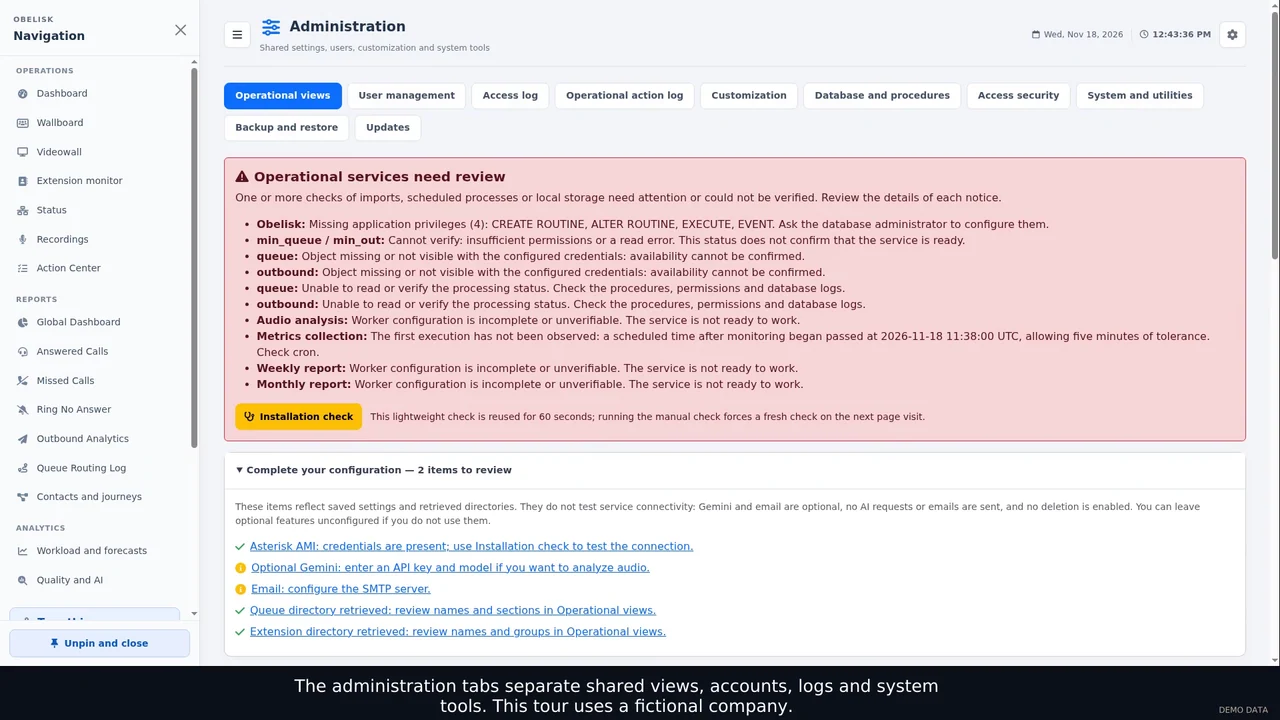
Organize queues and offices across the live views, then inspect which queues and actions a user role can access.
 1:34
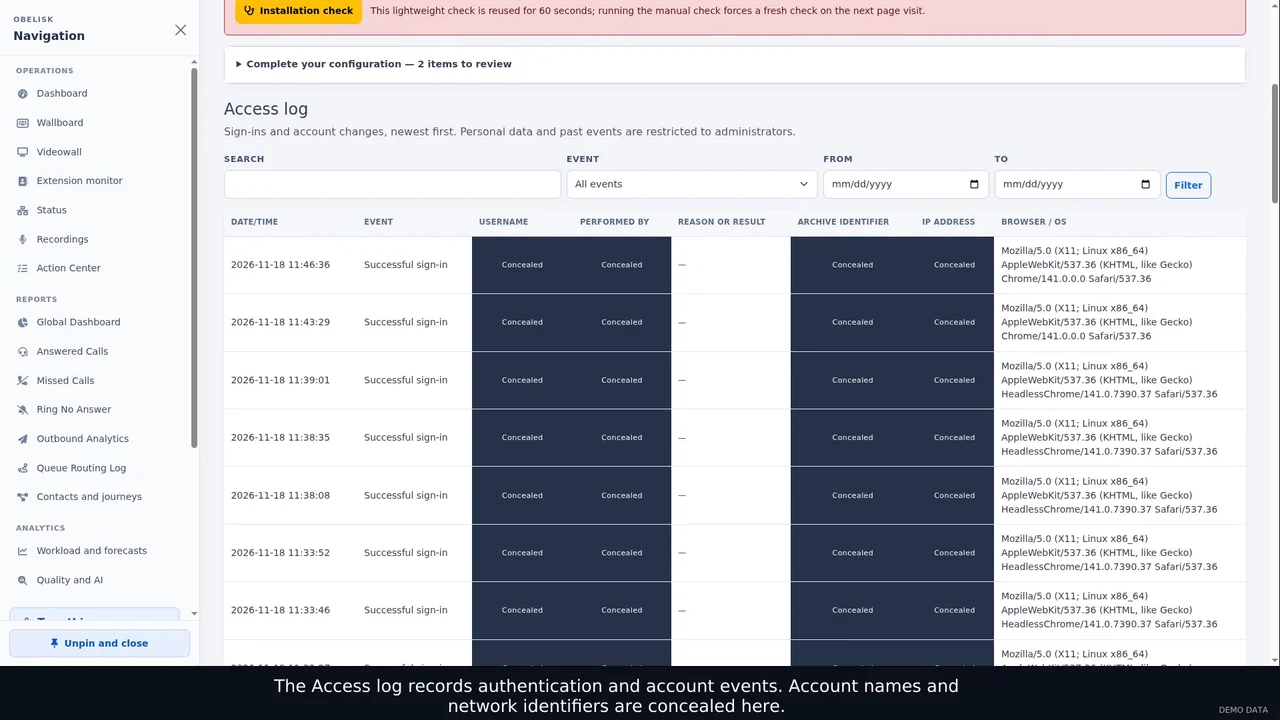
Filter sign-in events, look up operations on a queue and find the settings for log retention, branding and labels.
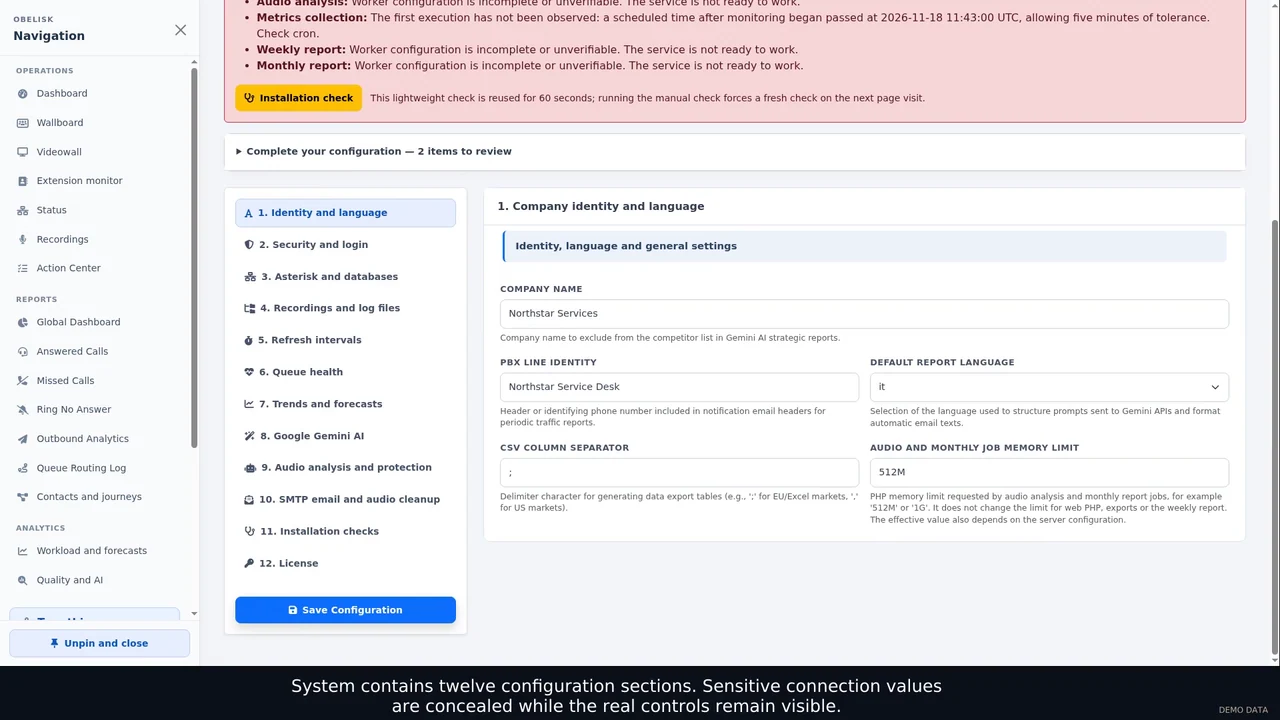 3:16
Find the session policy and Asterisk connections, then inspect recording storage, audio analysis workers, SMTP and installation checks.
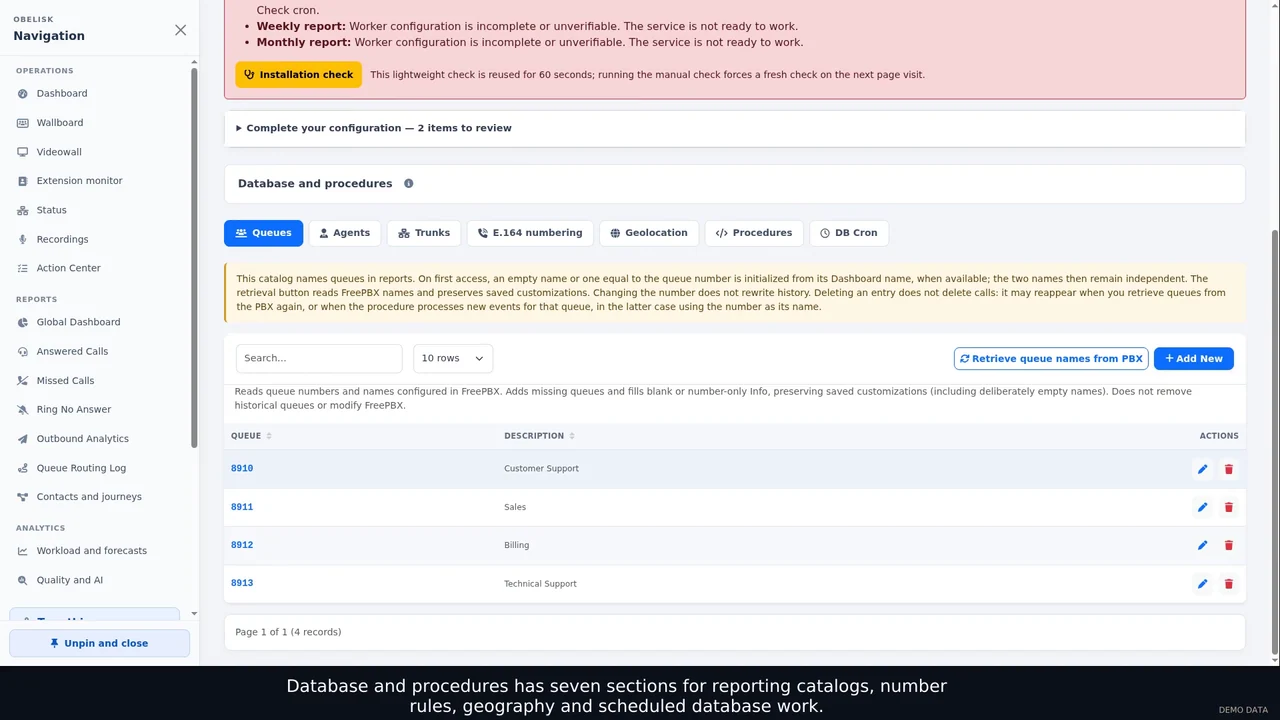 2:53
Check number normalization and scheduled jobs, then locate network access controls, configuration backups, restore and update history.
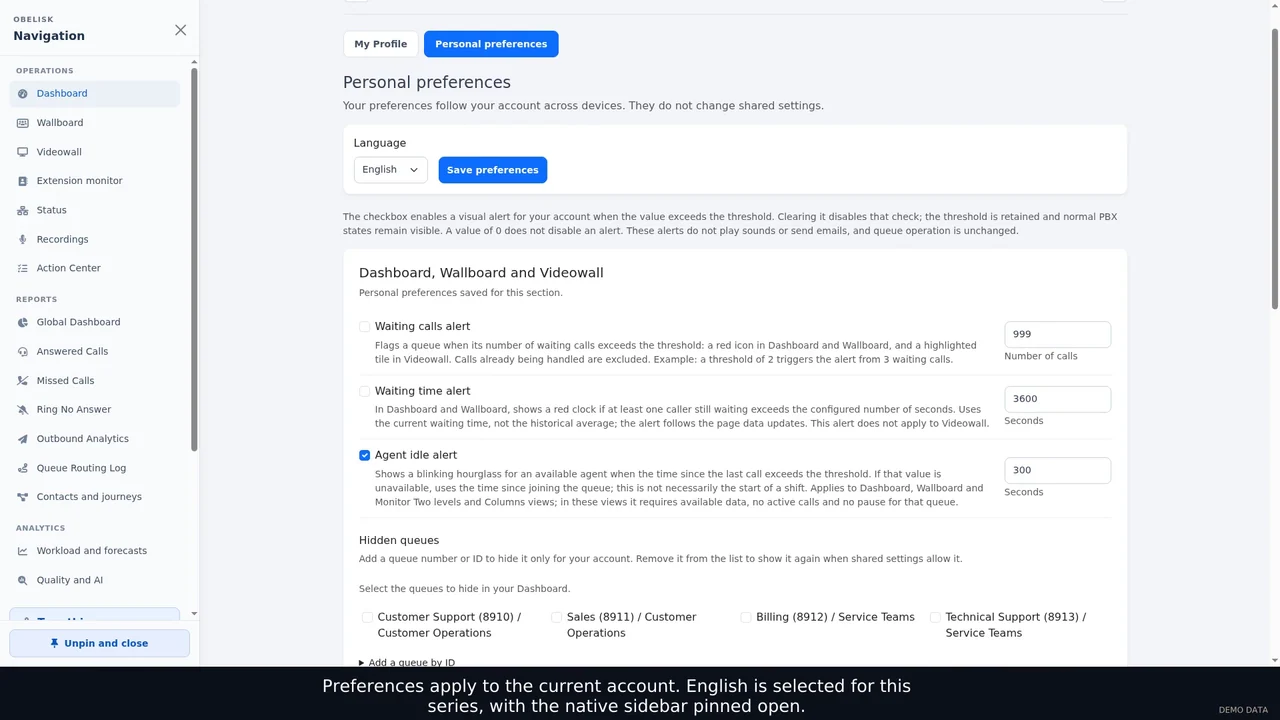 1:03
Preview an alert threshold and queue visibility, restore both values and locate the separate Monitor and Status thresholds.
The voices in these tutorials are synthetic. The narration and example conversations were recorded for the fictional contact center shown in the videos.
Obelisk demonstration — synthetic voice credits

All dialogue and narration text was created for this fictional demonstration.
No voice is represented as a real customer, operator or supervisor.

Speech engine: Piper, Open Home Foundation / OHF-Voice.
https://github.com/OHF-Voice/piper1-gpl
CLI documentation: https://github.com/OHF-Voice/piper1-gpl/blob/main/docs/CLI.md

Narration model: en_US-ljspeech-medium (Piper voice collection).
Model card: https://huggingface.co/rhasspy/piper-voices/blob/main/en/en_US/ljspeech/medium/MODEL_CARD
Training dataset: The LJ Speech Dataset, Keith Ito and Linda Johnson (2017).
https://keithito.com/LJ-Speech-Dataset/
The dataset publisher identifies the text, audio and annotations as public domain.
The model card identifies training from scratch. This is synthetic generated speech.

Character model: en_US-libritts-high (Piper voice collection), if present in the actual speech manifest.
Model card: https://huggingface.co/rhasspy/piper-voices/blob/main/en/en_US/libritts/high/MODEL_CARD
Training dataset: LibriTTS, Heiga Zen and collaborators, OpenSLR resource 60.
https://www.openslr.org/60/
Dataset license: Creative Commons Attribution 4.0 International.
https://creativecommons.org/licenses/by/4.0/
The model card identifies training from scratch on train-clean-360.
Changes for this video: original synthetic speech, selected model speaker IDs,
resampling and assembly into fictional conversations. No original corpus recording
is presented as a customer call, and no endorsement by a dataset author or reader is implied.

If eSpeak NG is explicitly used as a fallback, the speech manifest records it.
https://github.com/espeak-ng/espeak-ng

These credits cover the choices above, not arbitrary additional voice models.
Sources checked on 2026-11-15. Keep this file with the delivered video package.