

Updates
Prepare update packages, review affected files and consult update history and rollback commands.
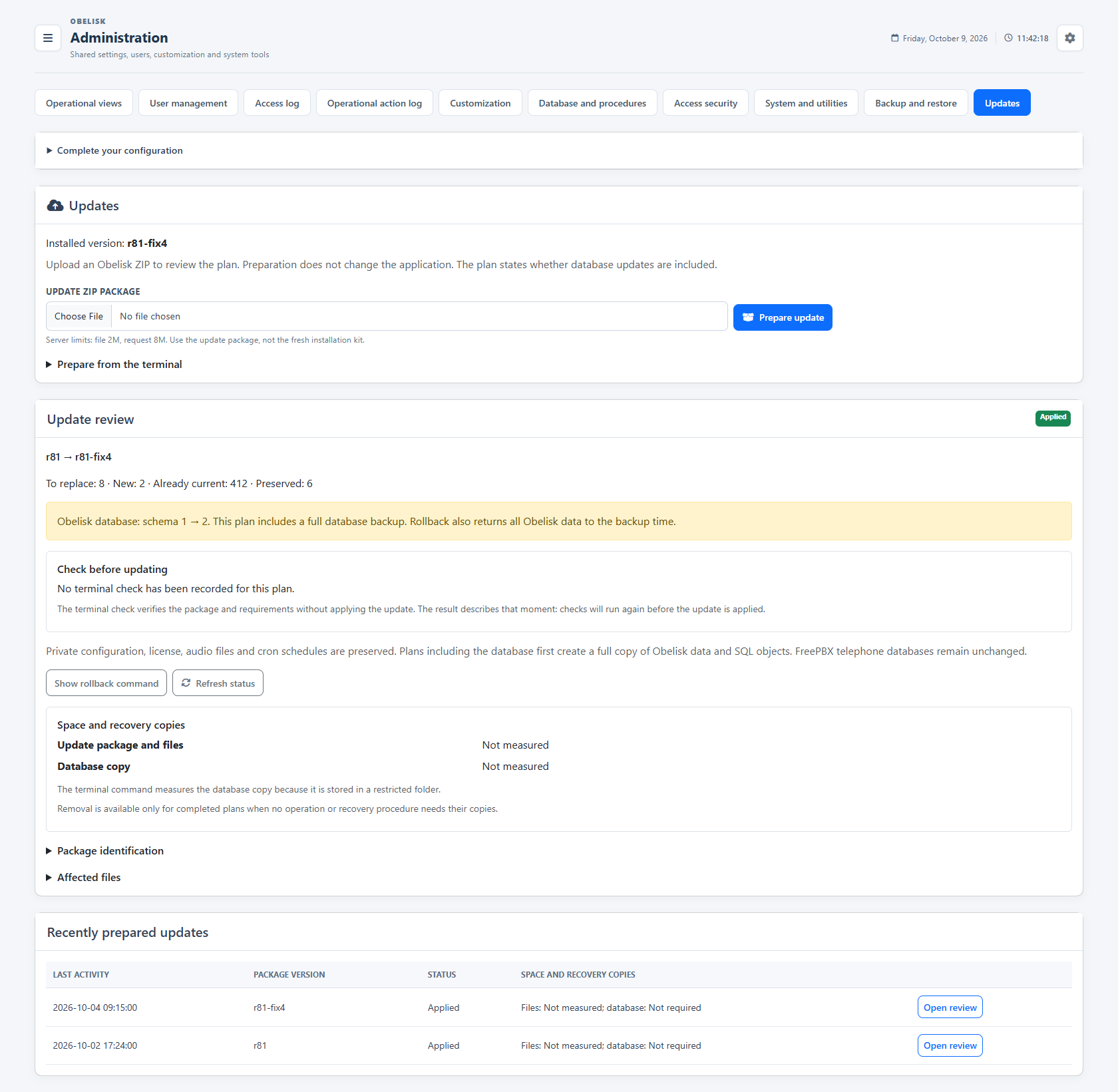
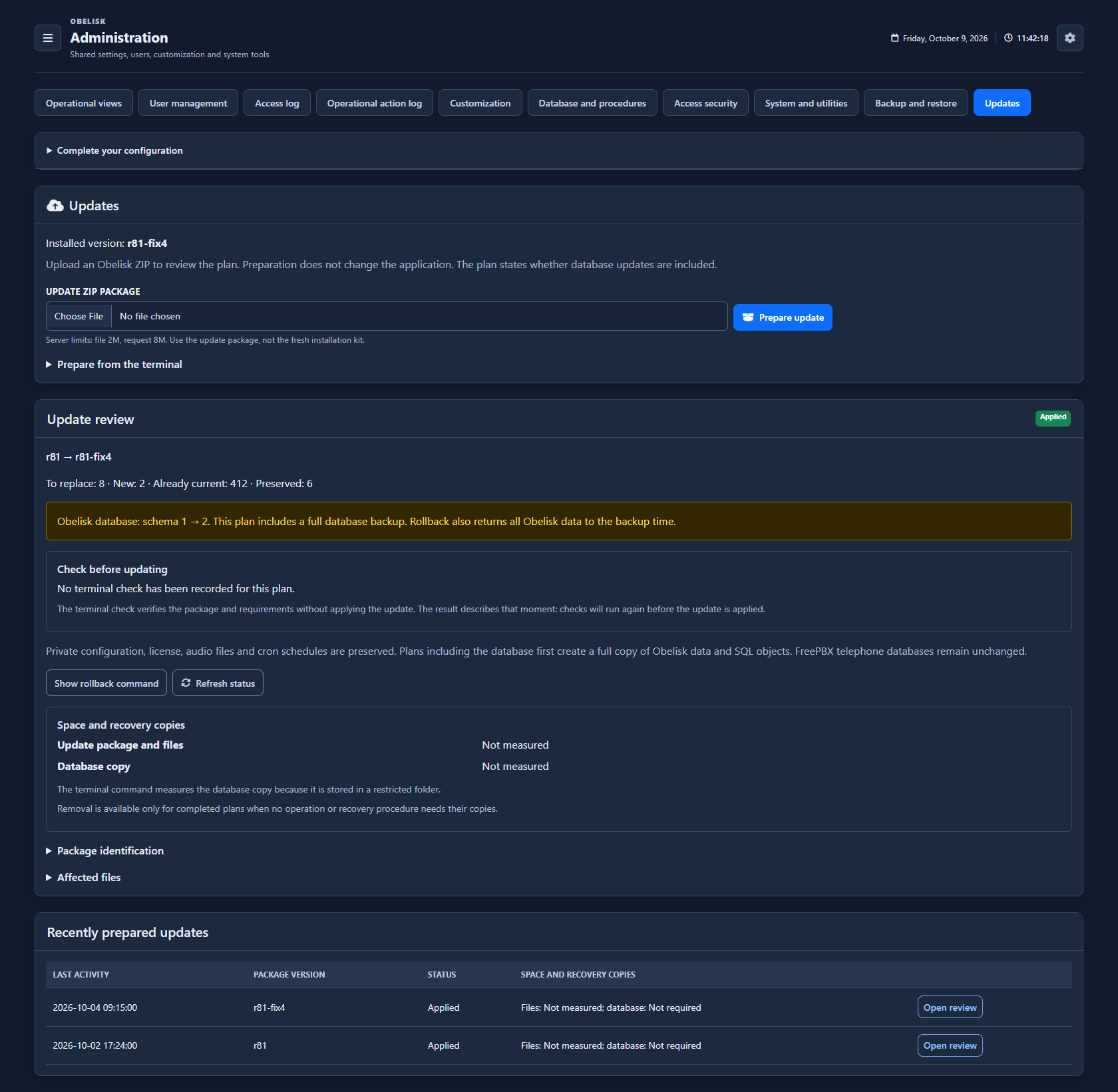
Slide the divider to compare the same workspace.
DarkRead the signal.
Choose the next step.
Review files and database changes together
The package review identifies added, replaced and preserved files. When a database migration is included, the same plan shows its schema transition and backup requirements. Apply or roll back with the generated server command, then inspect the recorded result; a database rollback returns Obelisk data to the backup snapshot.
Put it to work
Review file changes and application database migrations in the same prepared plan.
Use explicit terminal commands to apply, resume or roll back the prepared operation, with the required SQL administrative profile when a migration needs it.
What you can do
Review the package
Upload an update package for review.
Understand the file changes
Inspect installed/package versions and added/replaced/preserved files.
Keep preparation history
Review prepared update history.
Apply from the server
Generate the terminal command to apply a reviewed package.
One file and database plan
Review file changes and application database migrations in the same prepared plan.
Apply, resume and recover
Use explicit terminal commands to apply, resume or roll back the prepared operation, with the required SQL administrative profile when a migration needs it.
Read the detail with confidence
The web interface prepares the update
The web interface prepares the update; application is executed with the generated server command.