
Customization
Customize the application name, logo and interface translations shared by signed-in users.
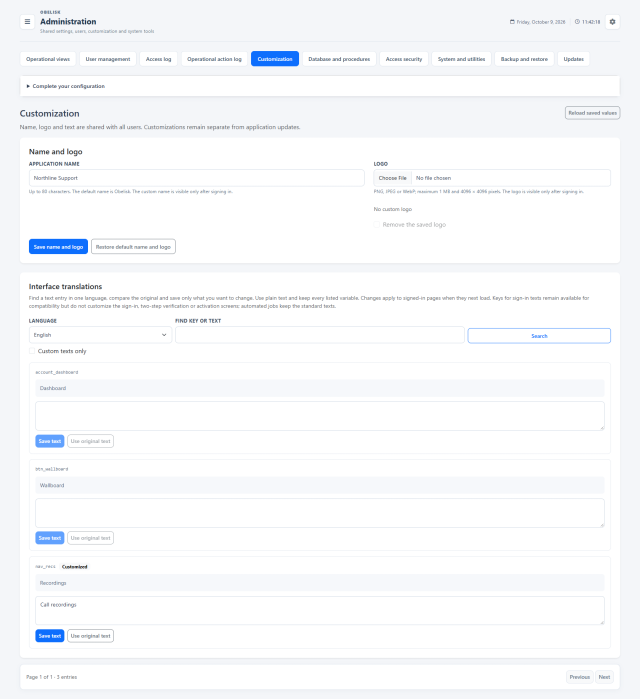
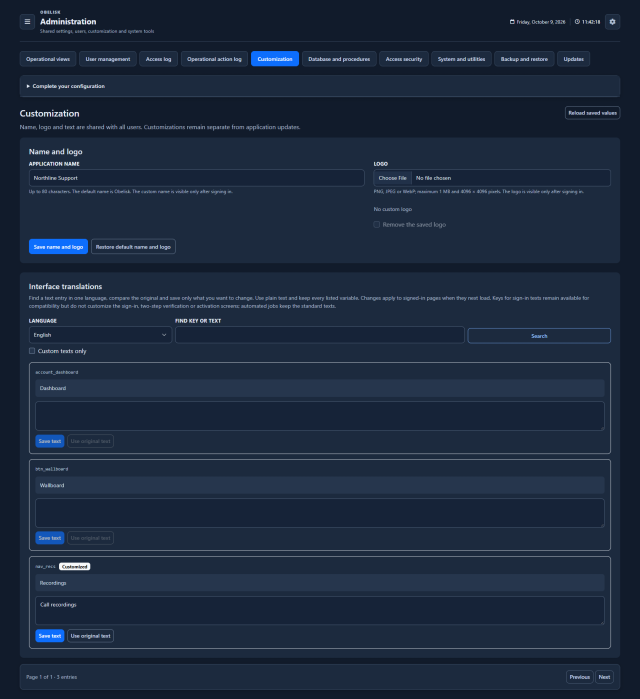
Slide the divider to compare the same workspace.
DarkRead the signal.
Choose the next step.
Use the language your team recognises
Beyond the application name and logo, find interface text by key or wording and adapt it in English, Spanish or Italian. Translation overrides are validated against the original placeholders, so labels can reflect your organisation while retaining the dynamic information the interface needs.
Put it to work
Set the application name and upload the logo that users see in their workspace.
Search an interface key or phrase, choose the language and save the terminology that fits your team.
Find existing edits with the modified-text filter and restore default wording or branding when required.
What you can do
Your name and logo
Set application name and logo.
Words that fit your team
Customize interface labels/translations.
Three interface languages
English, Italian and Spanish UI support.