

Live supervision
Choose a supervision mode and the supervisor extension before sending the authorized request.
Three ways to be there.
Listen, guide or join in. Choose how to support the agent while the conversation is happening.
Understand the conversation. Listen silently.
Listen to both participants to understand the situation, assess how the agent is handling it and gather examples for training.
Useful for quality reviews and training
Offer guidance. Only the agent hears you.
Listen to the conversation and give the agent a useful prompt: a procedure, a detail to check or the next step to take.
Useful for coaching during a call
Join the conversation. Solve it together.
Join the agent and the other participant in a three-way conversation to clarify a complex issue or support an important exchange.
Useful for resolving complex situations
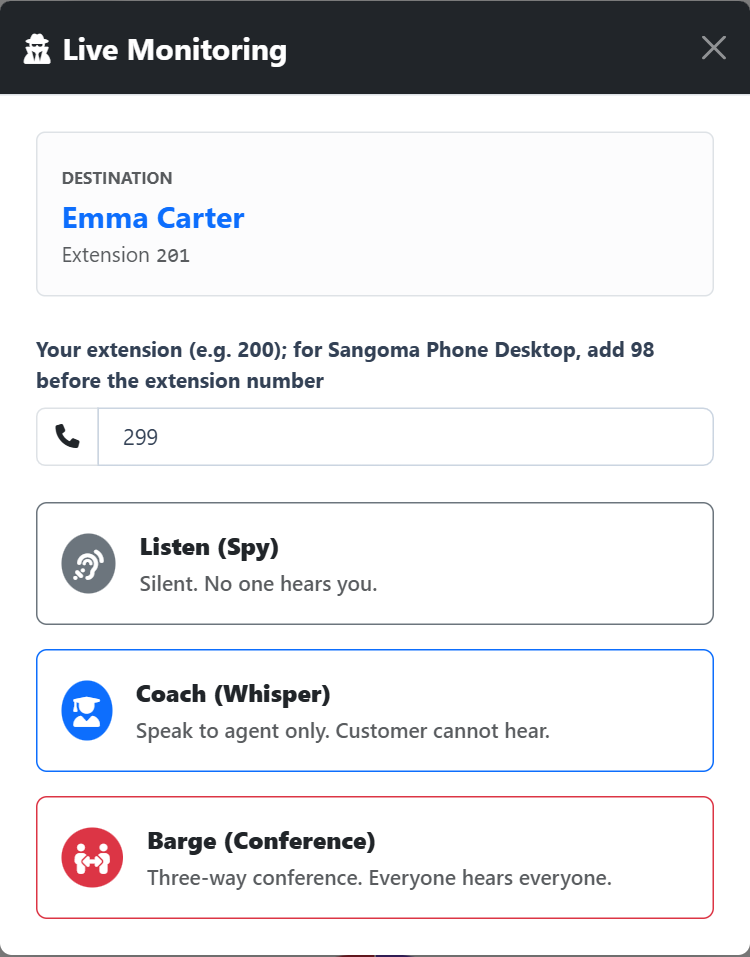
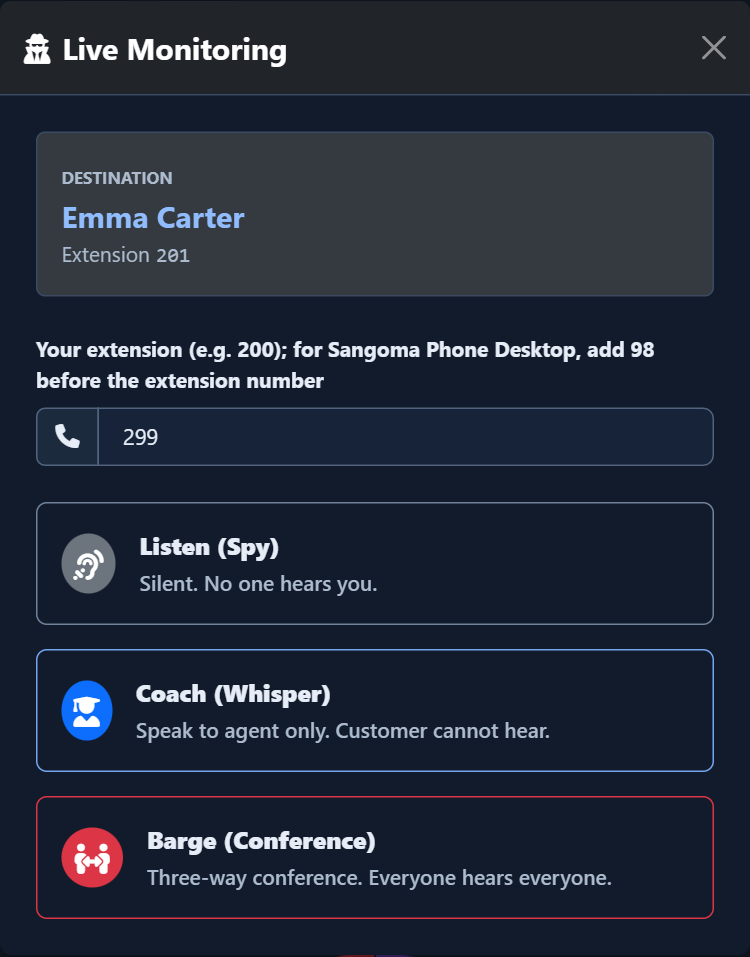
Slide the divider to compare the same workspace.
DarkChoose the agent. Join with the right support.
Select the agent in Dashboard, Wallboard or Monitor and open the headset control. Choose a permitted supervision mode and enter your supervisor extension: the PBX rings your phone or softphone, where you answer to start listening or participating.
Across call types
Supervision follows the selected agent’s conversation: inbound or outbound, through a queue, between extensions or with an external number. Monitor also lets you find conversations that do not pass through a queue.
Transparency and GDPR: named access and recorded requests support the company’s supervision policy. Define the purposes, information notices and rules of use for staff and callers.
Read the signal.
Choose the next step.
From the live view to the agent’s side
A Team Leader sees an agent who needs support, opens the headset control and chooses Listen, Whisper or Barge from the modes permitted for that account. The PBX calls the selected supervisor extension. Answering that call brings the supervisor into the chosen mode, while the operational action log gives administrators the request and its PBX response.
Support agents during their conversations, with the level of involvement the situation needs. Authorized Team Leaders can listen, coach the agent or speak with both participants from Dashboard, Wallboard and Monitor, using their own supervisor extension.
Put it to work
Open the headset control in Dashboard, Wallboard or Monitor and select an available supervision mode and your supervisor extension.
Answer the PBX call on your phone or softphone, then listen, coach the agent or participate with both parties according to the selected mode.
Give administrators a history of supervision requests: the operational action log records who acted, the destination, the mode and the PBX response.
What you can do
Start from the live conversation
Open the headset control beside an agent in Dashboard, Wallboard or Monitor. Choose from the supervision modes available to your account for that workspace and target.
Receive the session on your extension
Enter your supervisor extension and send the request. Answer the incoming PBX call on your phone or softphone to listen, coach or join with the selected mode.
Give administrators operational context
Administrators can review supervision requests in the operational action log and filter by user, date, destination, queue, supervisor and outcome. The recorded PBX response describes the request outcome; the audio session takes place on the supervisor’s endpoint.