

Security
Control IP access rules, trusted proxies and email alerts for security events.
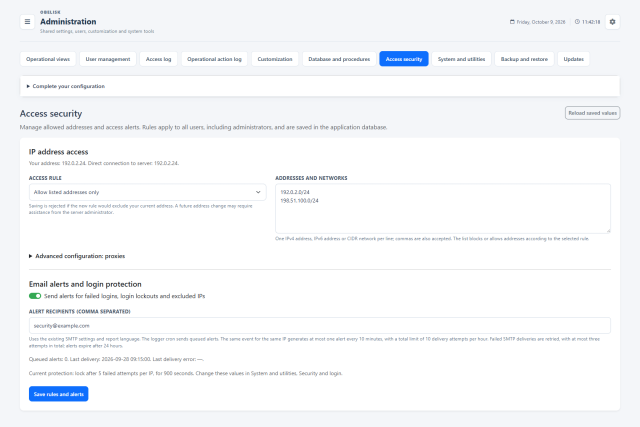
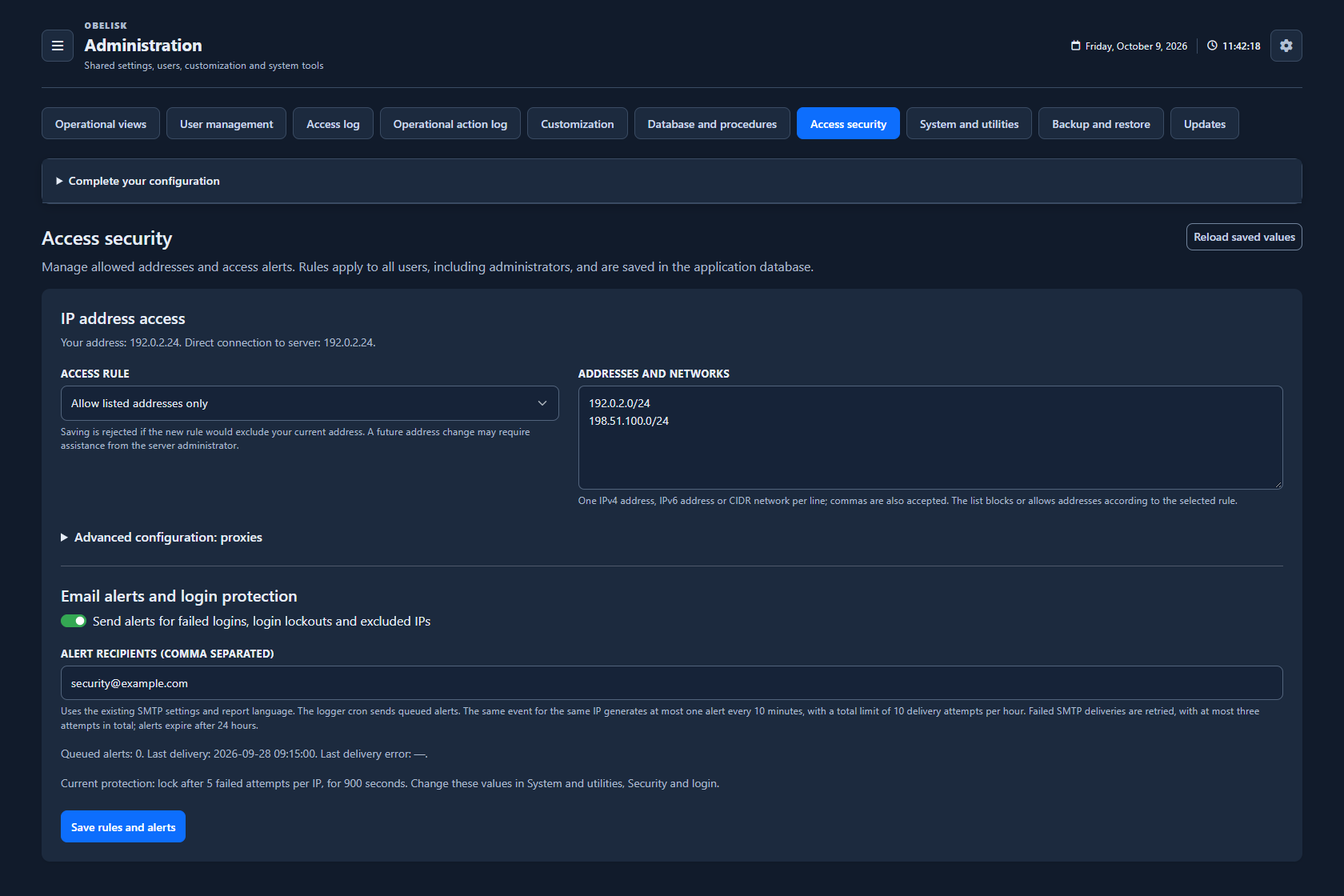
Slide the divider to compare the same workspace.
DarkRead the signal.
Choose the next step.
Keep the client address meaningful behind a proxy
When users connect through a reverse proxy, explicitly trusted proxies determine which forwarded client address Obelisk accepts. Configure that relationship before relying on address rules and login history, so access decisions and investigation refer to the intended client connection.
Put it to work
Define allowed and blocked addresses or networks to match the way users connect to your installation.
Declare trusted proxies explicitly and combine IP-based protection with username attempt limits.
Enable deduplicated security notifications through the configured SMTP service and review related account events in the access log.
What you can do
Network access rules
IPv4/IPv6/CIDR allow/block rules.
Explicit proxy trust
Explicit trusted-proxy settings.
Useful security alerts
Optional deduplicated email security alerts.
Account sign-in policy
2FA policy and login protections.
Protection by account
Combine network-based login protection with a temporary attempt limit for each username.