

Database & catalogues
Maintain queue and trunk catalogs alongside number normalization, geography and database procedures.
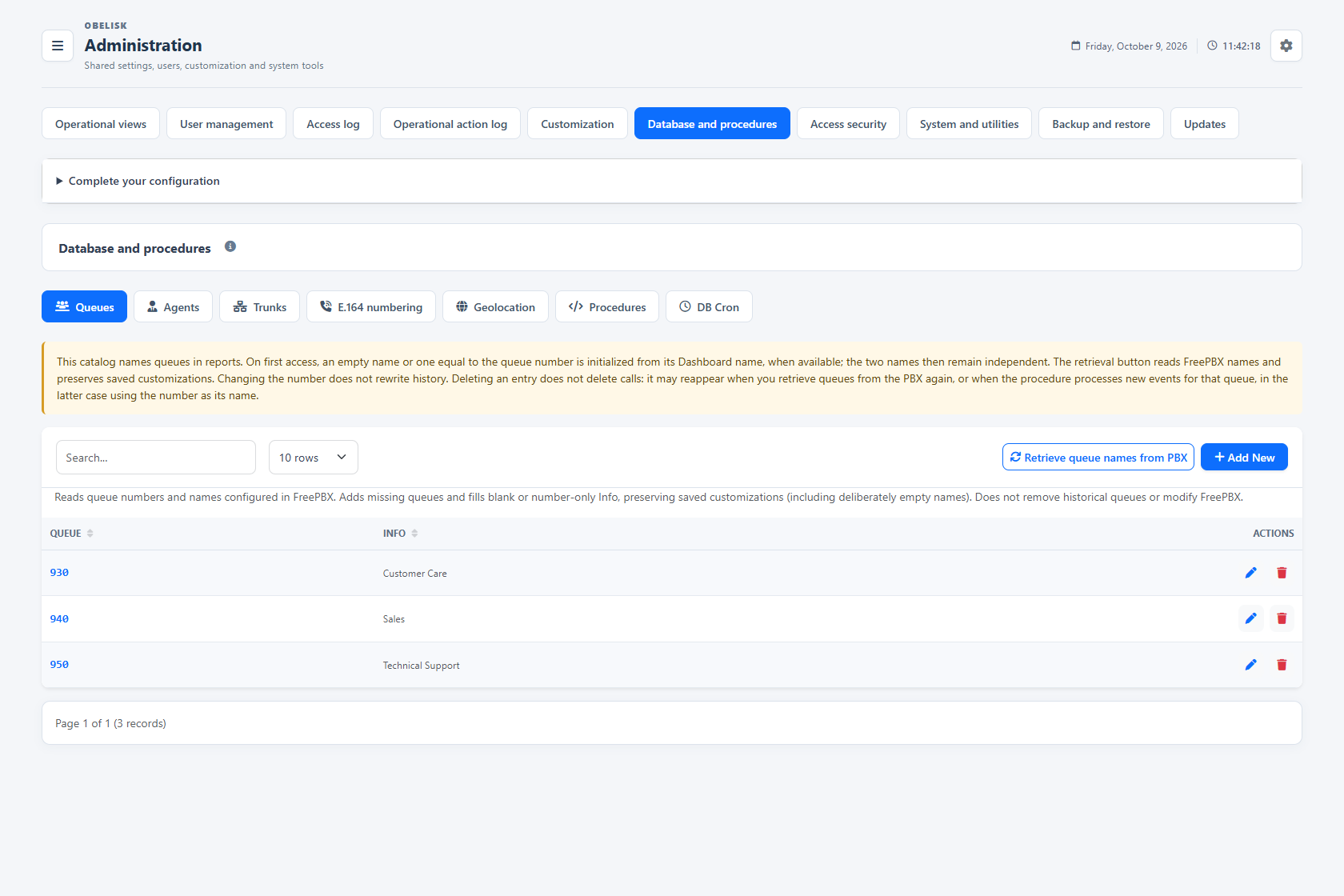
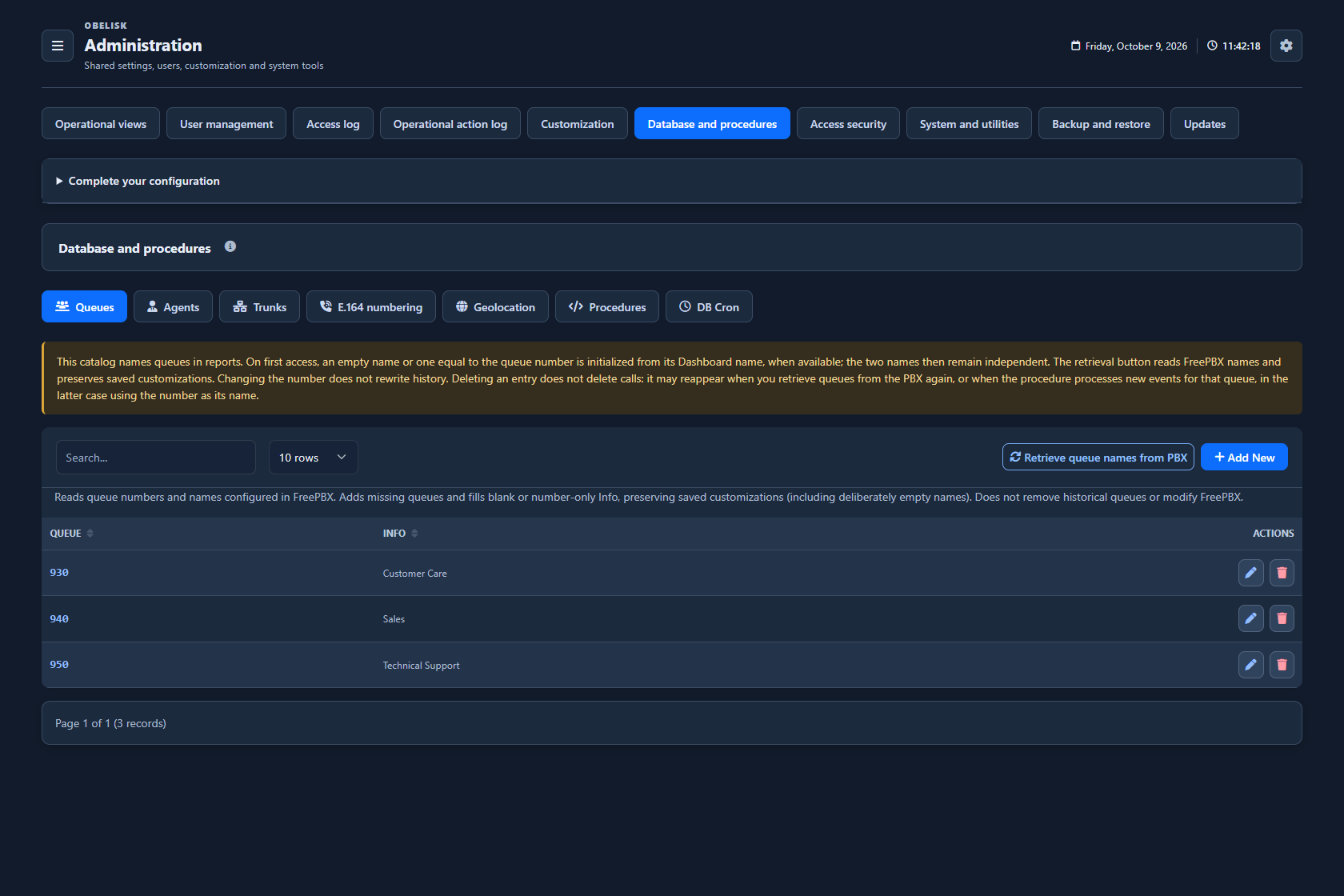
Slide the divider to compare the same workspace.
Dark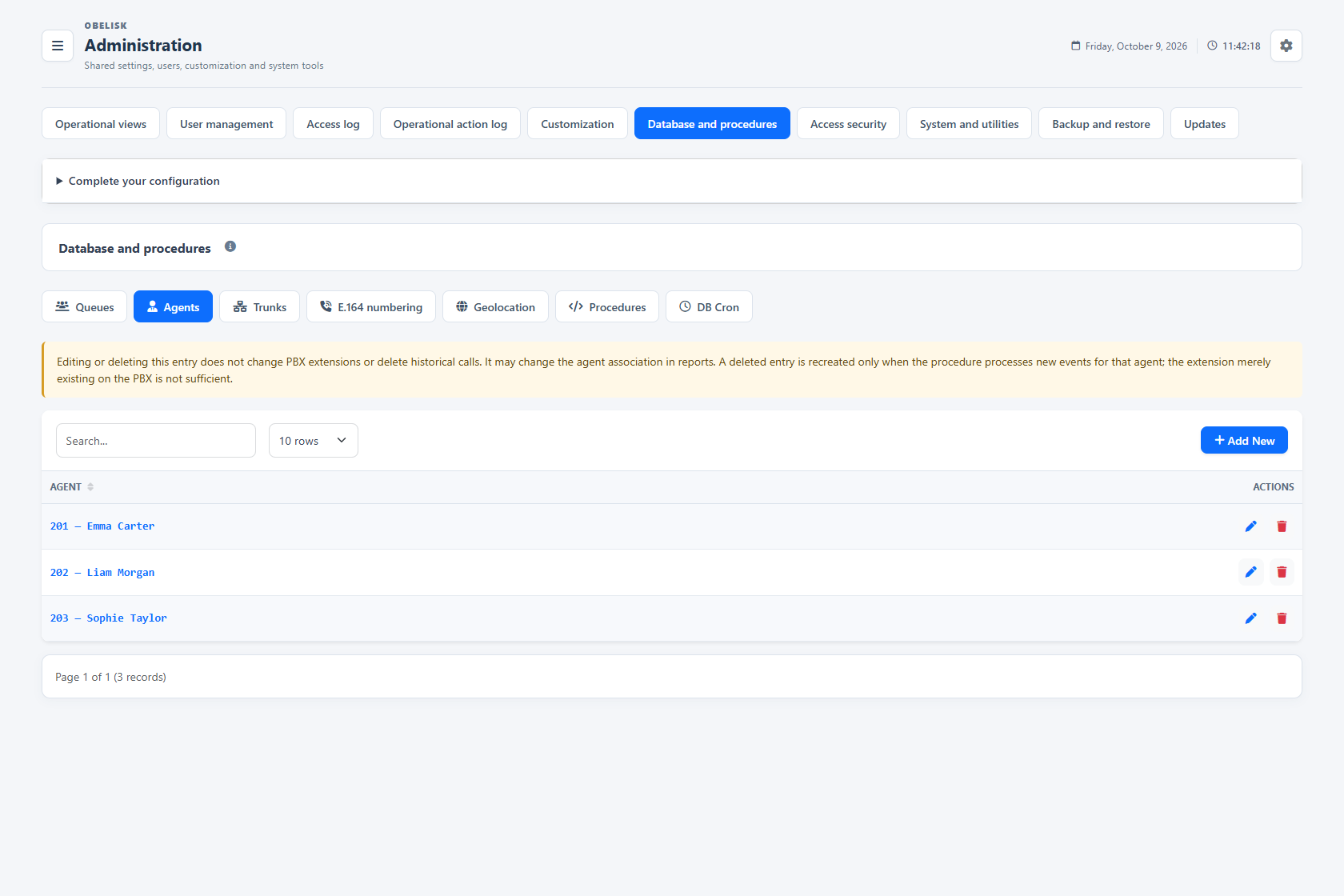
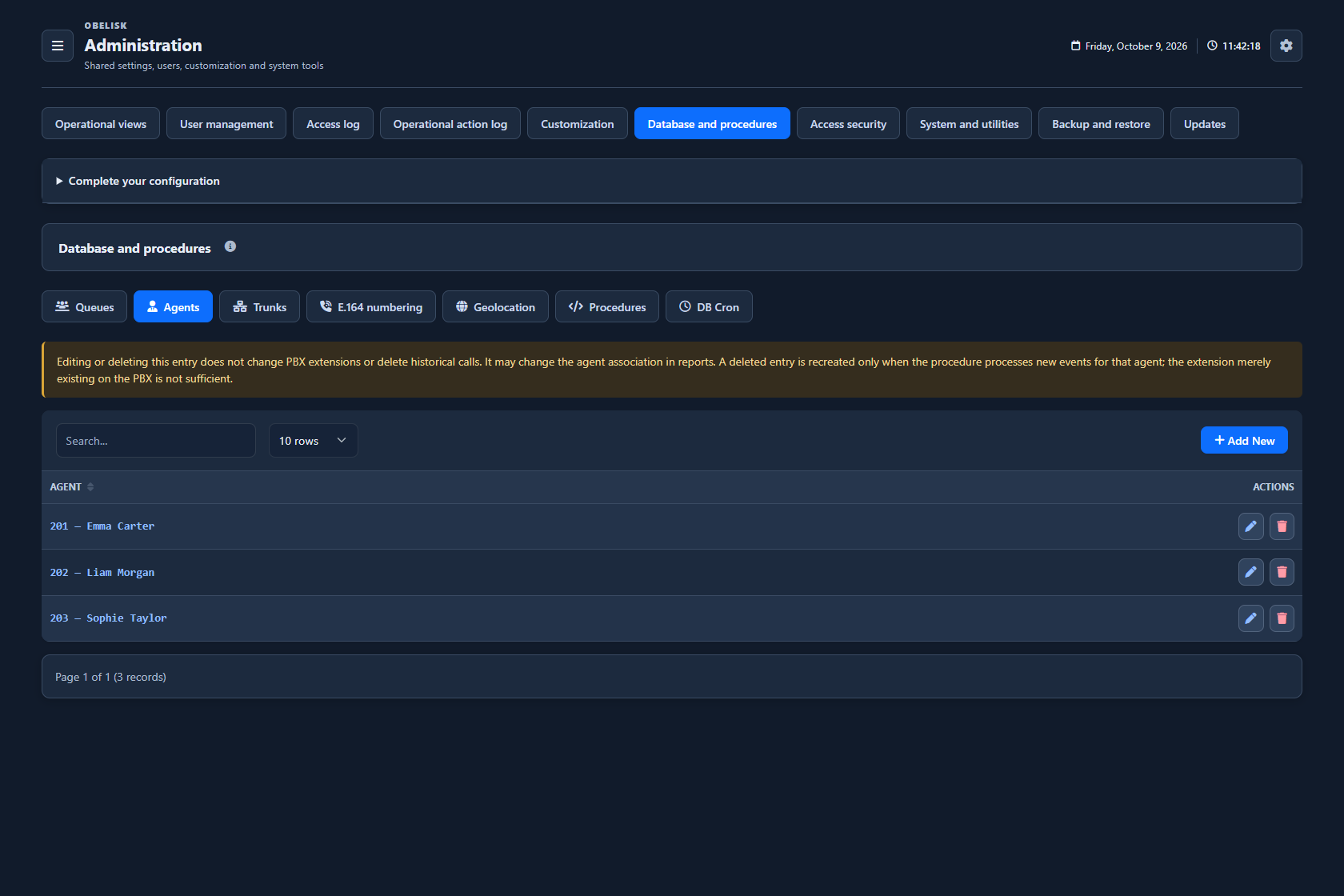
Slide the divider to compare the same workspace.
Dark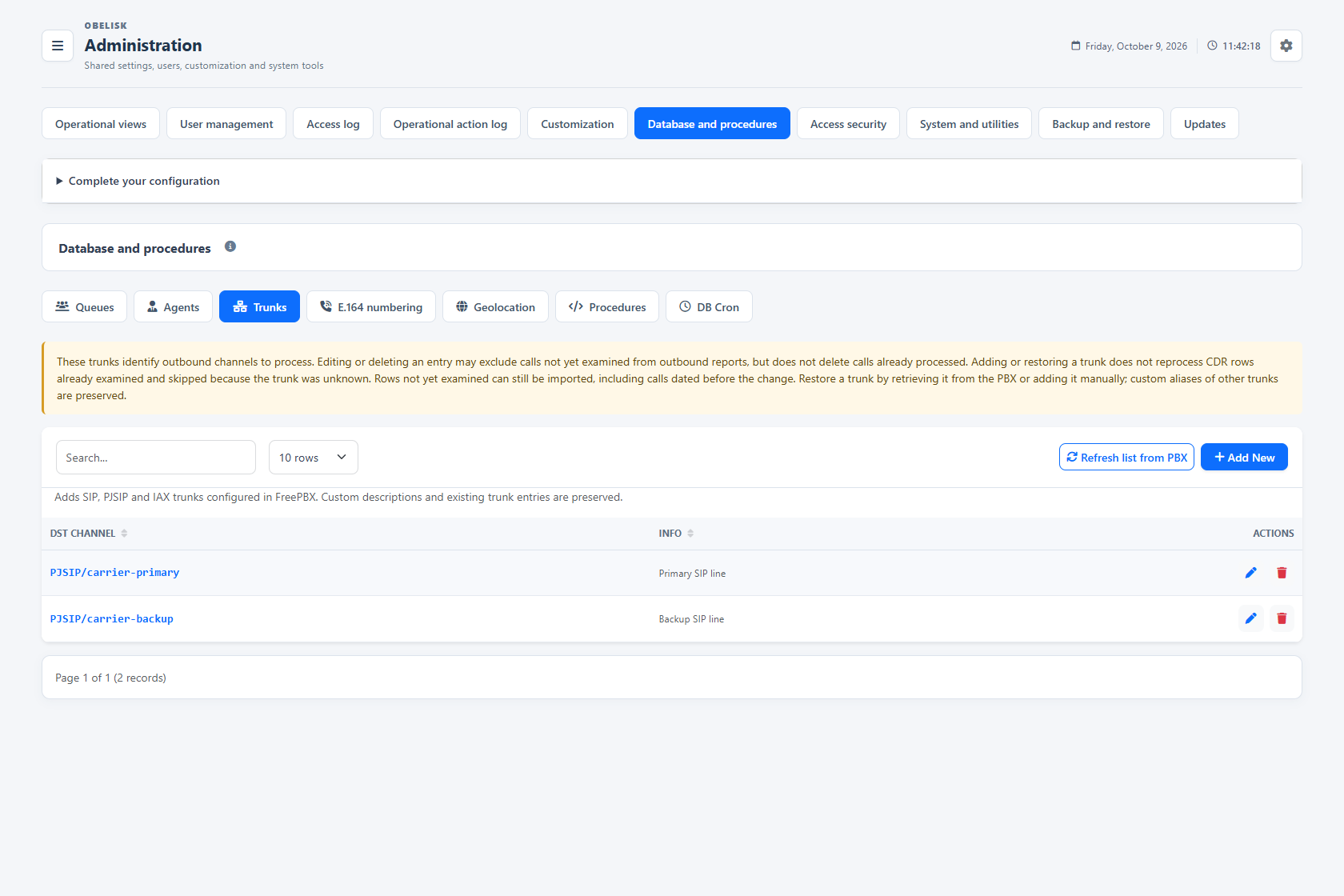
Slide the divider to compare the same workspace.
Dark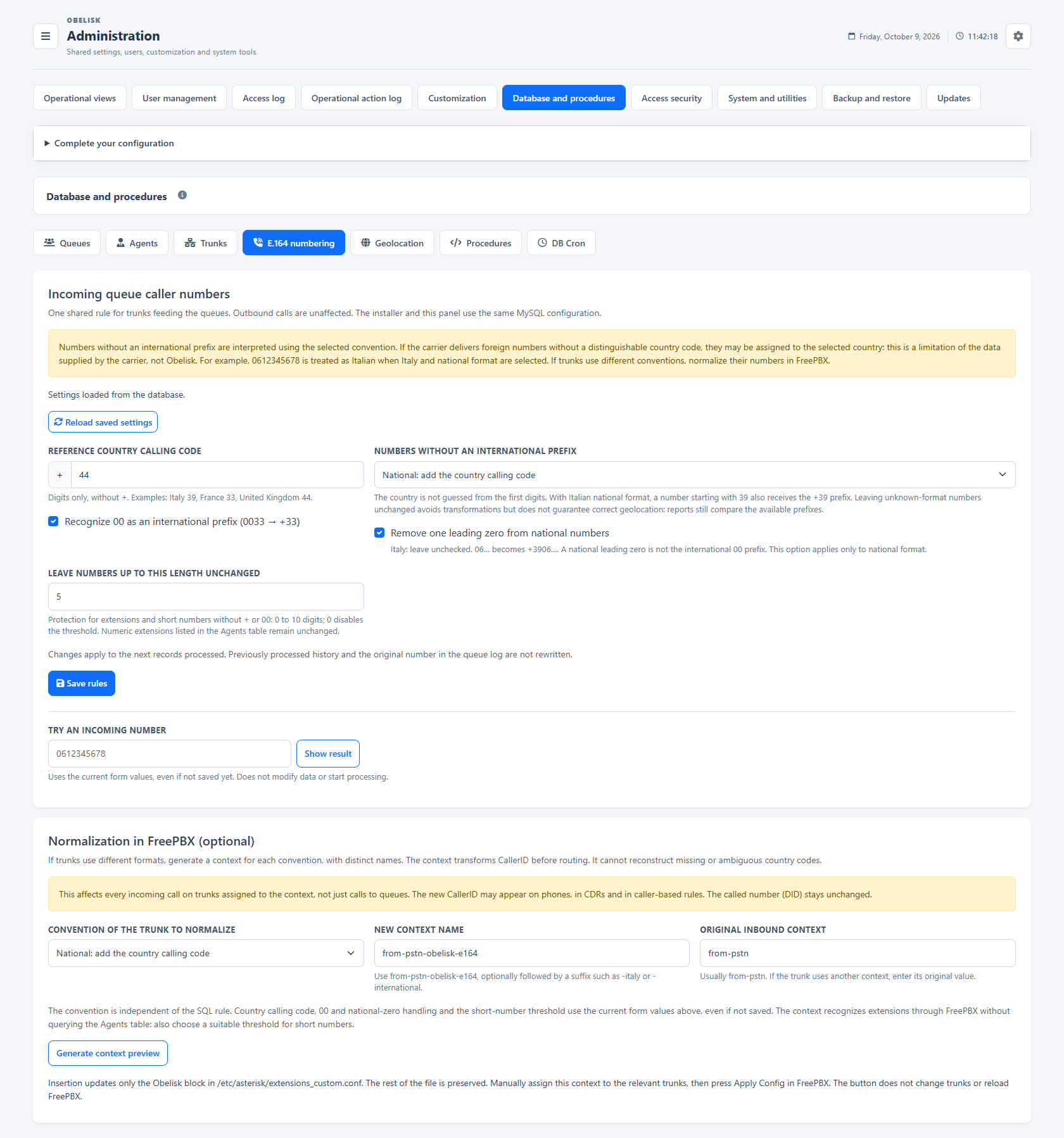
Slide the divider to compare the same workspace.
Dark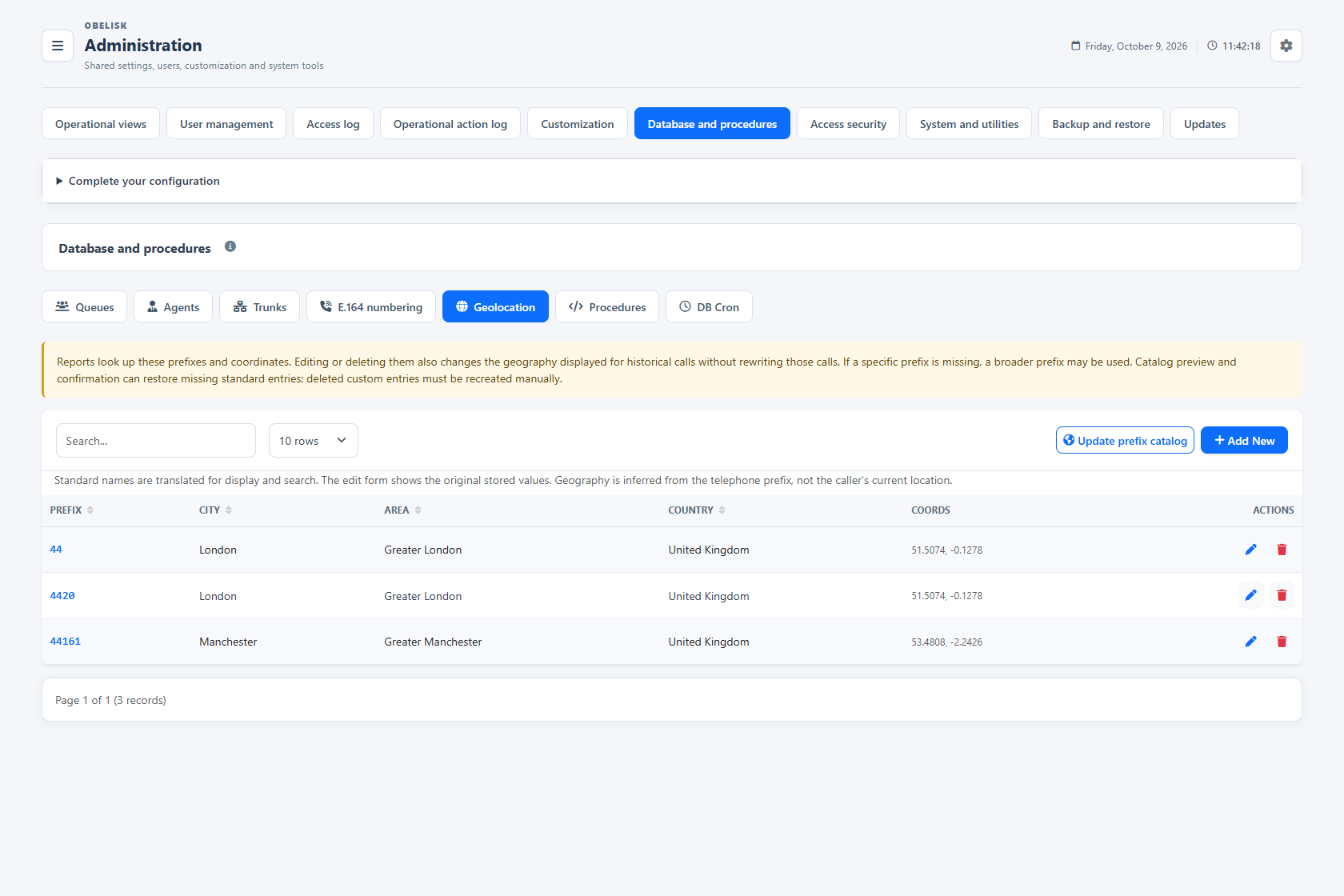
Slide the divider to compare the same workspace.
Dark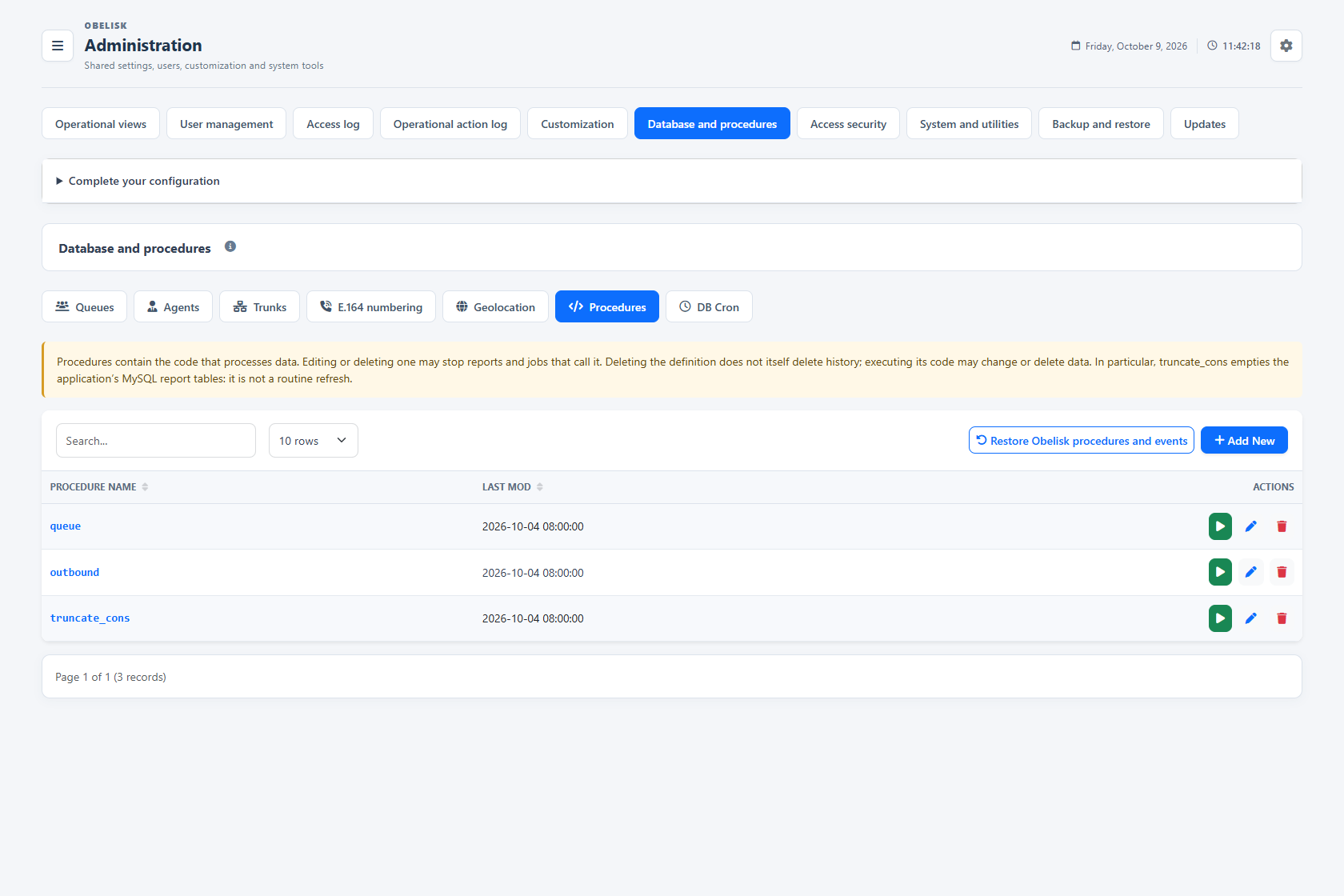
Slide the divider to compare the same workspace.
Dark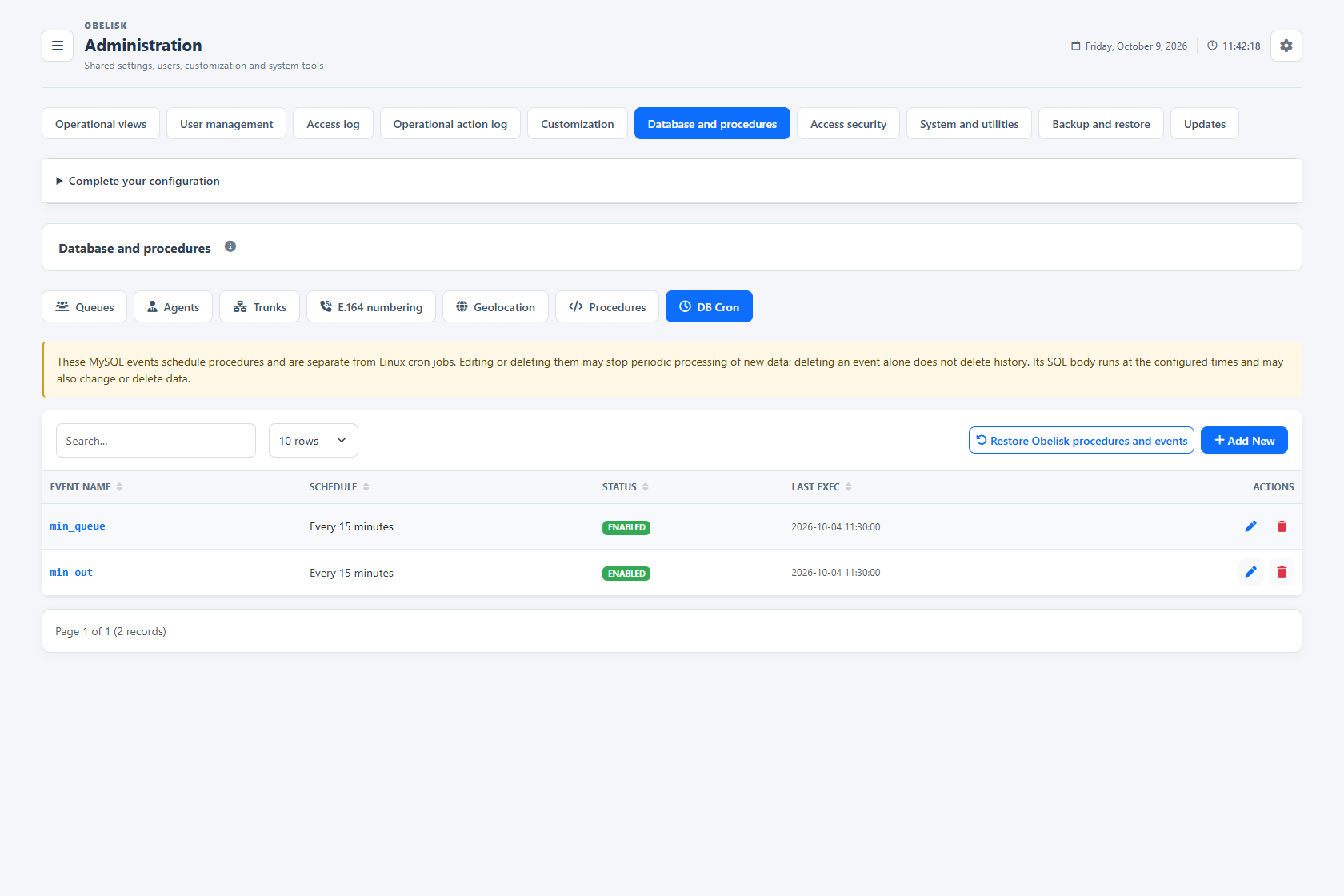
Slide the divider to compare the same workspace.
Dark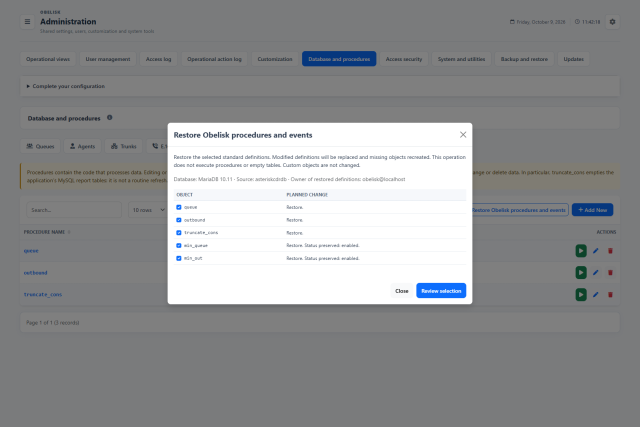
Slide the divider to compare the same workspace.
DarkKnow the catalogues behind your reports.
Queues, agents and lines connect operational identifiers with the report views. Number rules, geography and SQL tools complete the data workspace.
Queues
Review the queue identifiers and descriptions used in reports. Keep the catalogue aligned with your PBX and recognise each service in the data.
Open this workspace viewAgents
Inspect the agent identifiers collected for reporting. A clear catalogue helps you interpret agent groupings and recognise the people behind call activity.
Open this workspace viewLines and trunks
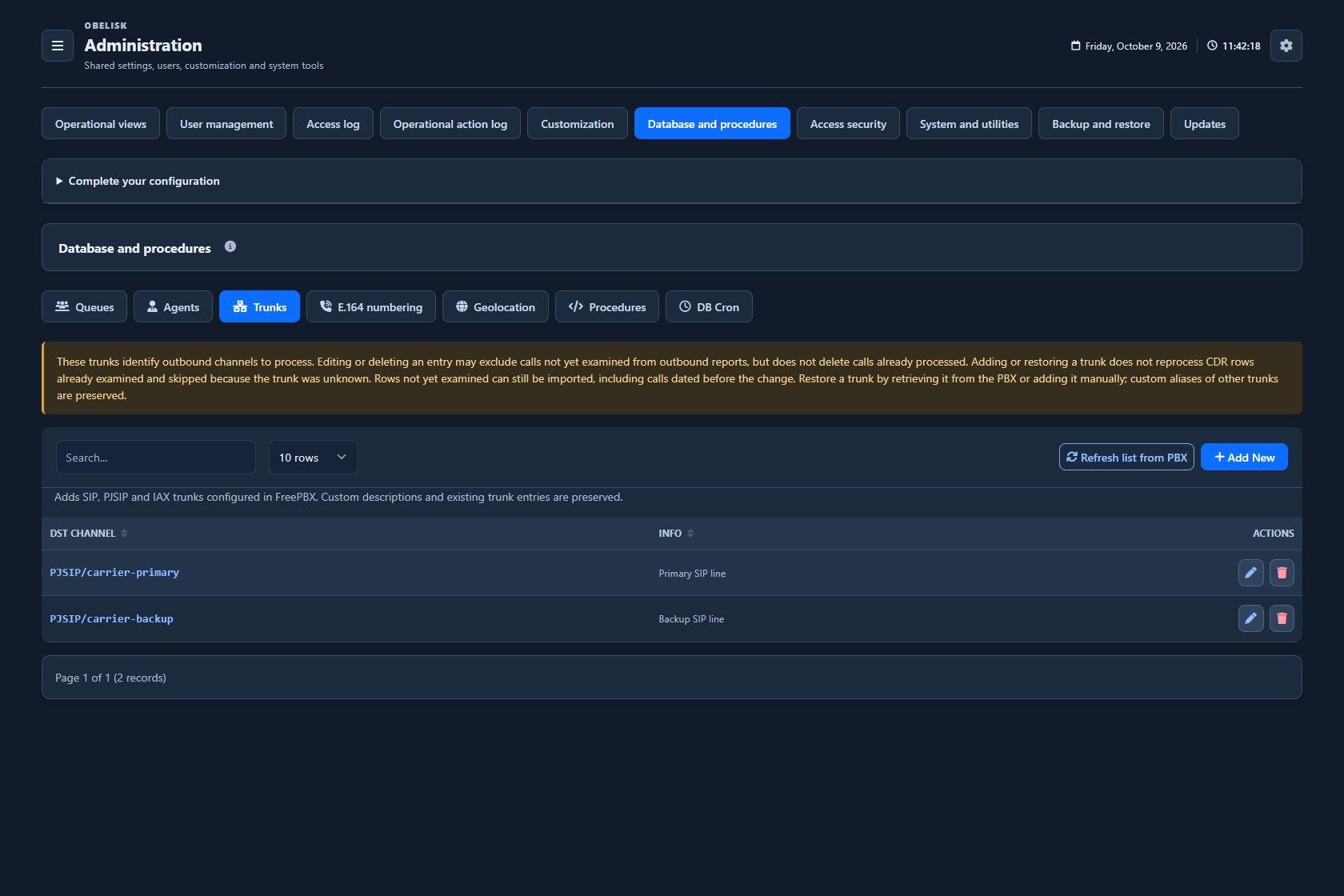
Associate outgoing channels with recognisable descriptions. Use those names when comparing traffic by line in the outbound report.
Open this workspace viewNumber normalization
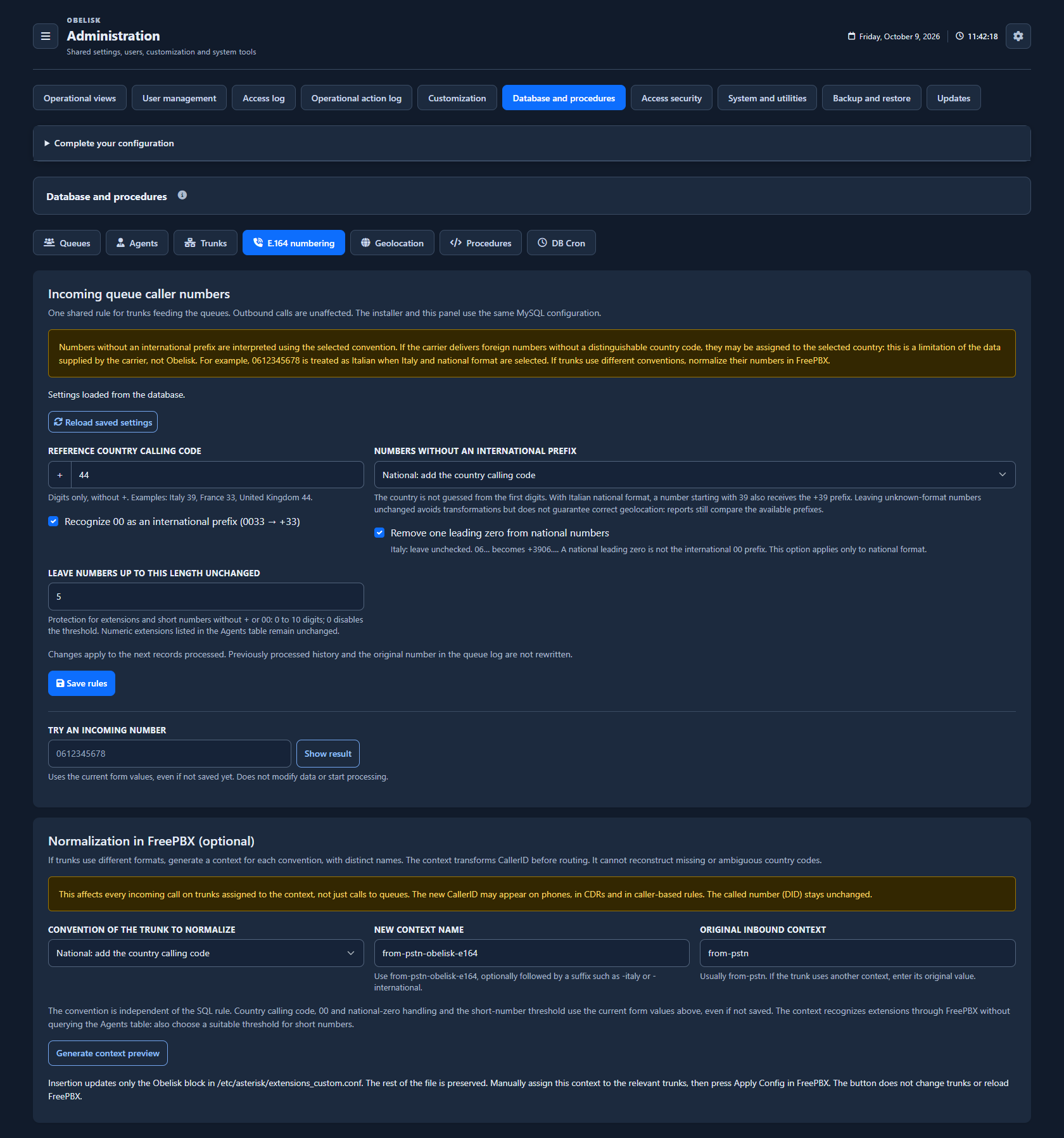
Set the country code and rules for national, international and short numbers. Preview the result before applying the configuration.
Open this workspace viewGeographic catalogue
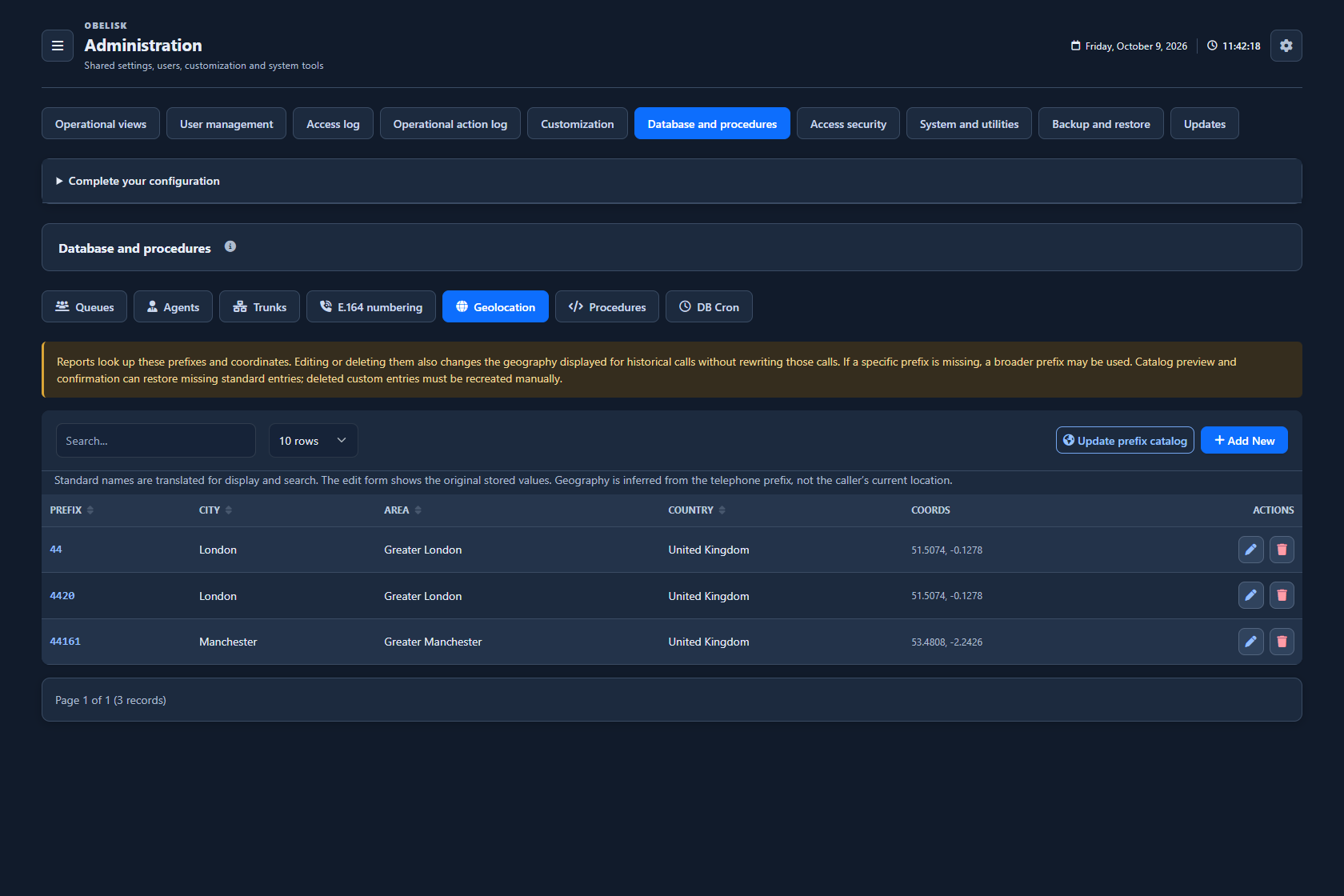
Review telephone prefixes, country, area, city and coordinates used by the report maps. The catalogue describes telephone geography, not the live position of the customer.
Open this workspace viewReport procedures
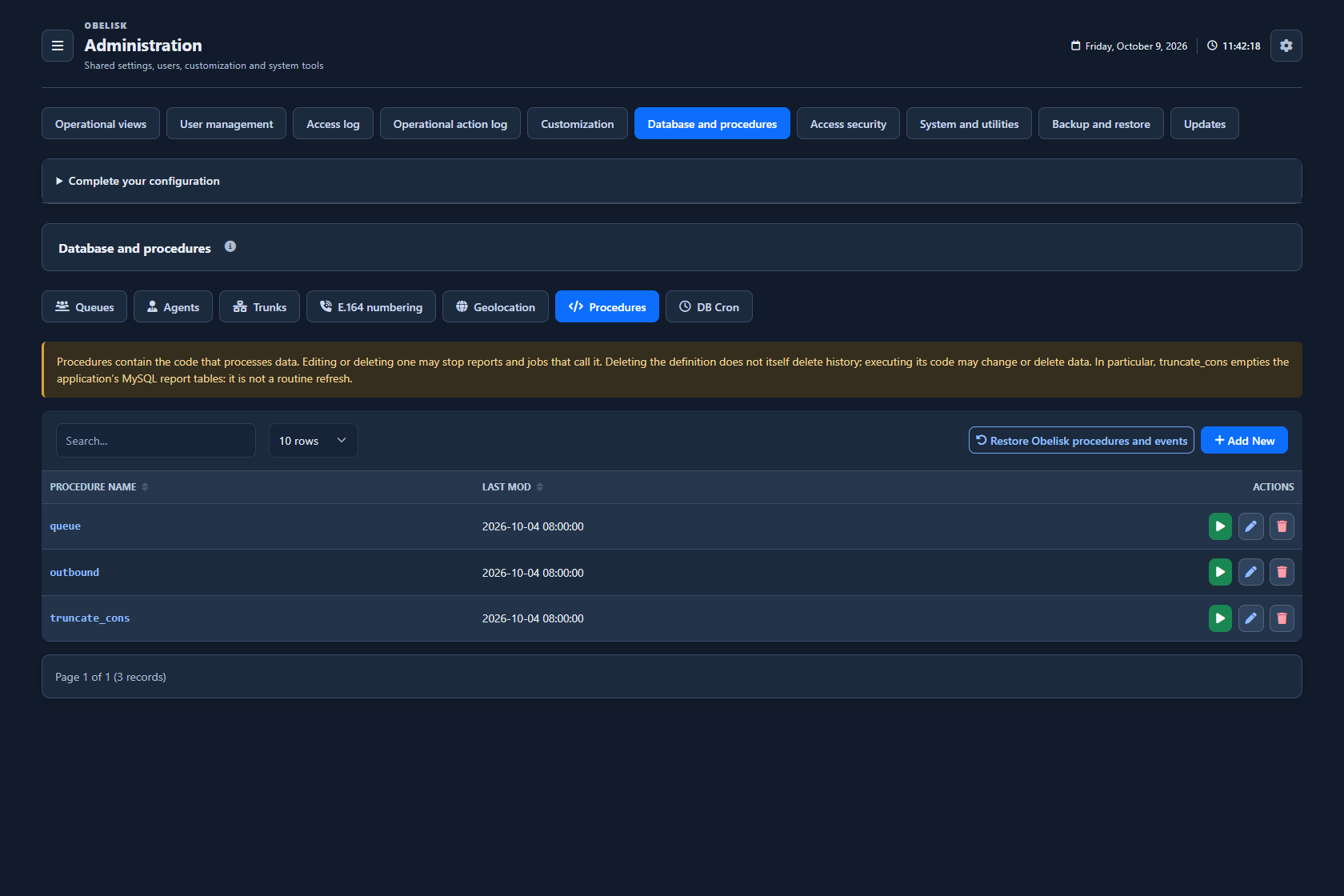
Inspect the SQL procedures that process source data for reporting. Review each operation before execution, especially procedures that empty report tables.
Open this workspace viewScheduled database events
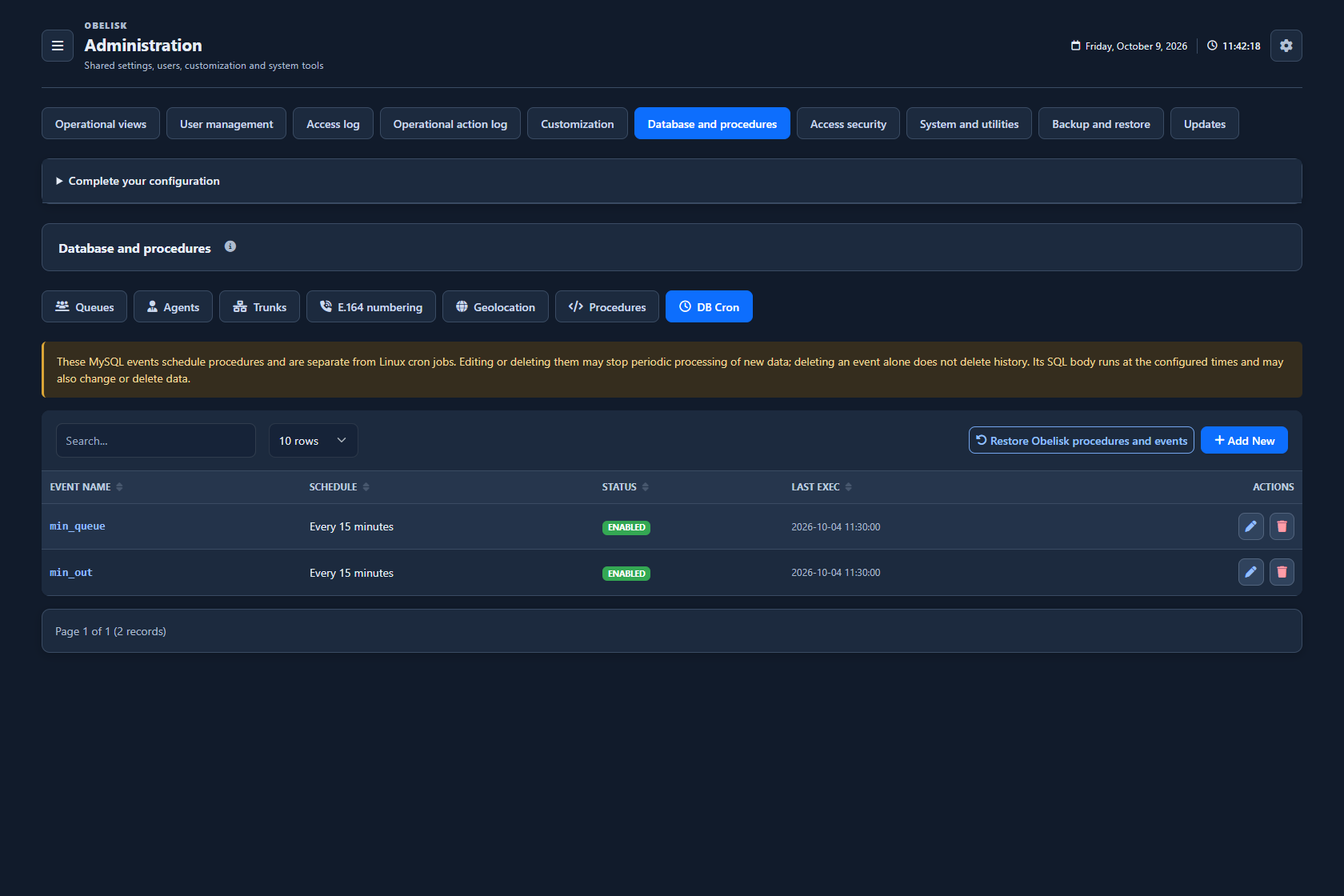
Check the scheduled database jobs, their status and last execution. Distinguish these SQL events from the application tasks configured on the server.
Open this workspace viewSQL restore preview
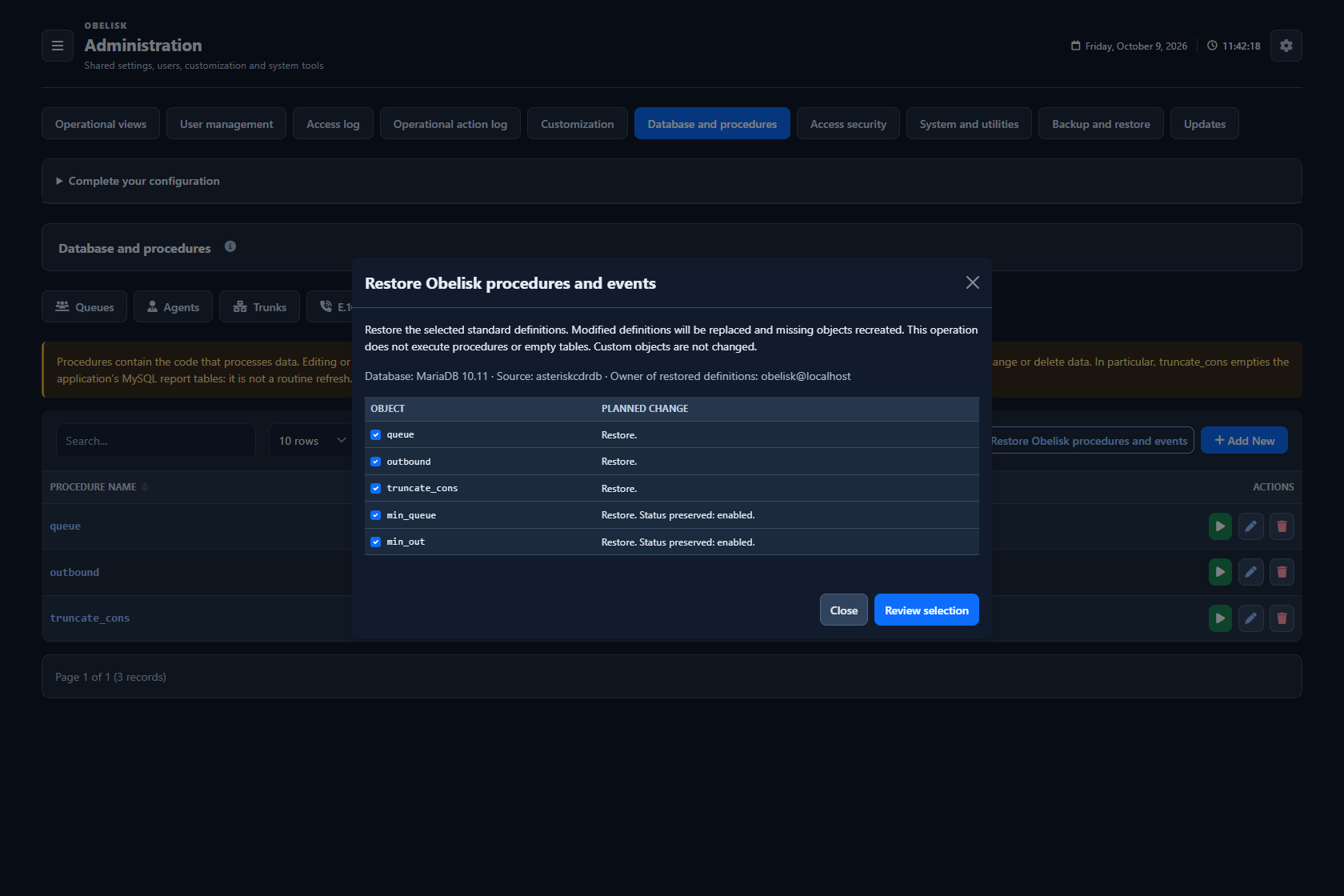
Inspect the standard procedures and events to restore, select the objects and review the changes before confirmation. This view restores definitions; it is separate from a configuration backup.
Open this workspace viewRead the signal.
Choose the next step.
Give a number a consistent reporting identity
Incoming number rules help place differently formatted caller IDs into a consistent form before reporting. Review the proposed result and the telephone-prefix catalogue together: consistent stored numbers support contact comparisons, while prefixes provide the geographic context used in report maps.
Follow the data into the report
FreePBX provides the call sources; Obelisk’s dedicated database holds application data and the derived reporting data. Catalogues supply readable names, while managed procedures and scheduled events prepare the reports. Inspecting these layers helps locate the source of a naming or refresh issue.
Put it to work
Maintain report names for queues and agents and the outbound-line catalogue, with inventory retrieval where available.
Review incoming number normalization and the telephone-prefix geography catalogue, with an explicit preview before catalogue updates.
Inspect managed procedures, scheduled database events and import diagnostics while keeping FreePBX call sources separate from Obelisk’s derived data.
Preview and select system SQL objects before confirming their restoration.
What you can do
Queue and agent catalogues
Manage queue and agent report catalogues.
Outbound lines and trunks
Manage the outbound-line and trunk catalogue used by reports.
Telephone-prefix geography
Inspect/update telephone-prefix geography catalogue.
Report procedures and events
Inspect/manage report procedures and scheduled database events.
Your application database
Obelisk stores application and derived report data in a dedicated MySQL or MariaDB database, alongside separate read-only FreePBX call sources on the same SQL instance.
Number normalization
Configure incoming number normalization and preview telephone-prefix catalogue updates.
Restore selected SQL objects
Preview and select system SQL objects before confirming their restoration.
Read the detail with confidence
Administrative report catalogues are not PBX routing configuration.
Administrative report catalogues are not PBX routing configuration.