
Following up a case in Action Center
Video in English · English captions · 1:54
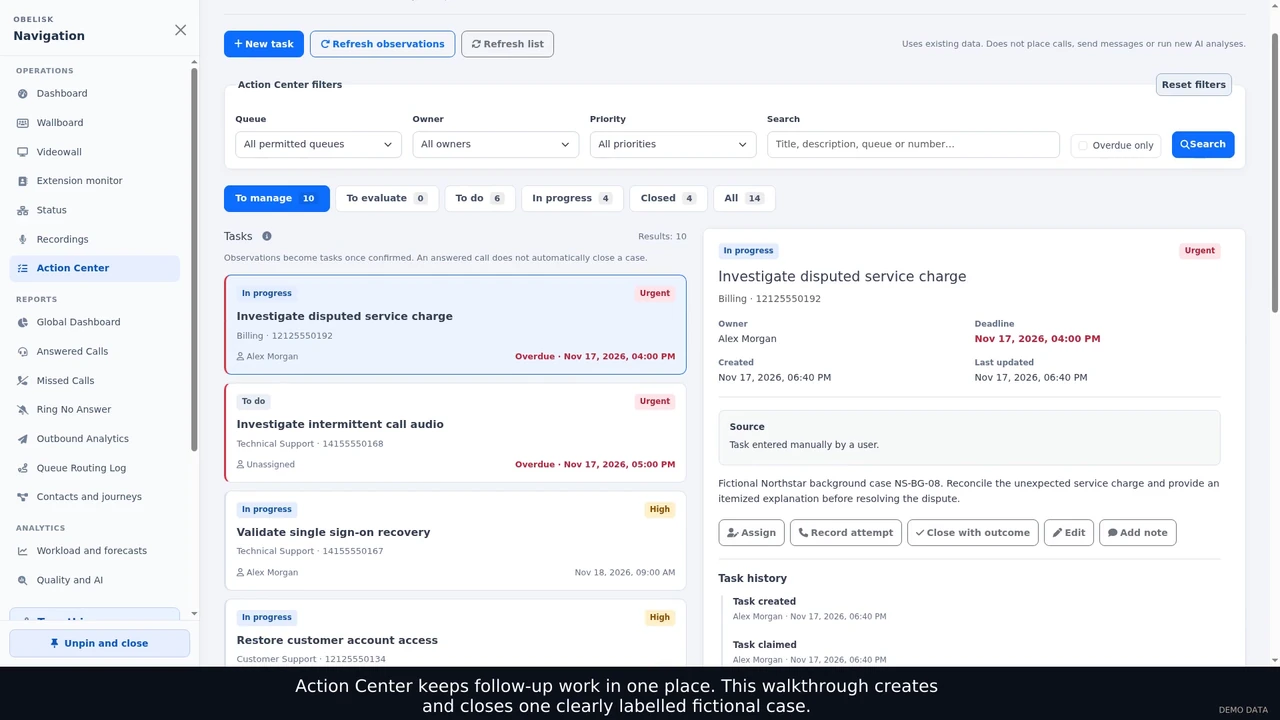
Create a follow-up case, take ownership and log a contact attempt. After closing the case, open its details to review the full history.
Chapters
- 00:00Action Center
- 00:09Open a new case
- 00:13Identify the fictional case
- 00:22Choose queue and priority
- 00:27Add the case description
- 00:34Create the case
- 00:40Set queue and ownership filters
- 00:46Find the demonstration title
- 00:52Apply the case filters
- 00:57Restore all owners
- 01:03Take ownership
- 01:10Record a follow-up attempt
- 01:15Describe the training outcome
- 01:22Save the attempt
- 01:29Close the training case
- 01:33Set the closing outcome
- 01:41Save the closure
- 01:47Open the closed case details