

System & utilities
Configure application identity, sessions, PBX and database connections, workers and operational utilities.
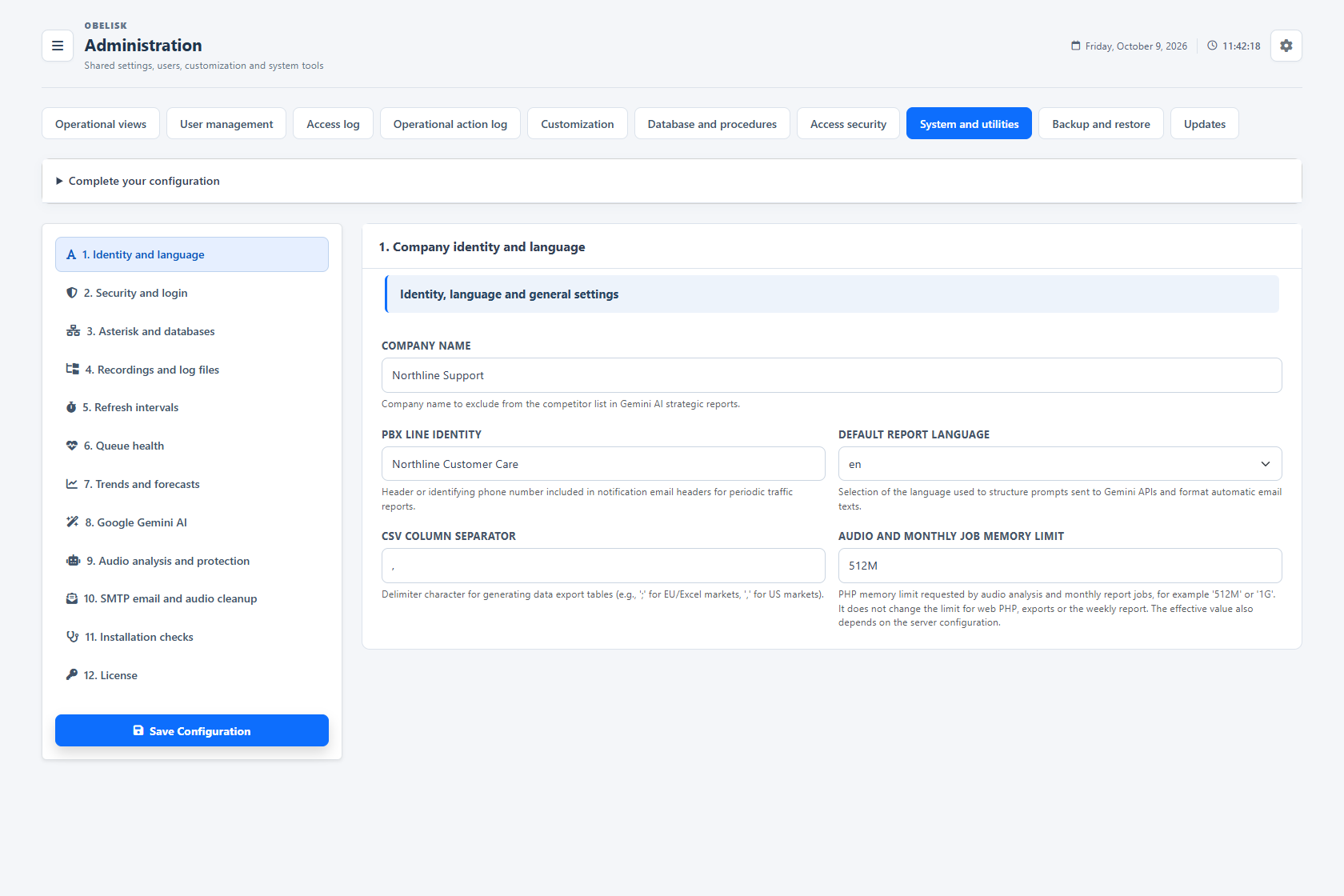
Slide the divider to compare the same workspace.
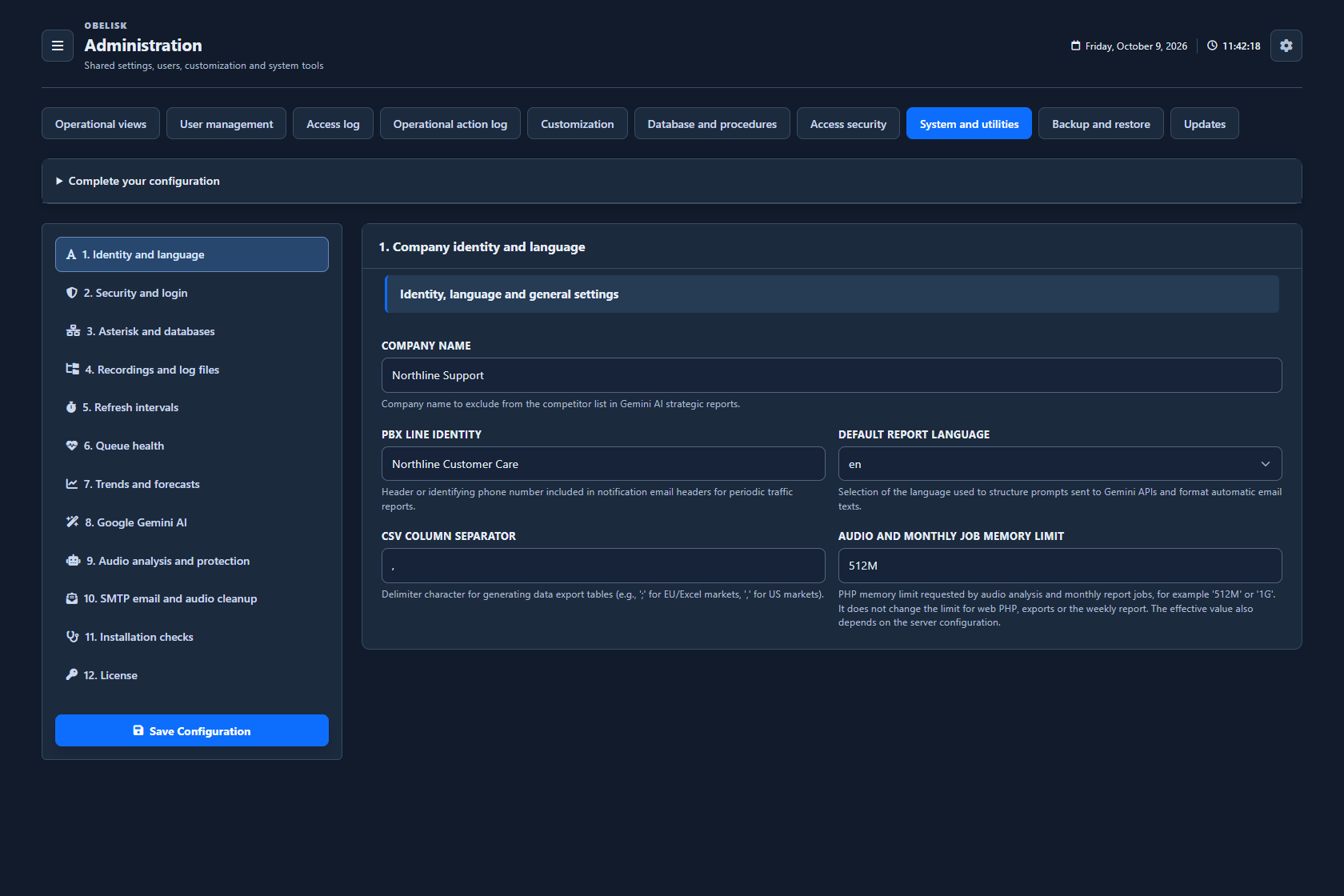
Dark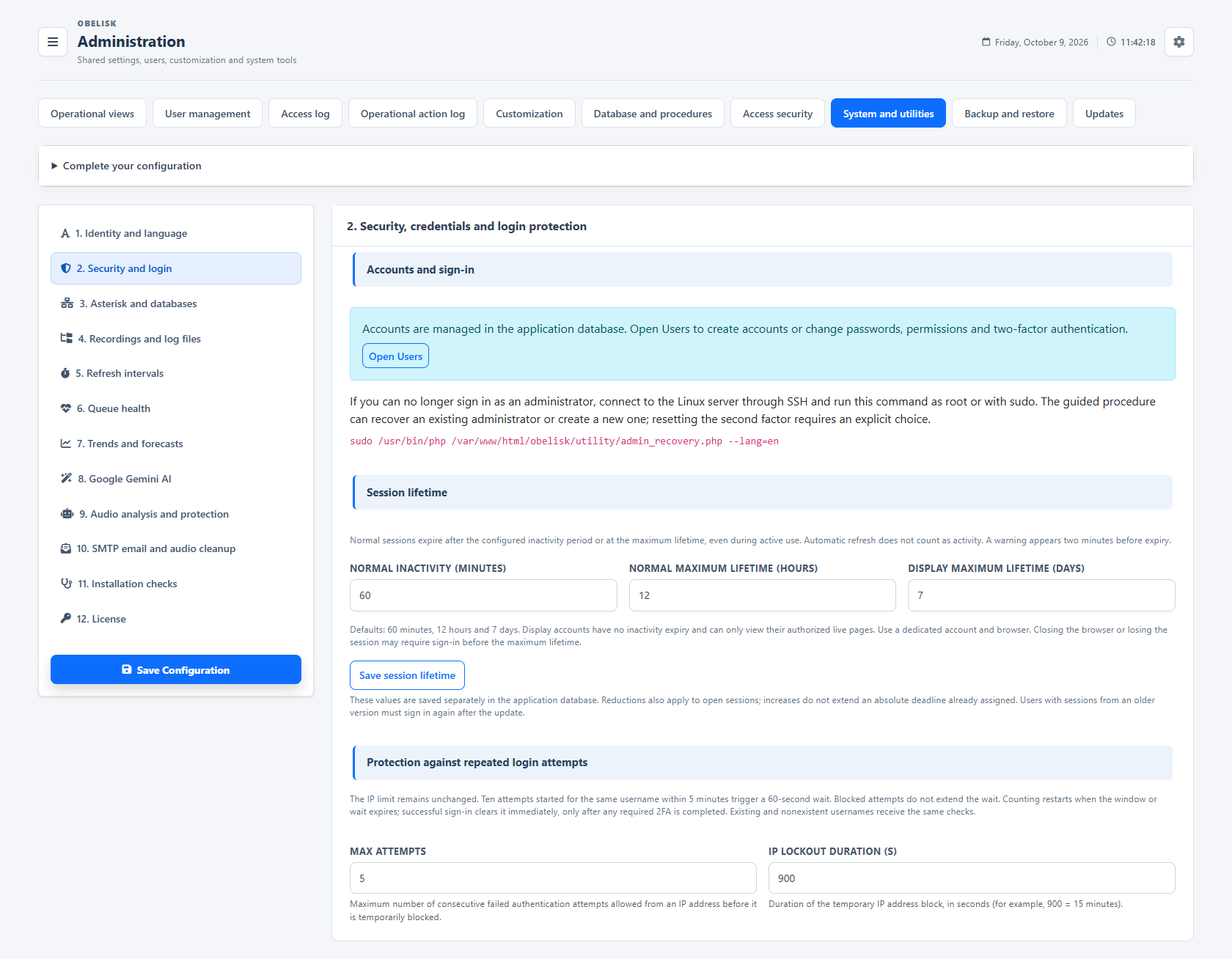
Slide the divider to compare the same workspace.
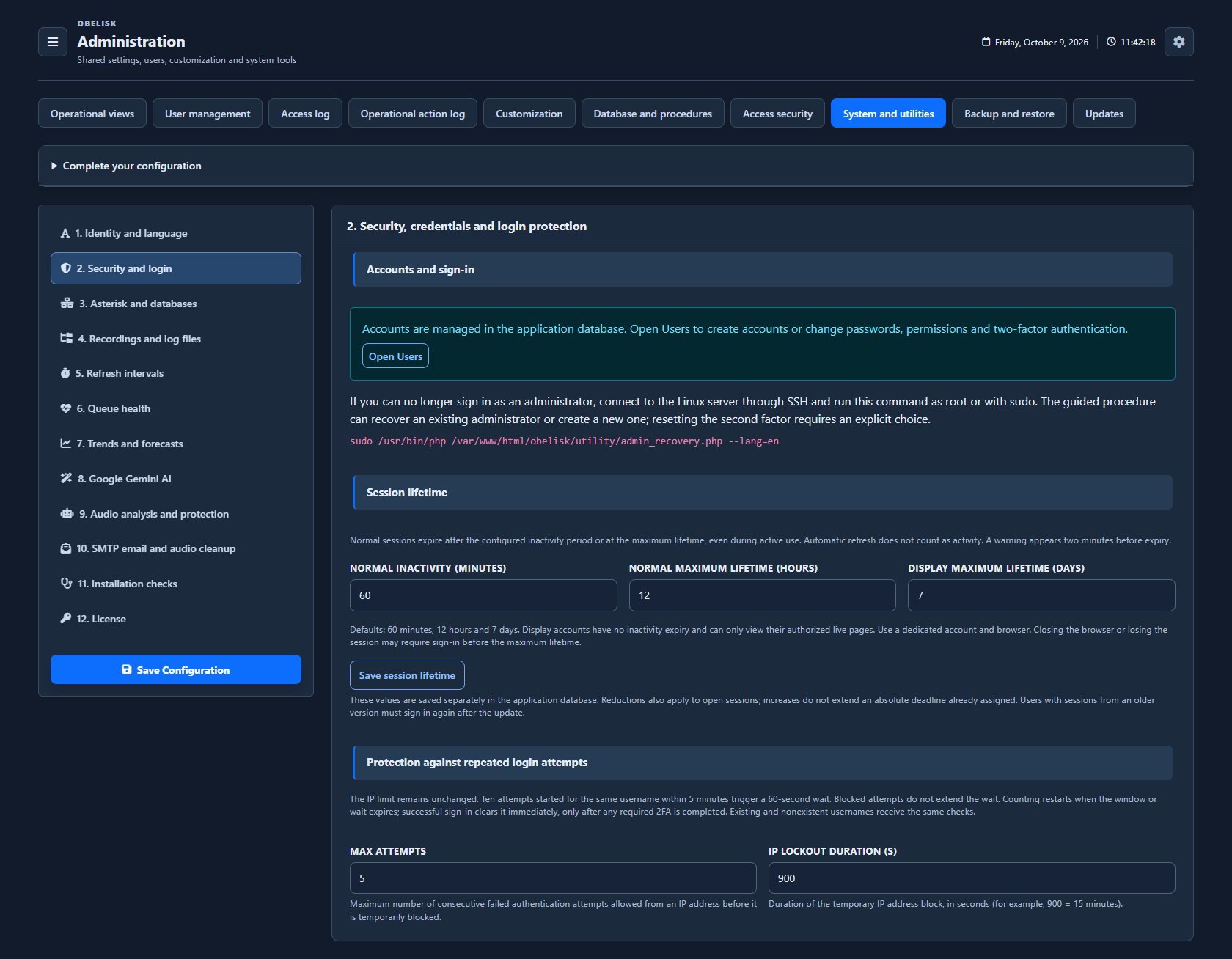
Dark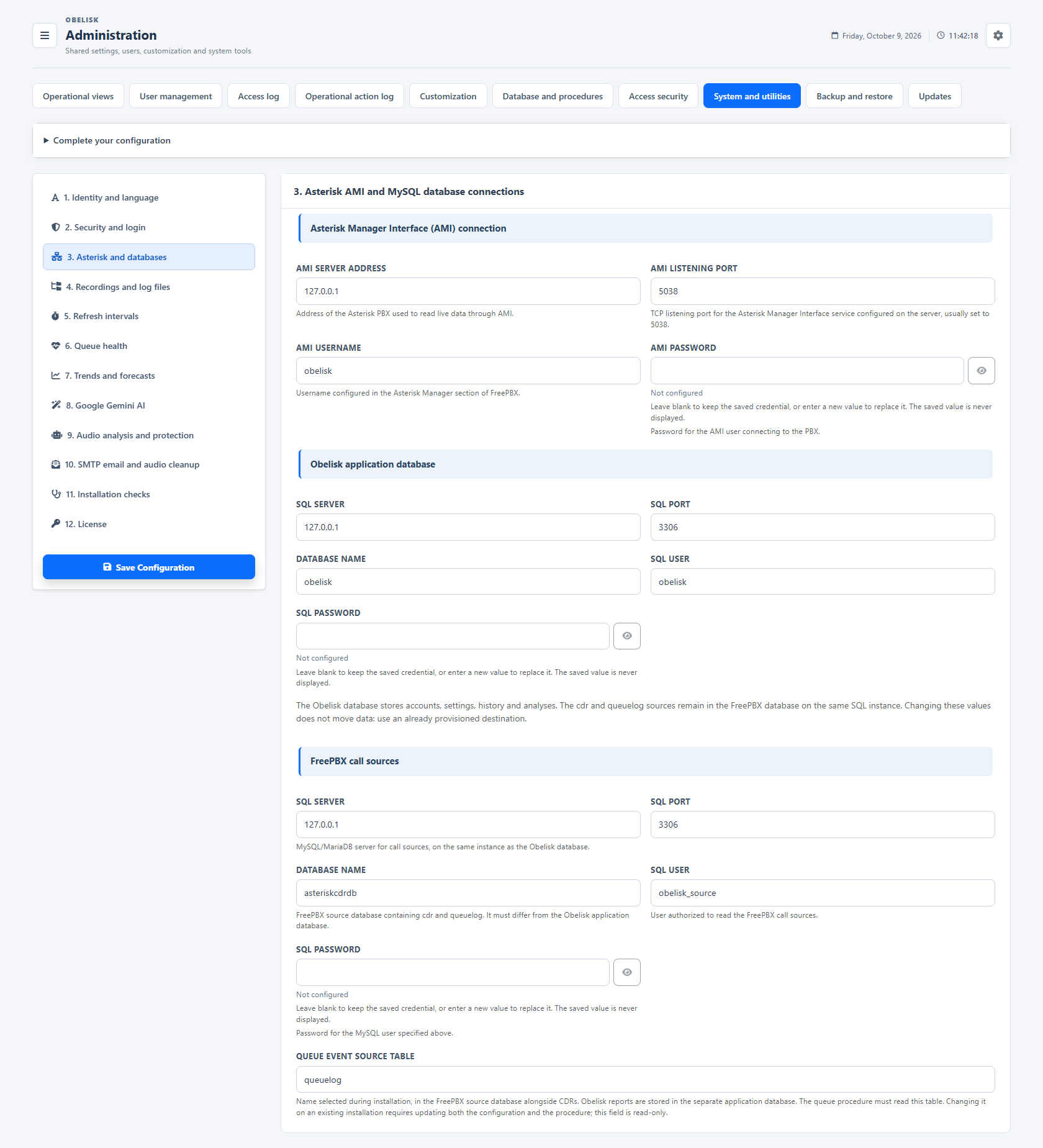
Slide the divider to compare the same workspace.
Dark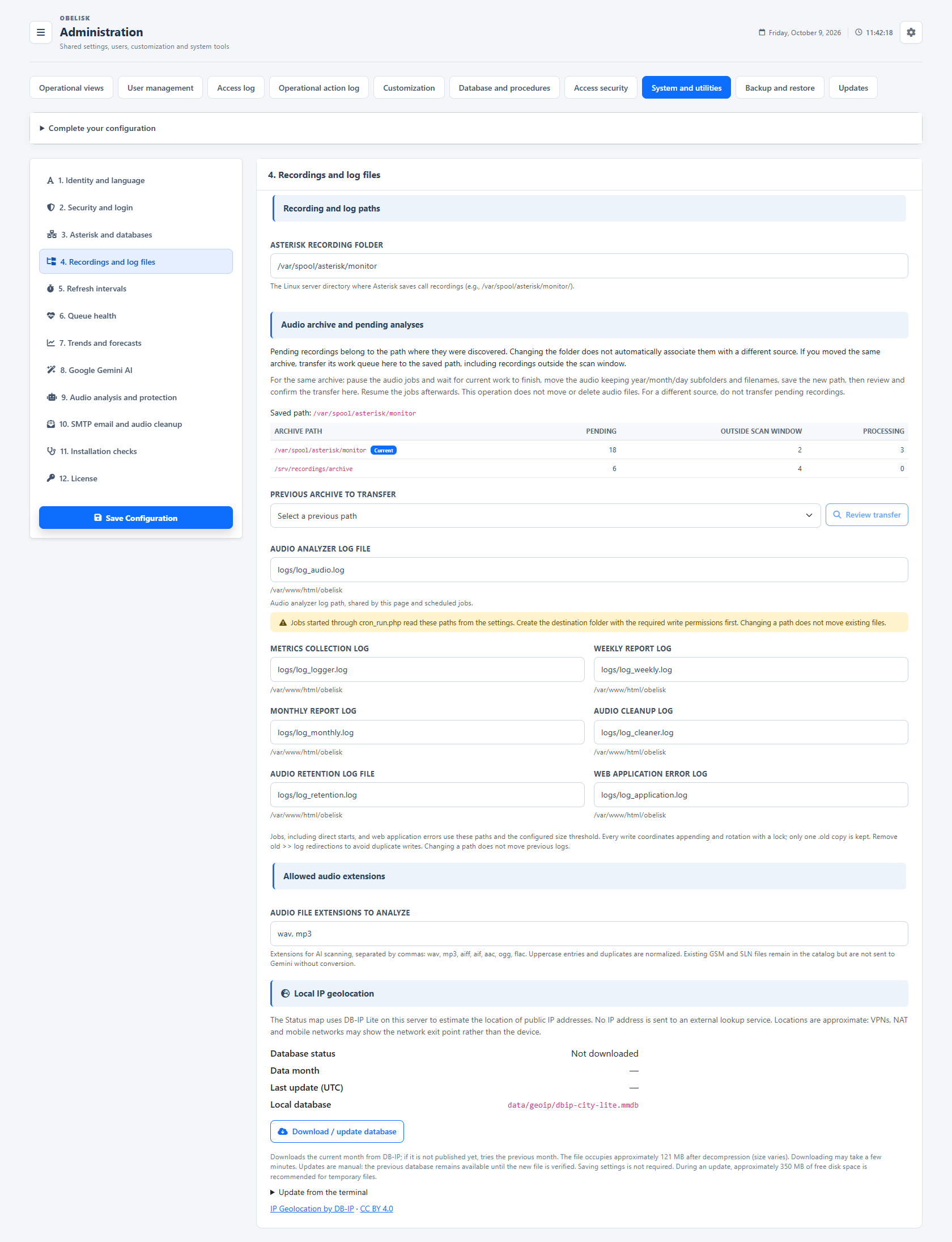
Slide the divider to compare the same workspace.
Dark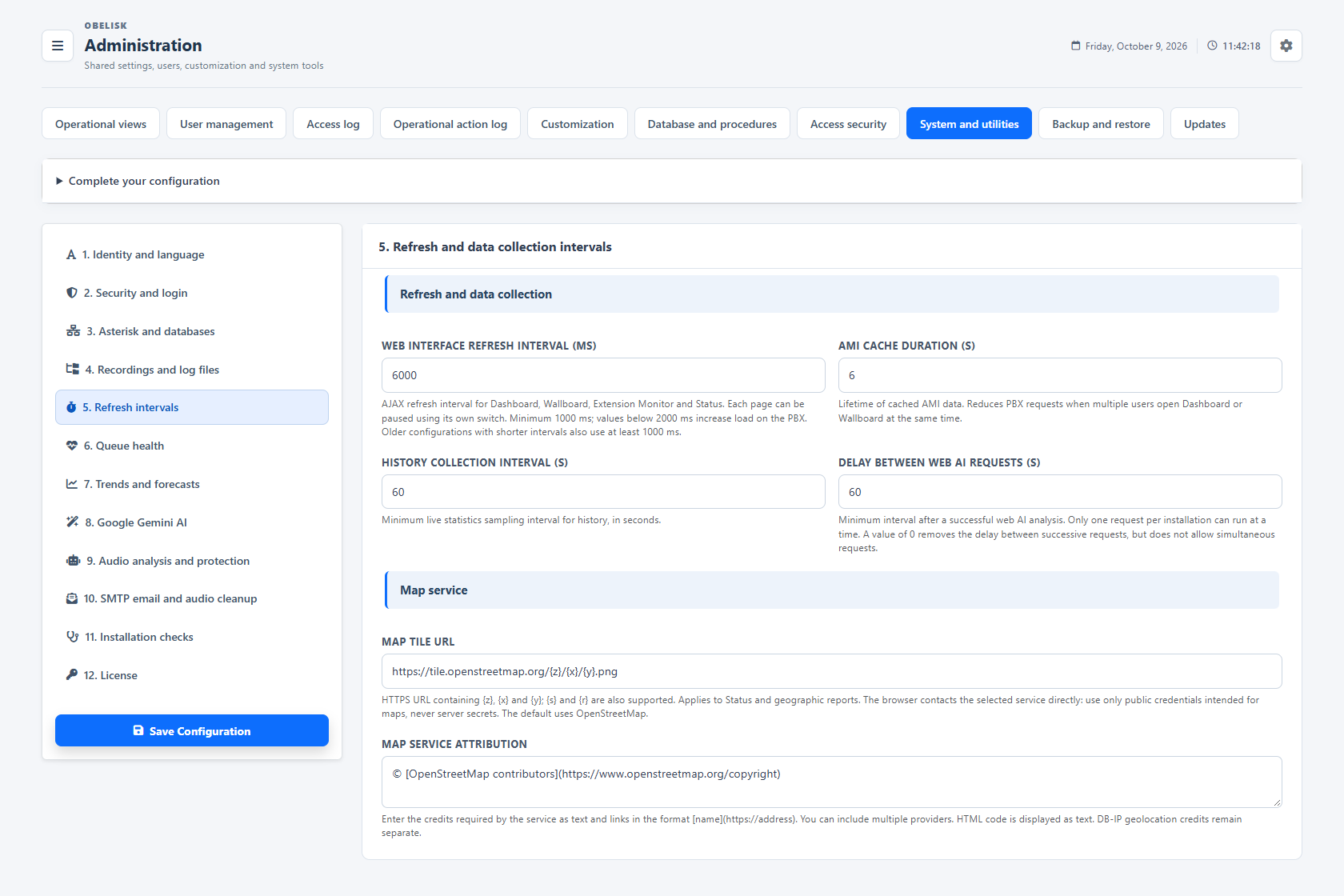
Slide the divider to compare the same workspace.
Dark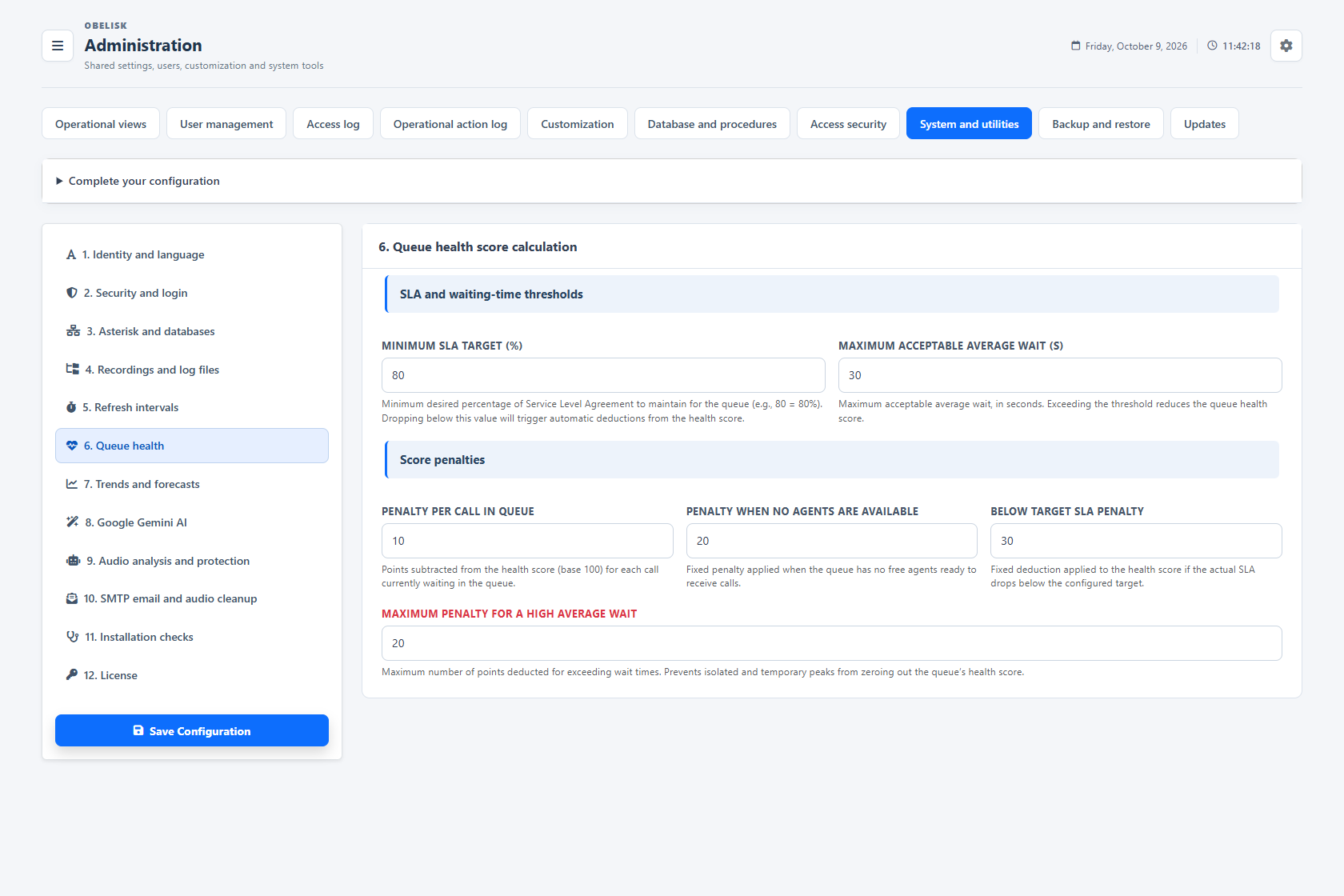
Slide the divider to compare the same workspace.
Dark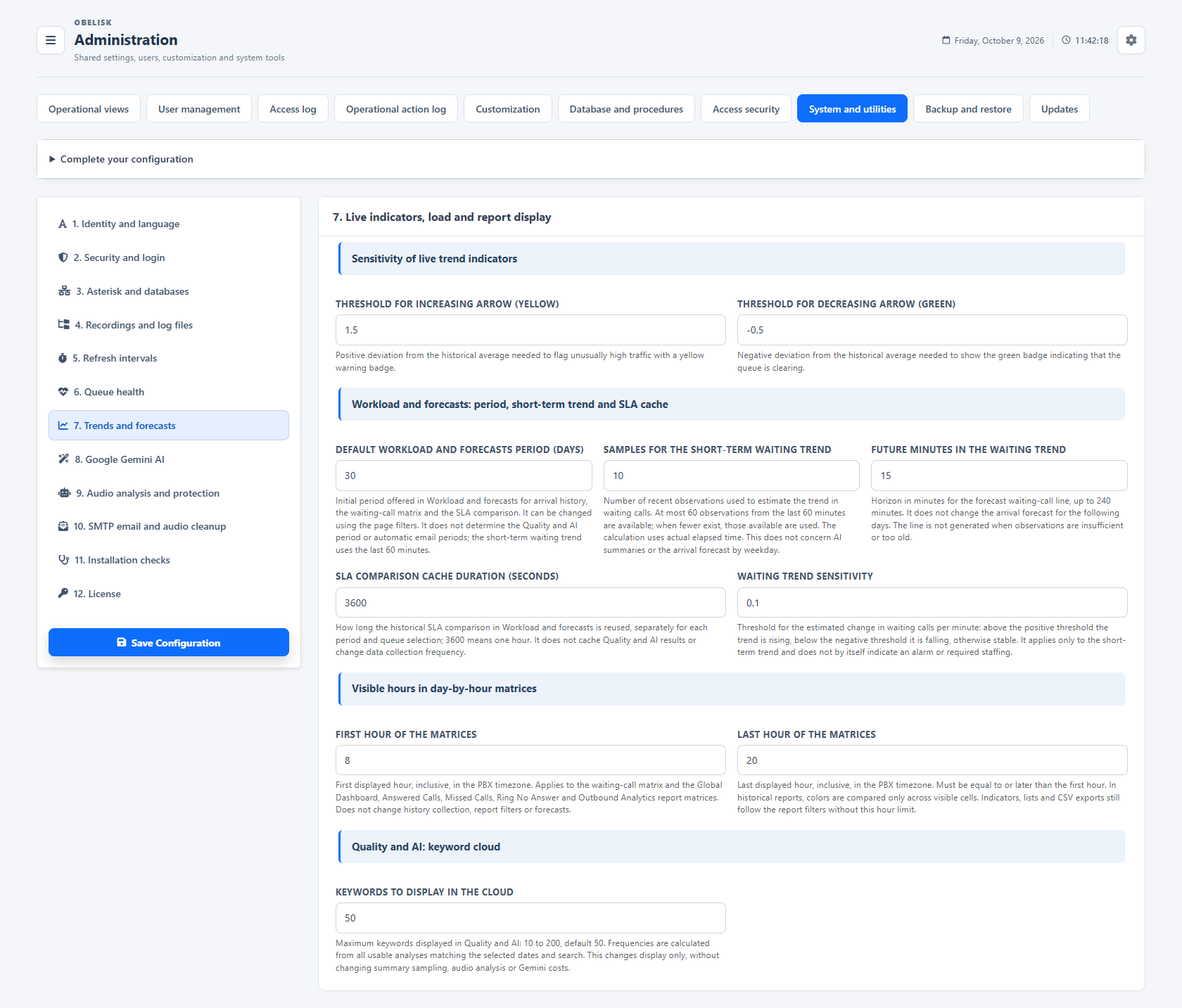
Slide the divider to compare the same workspace.
Dark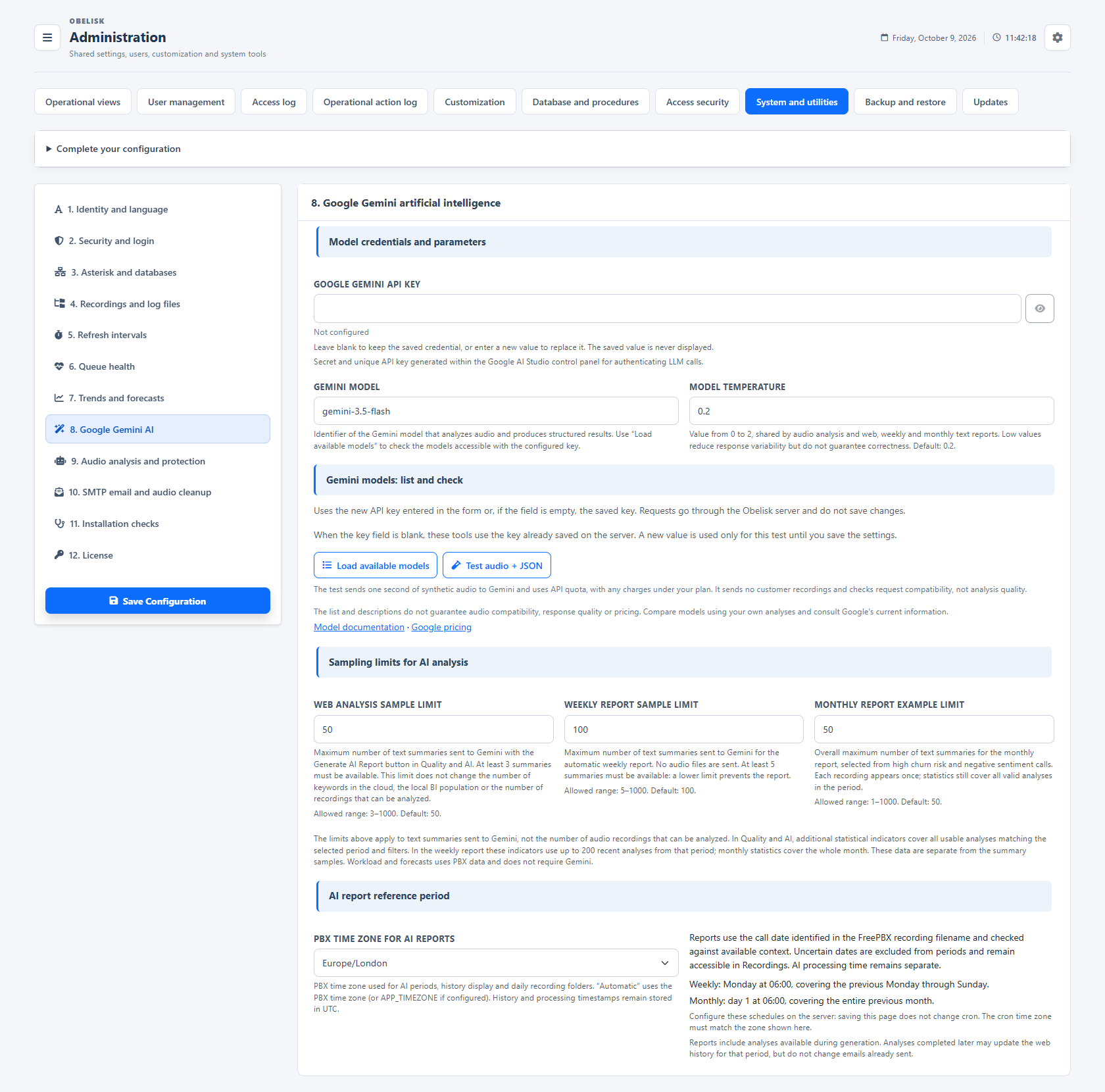
Slide the divider to compare the same workspace.
Dark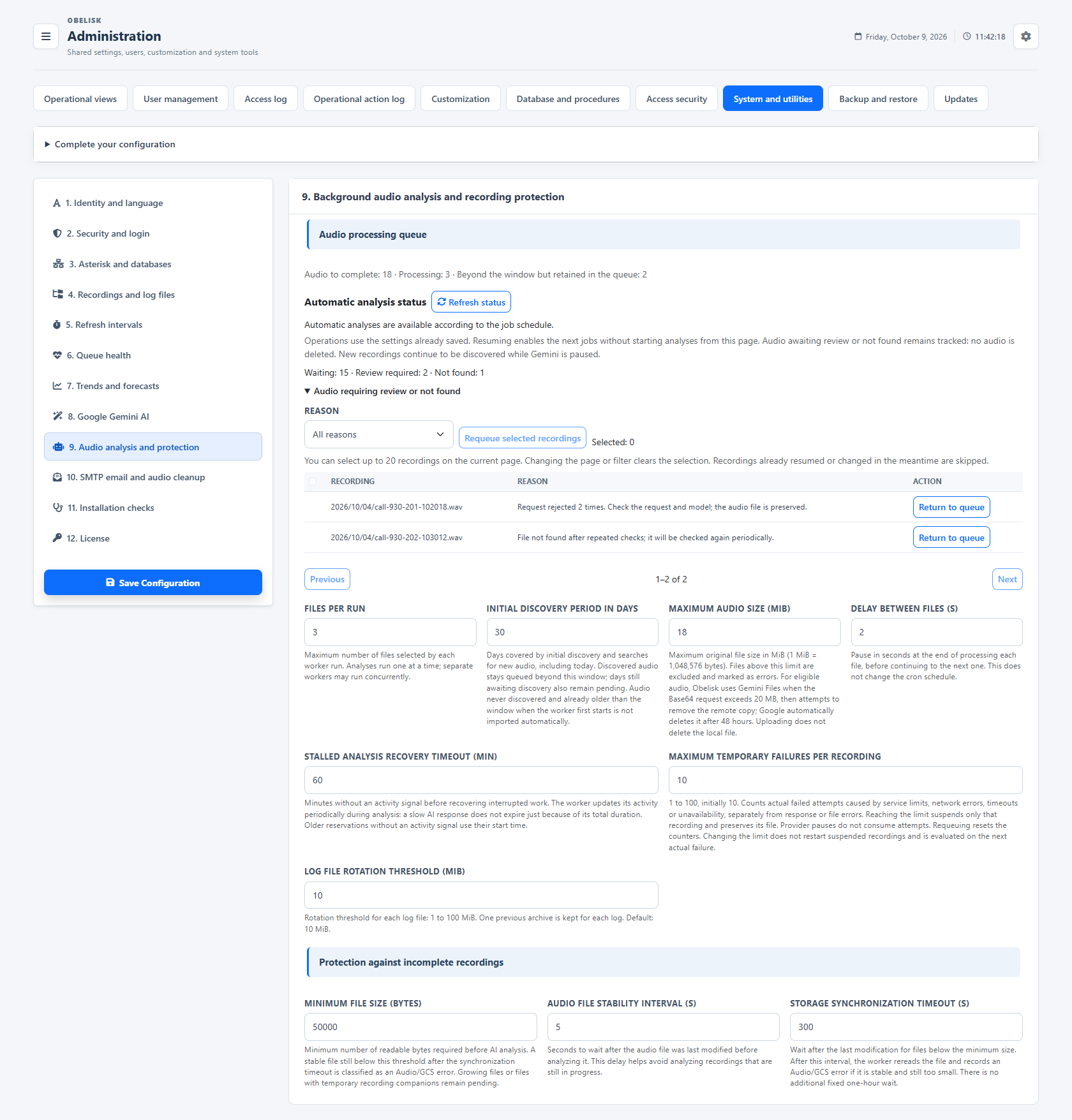
Slide the divider to compare the same workspace.
Dark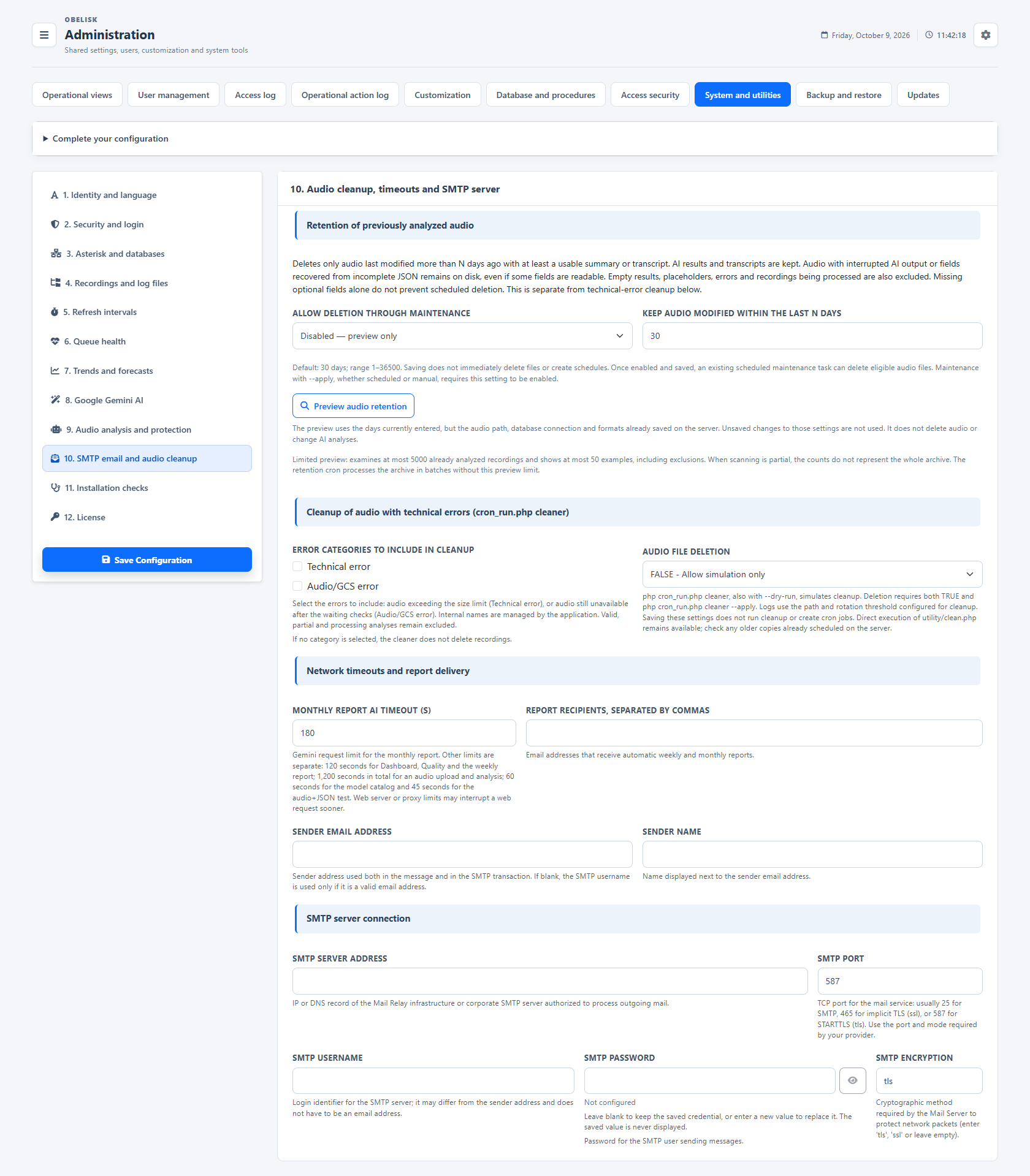
Slide the divider to compare the same workspace.
Dark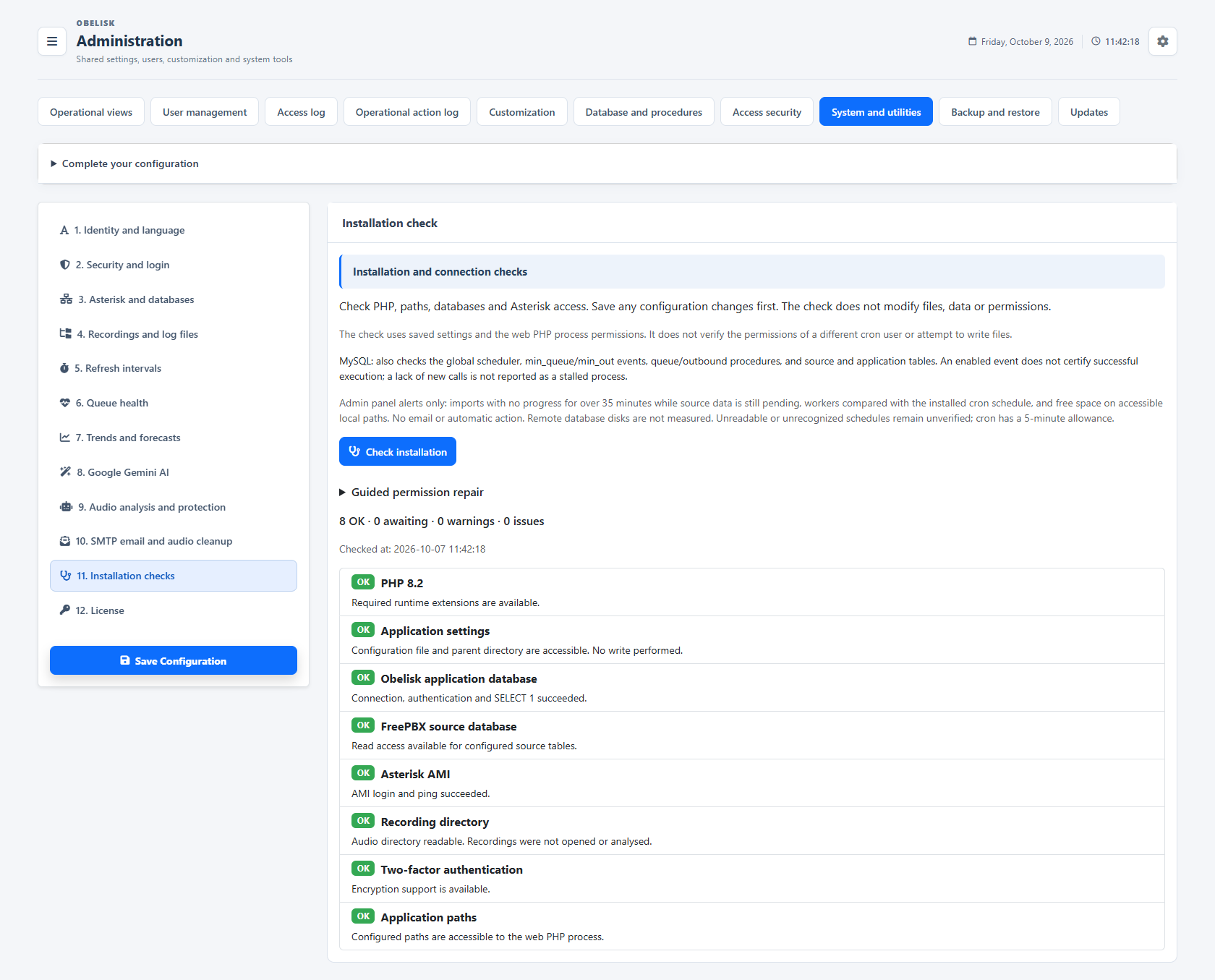
Slide the divider to compare the same workspace.
Dark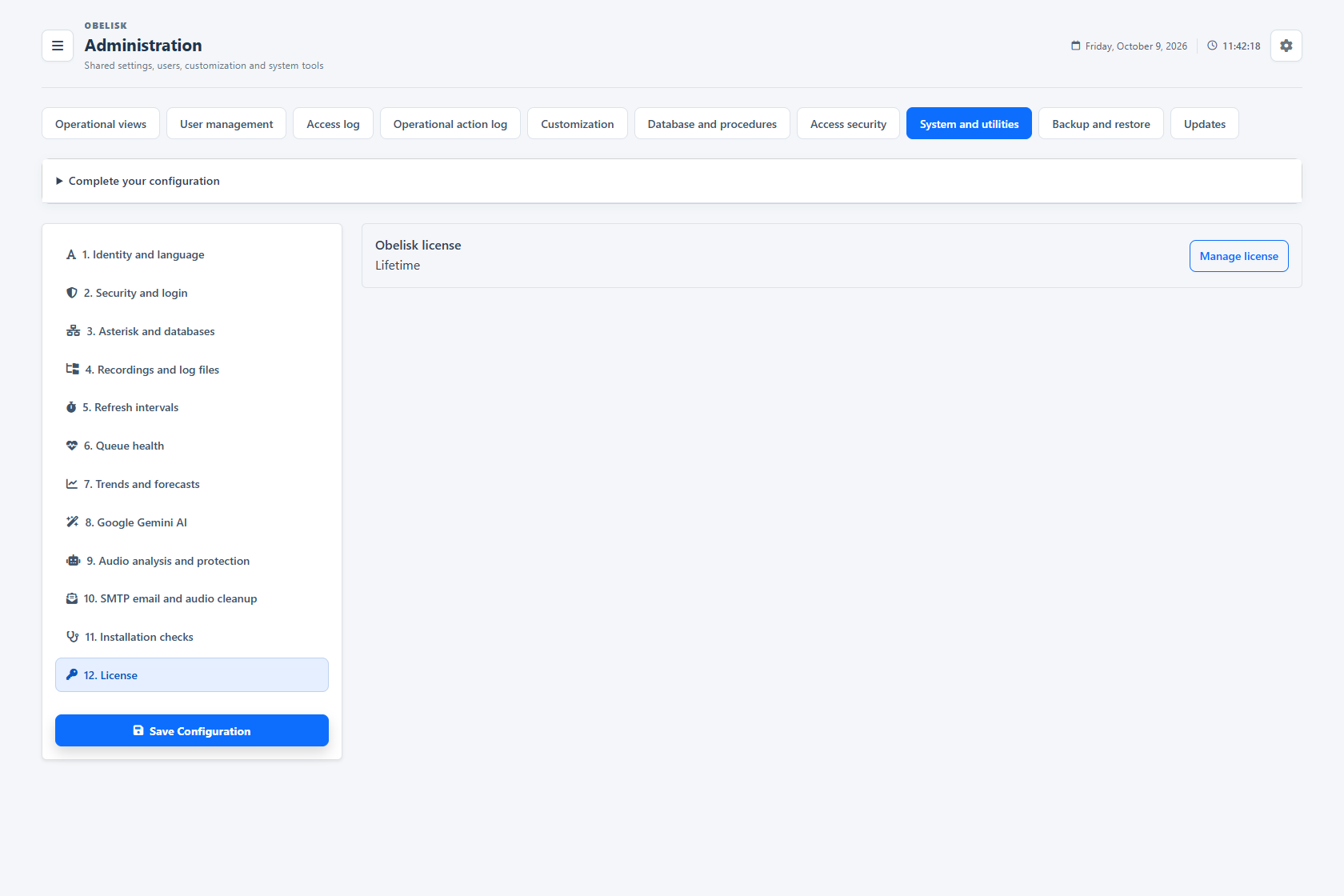
Slide the divider to compare the same workspace.
DarkTwelve areas. One configuration workspace.
From identity to licence management: open each area and see what it controls. The same sections are available in the screenshot selector above.
Identity and language
Set company identity, PBX line name, default report language and CSV format. Keep the application and generated reports recognisable.
Open this workspace viewSecurity and session duration
Configure access protection and the idle and maximum durations of normal sessions. Give shared displays their dedicated session duration.
Open this workspace viewApplication and PBX connections
Review the application database, FreePBX source and Asterisk AMI connection settings. Keep the credentials and endpoints of each integration distinct.
Open this workspace viewPaths and storage
Locate recordings, logs and application data. Review the configured paths and their status before processing audio or investigating an installation.
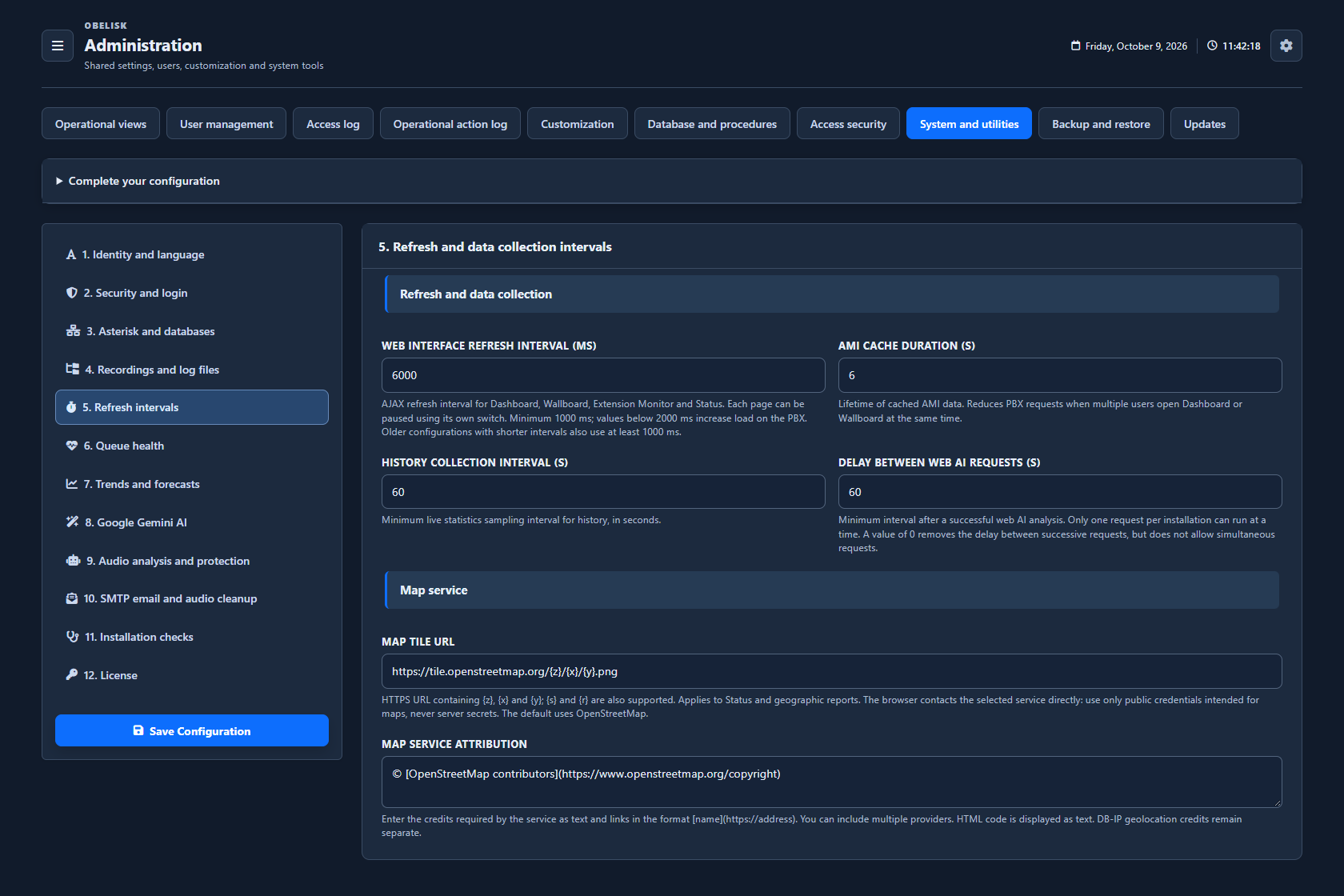
Open this workspace viewRefresh and collection intervals
Tune live refresh, shared AMI cache duration, history collection and spacing between web AI requests according to the installation.
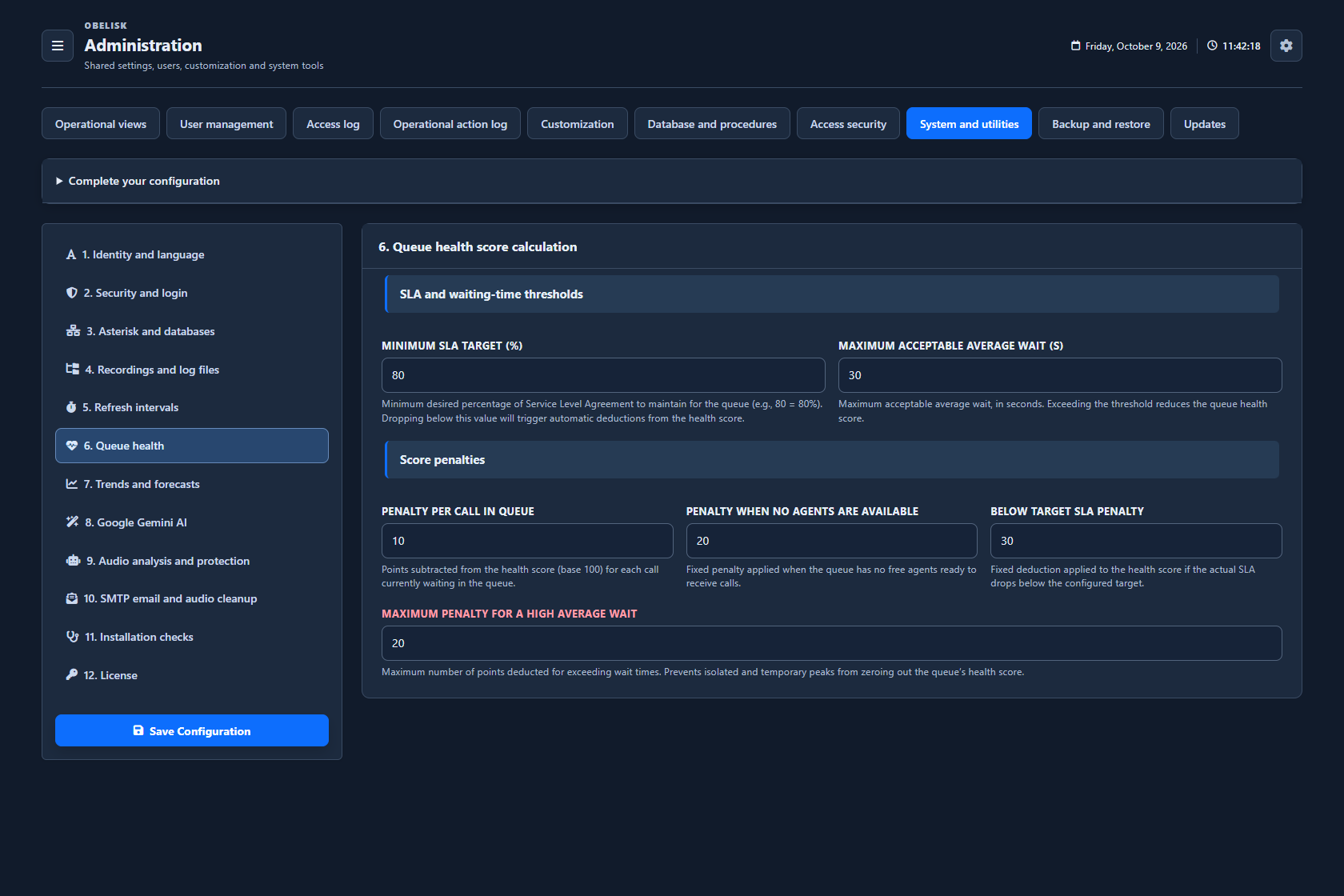
Open this workspace viewQueue health
Configure the weights and thresholds behind queue-health indicators, so alerts reflect the service conditions you want to monitor.
Open this workspace viewTrends, forecasts and report display
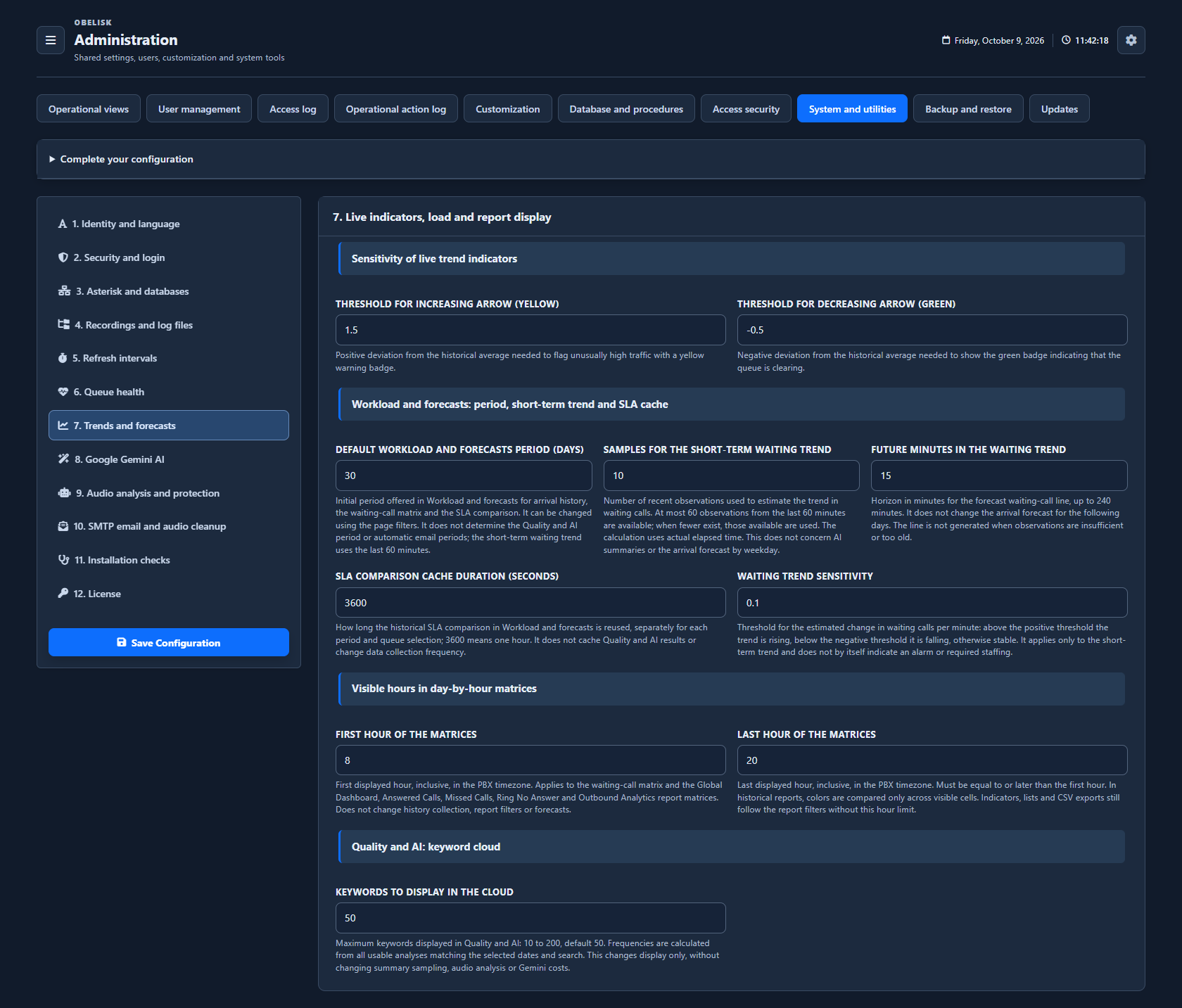
Set trend sensitivity, waiting forecasts, SLA cache, matrix hours and the Quality & AI keyword cloud.
Open this workspace viewGemini and AI settings
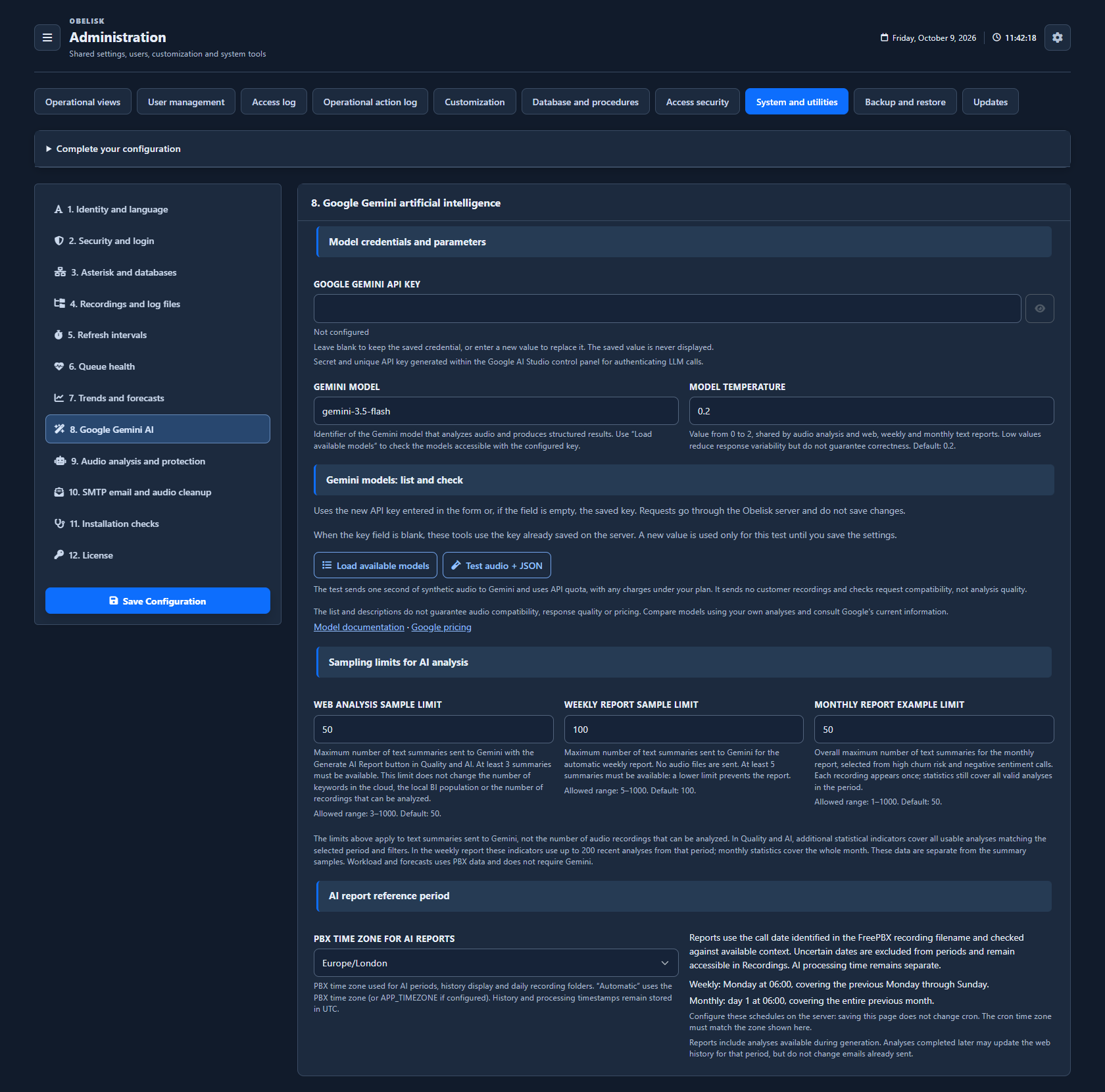
Choose the provider settings, models and analysis options for the AI features you activate. These settings also support the reports presented in Quality & AI.
Open this workspace viewBackground processing
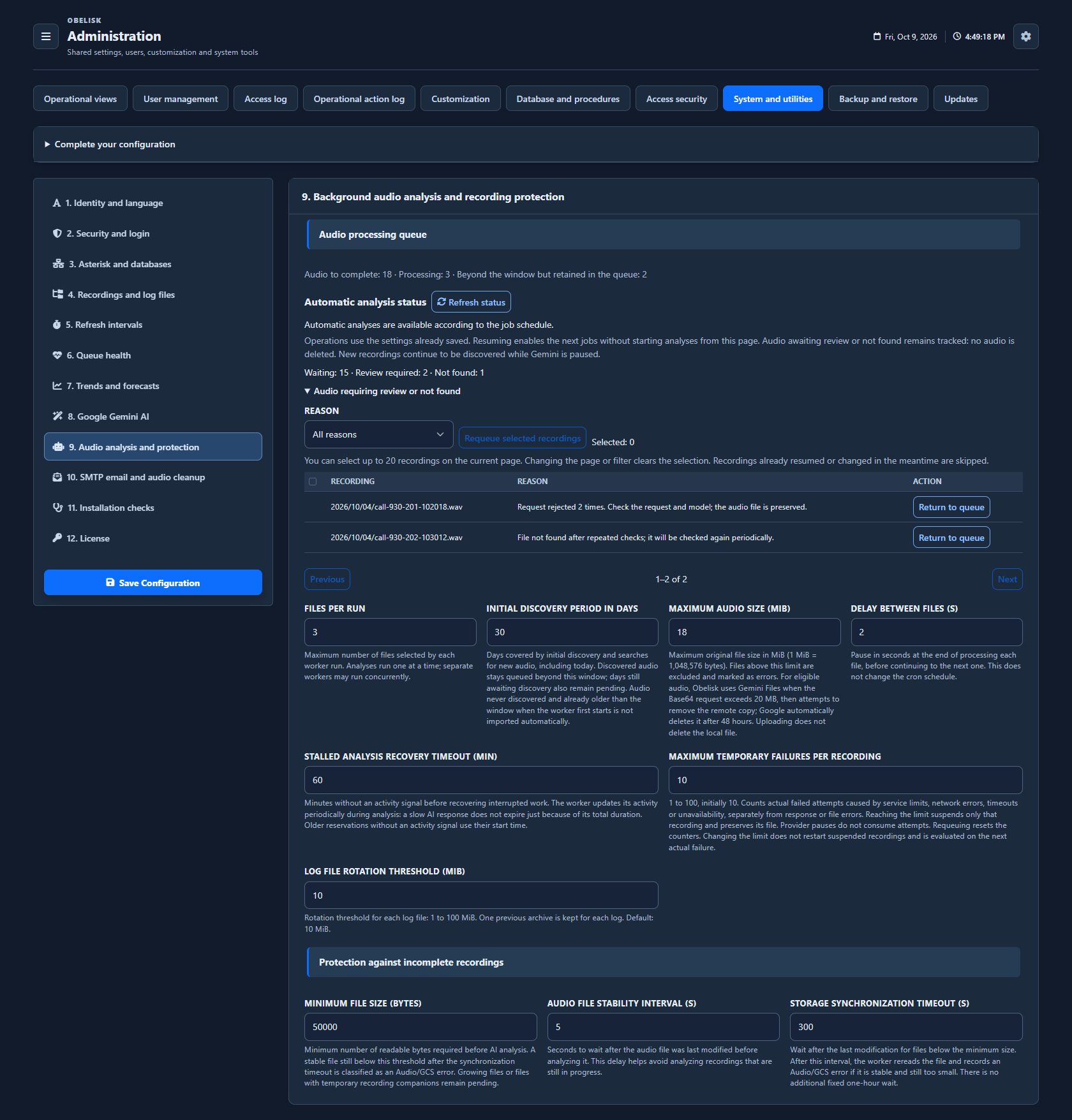
Review audio-worker status, recordings awaiting analysis, rejected requests and retry behaviour. Follow the processing queue and investigate items needing attention.
Open this workspace viewEmail, retention and maintenance
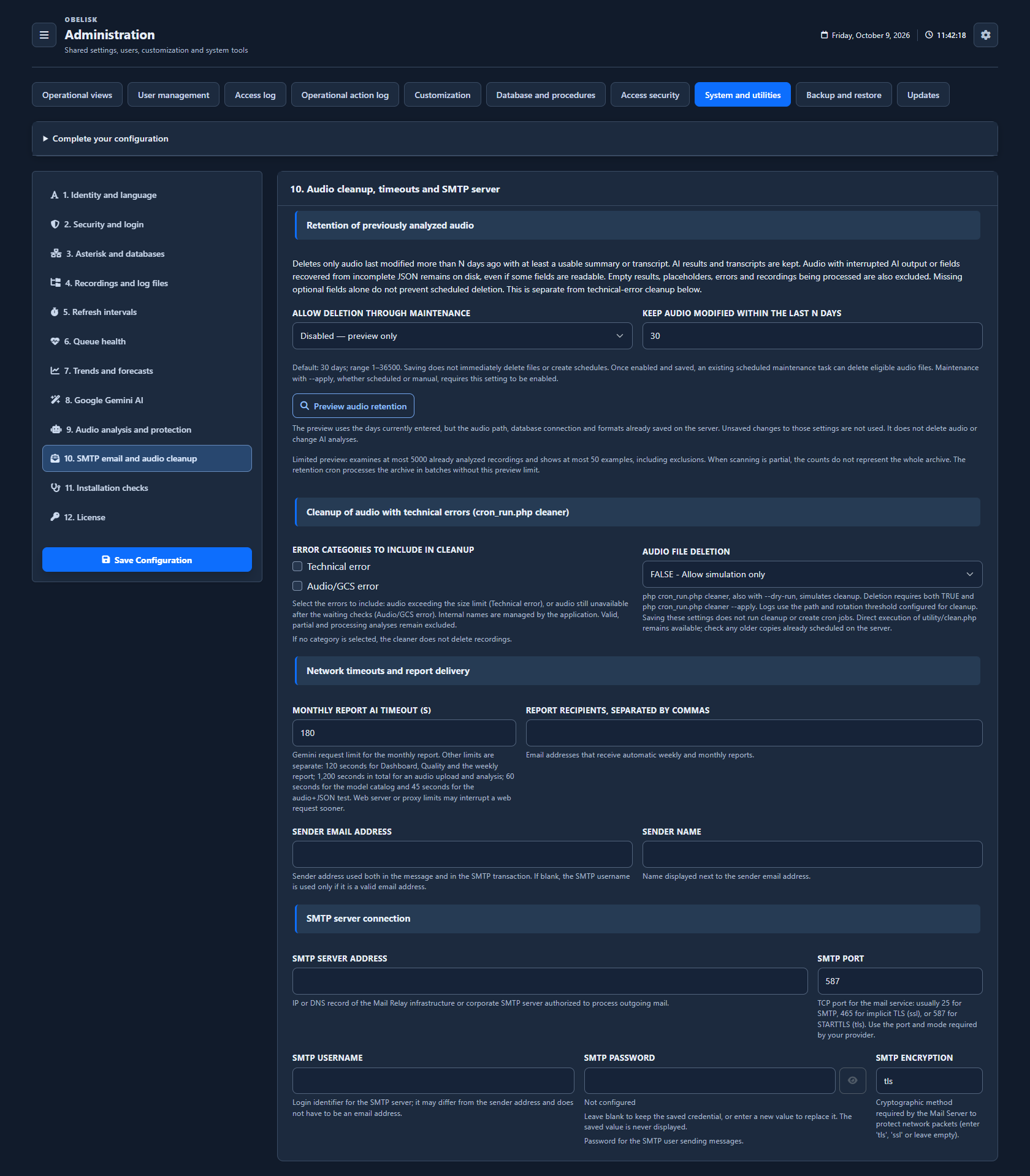
Configure report recipients and SMTP delivery, connection timeouts and audio-cleaning choices. Set the application options used by the scheduled server tasks.
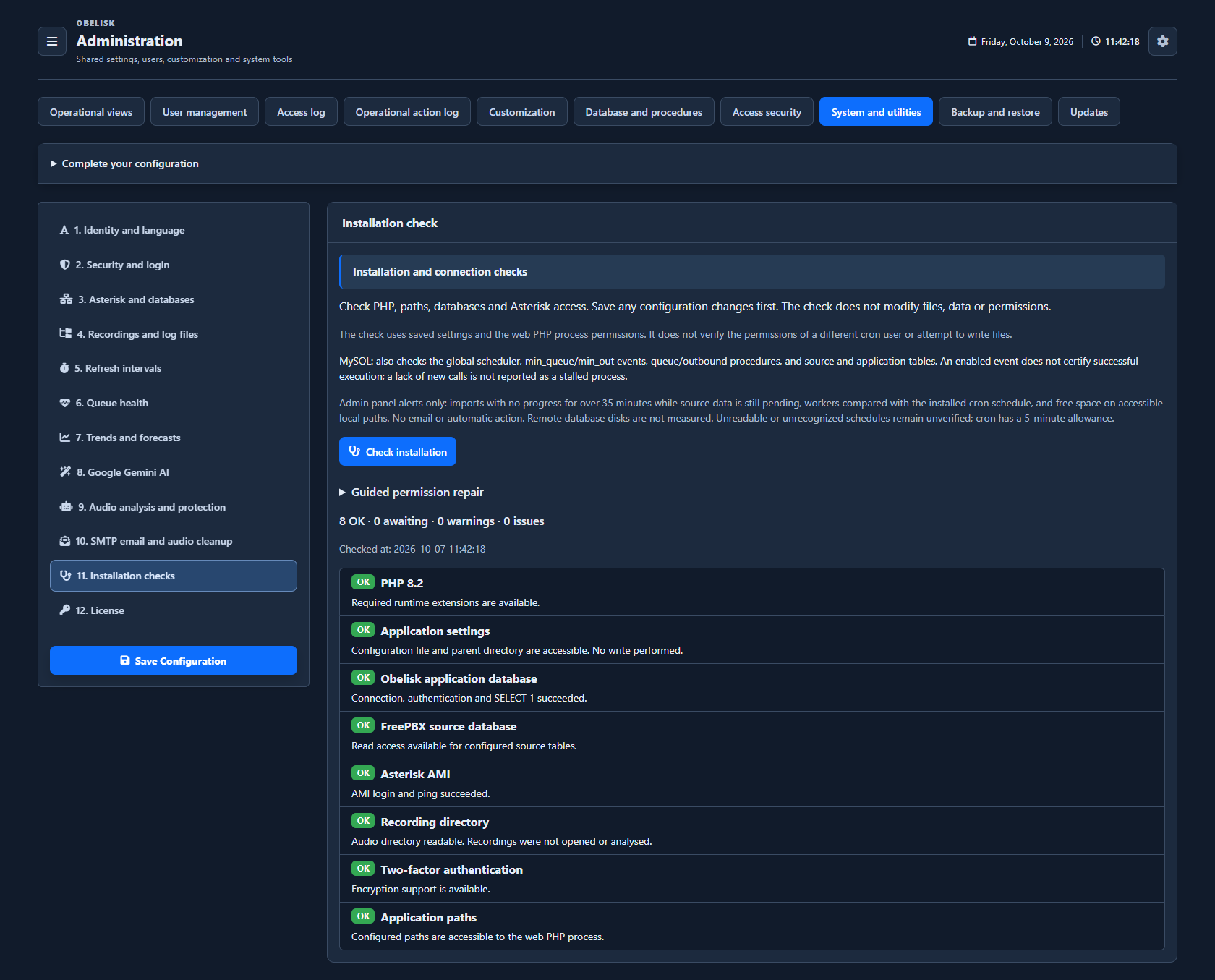
Open this workspace viewInstallation diagnostics
Run the installation check and inspect individual results for connections, paths and required components. Open the dedicated guide to understand checks and permission-repair previews.
Open this workspace viewInstalled licence
Check the licence type and, when applicable, its expiry. Open licence management from this panel to follow the activation or renewal process.
Open this workspace viewRead the signal.
Choose the next step.
Maintain credentials without exposing them
Connection and service credentials show whether a value is already configured. Leave it in place, replace it or explicitly remove it while reviewing the surrounding settings. The saved password or API key is not populated back into the browser field.
Check readiness before running maintenance
Use installation diagnostics to inspect connections, storage and the reporting pipeline, then check the relevant worker state. For audio retention, preview the eligible files and processing conditions first. This connects a maintenance action with the state of the components it depends on.
Put it to work
Set Asterisk access and the separate application and call-source database connections, with MySQL or MariaDB settings clearly grouped.
Tune refresh intervals, Health Score, forecasts and normal or Display session durations around operational needs.
Manage AI sampling, audio workers, scheduled retention and SMTP reports, then inspect diagnostics and job readiness before running maintenance.
Run installation diagnostics to review runtime, paths, database objects and AMI connectivity without changing the installation.
What you can do
Core connections and paths
Configure Asterisk/AMI, the dedicated Obelisk database, separate FreePBX source access, paths and collection settings.
Operational parameters
Tune Health Score, trend, forecast and heatmap parameters.
AI and scheduled processing
Configure Gemini processing/sampling, background workers and SMTP reports.
Retention and maintenance
Manage recording retention and maintenance settings.
Health and diagnostics
Review installation diagnostics and worker state.
Sessions and data lifecycle
Set idle and maximum durations for normal sessions and a dedicated maximum duration for read-only Display sessions.
Audio retention controls
Manage scheduled audio retention, with a preview of eligible files and the processing conditions needed before removal.
Read-only installation diagnostics
Run installation diagnostics to review runtime, paths, database objects and AMI connectivity without changing the installation.