

Access log
Review sign-ins and account changes with the actor, address and client for each event.
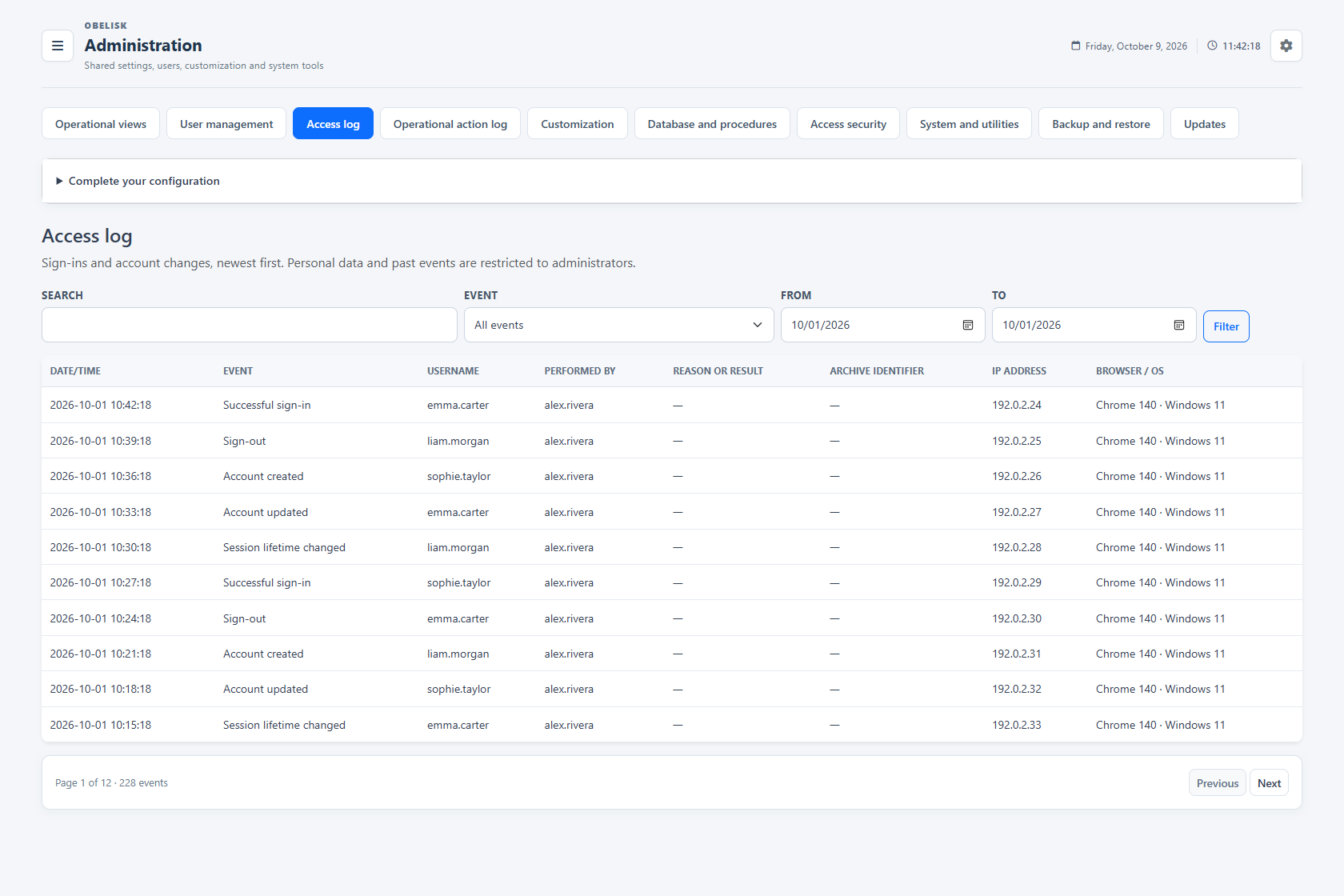
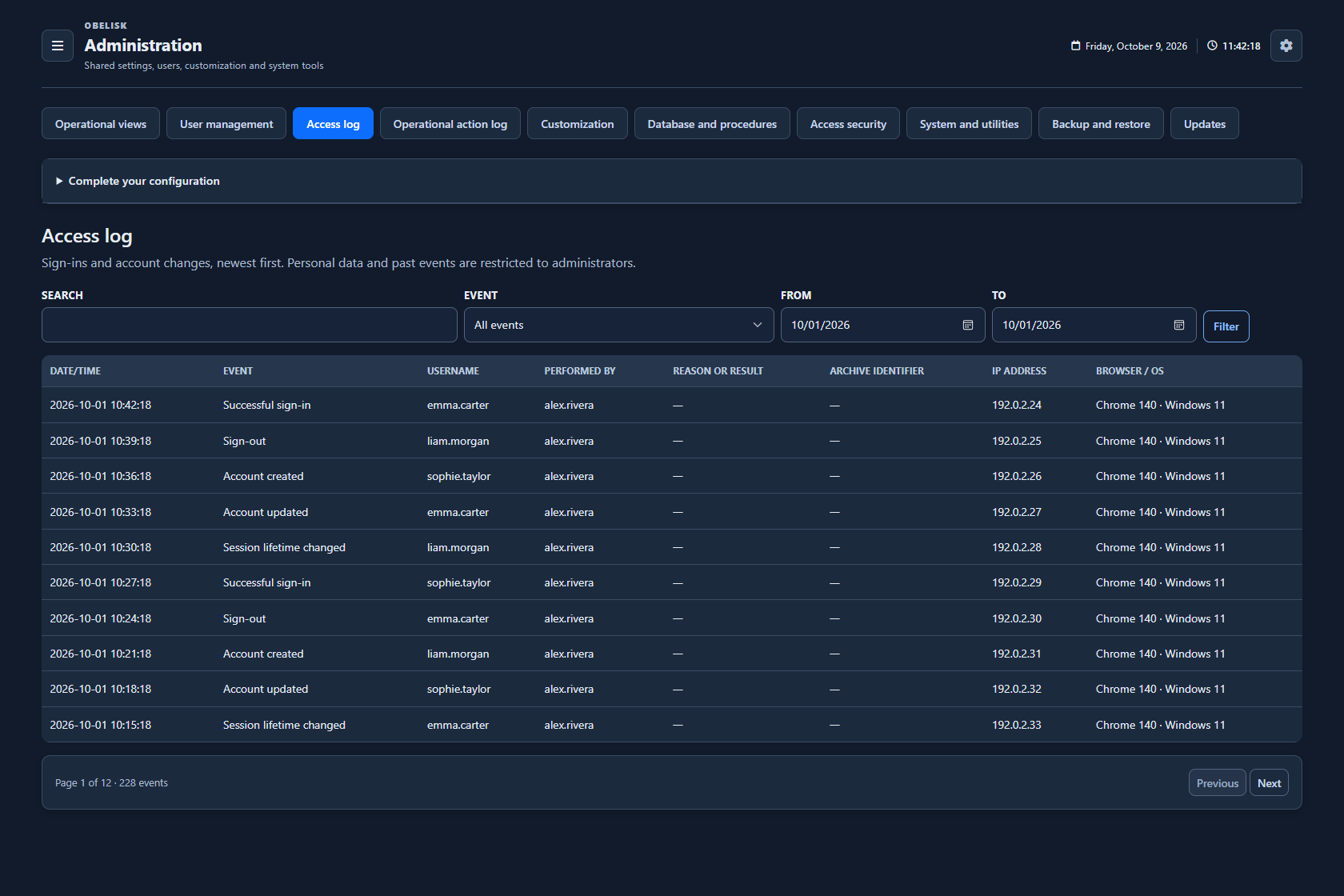
Slide the divider to compare the same workspace.
DarkRead the signal.
Choose the next step.
Reconstruct an account access problem
When a user reports a failed sign-in, narrow the access history by date and event type, then inspect the relevant authentication and account events. This provides a focused sequence for checking failed attempts, restrictions and account changes before adjusting the access policy.
Put it to work
Select an event type and date range, or search the recorded history to find the access activity you need.
Read timestamp, affected user, actor, IP address and browser together to understand the context of each event.
Page through the retained history from Administration, with access events stored in the application database.
What you can do
Authentication and security history
Review authentication and account/security events.
Find the event you need
Filter and inspect access history.
Two histories, different purposes
Authentication and account history has its own register alongside the operational action log.
Installation control
Access history and operational actions are retained in the Obelisk application database.