

Configuration backup
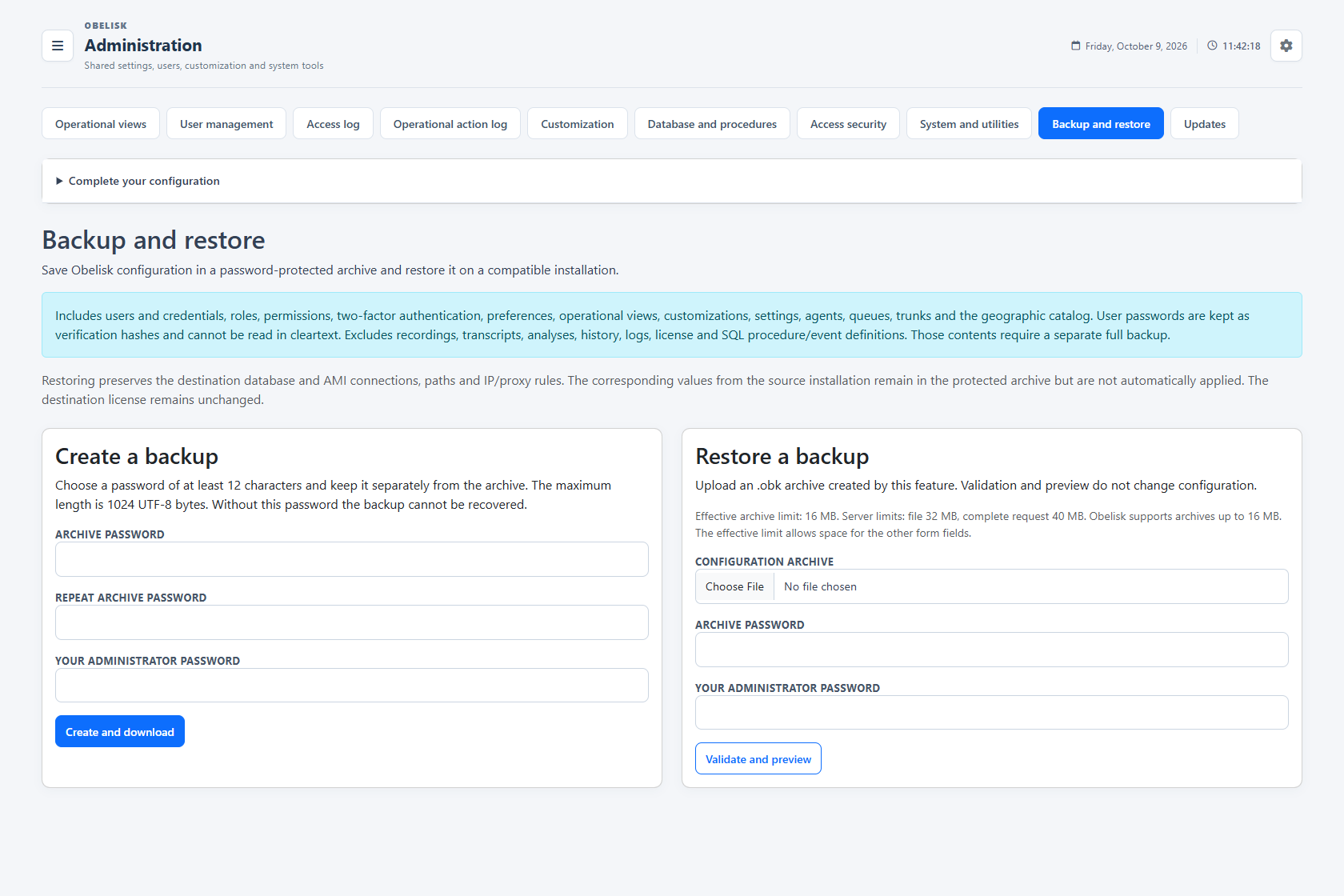
Keep accounts, permissions, operational views and configuration together in a password-protected archive. Inspect the restore preview before applying it to a compatible Obelisk installation.
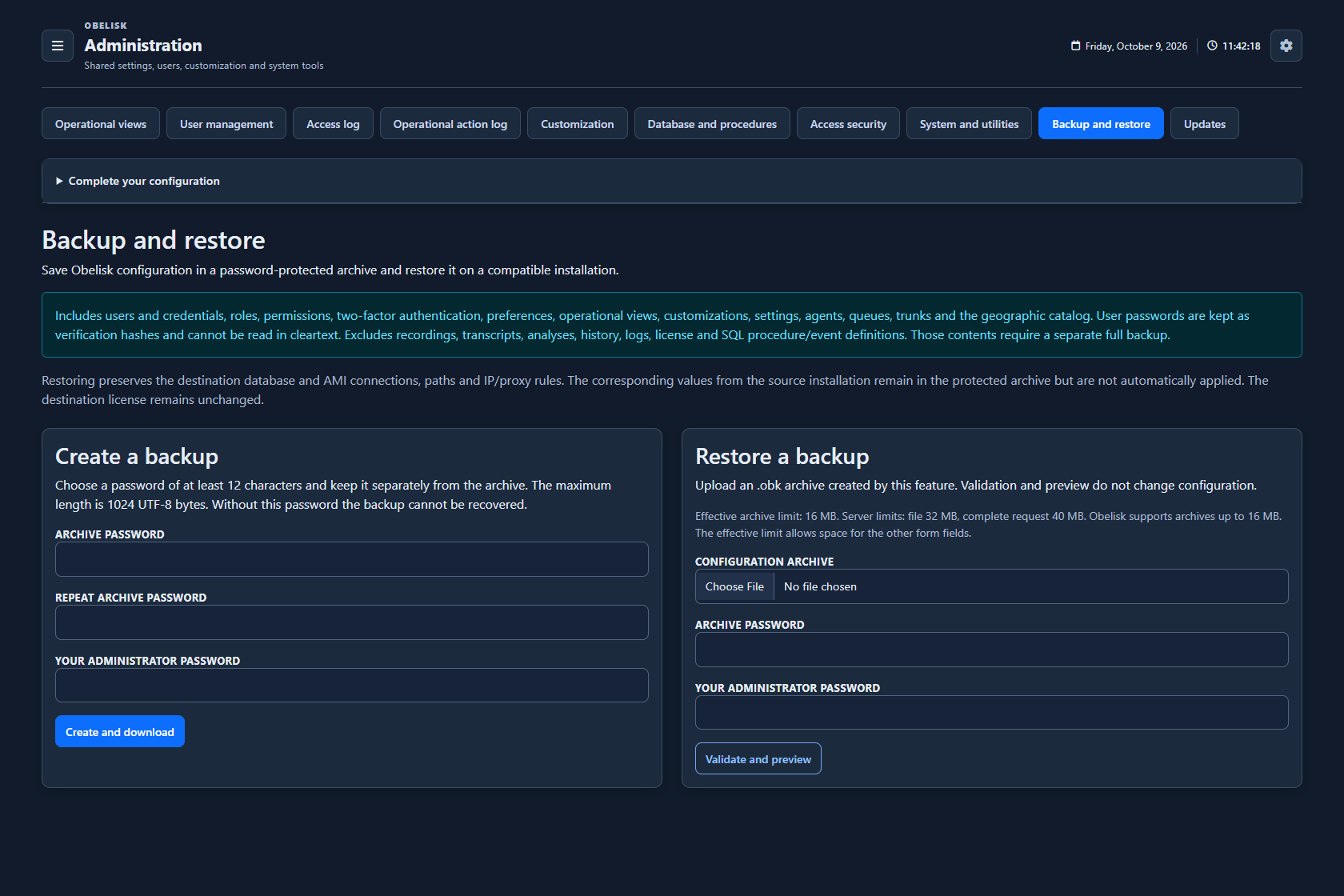
Slide the divider to compare the same workspace.
Dark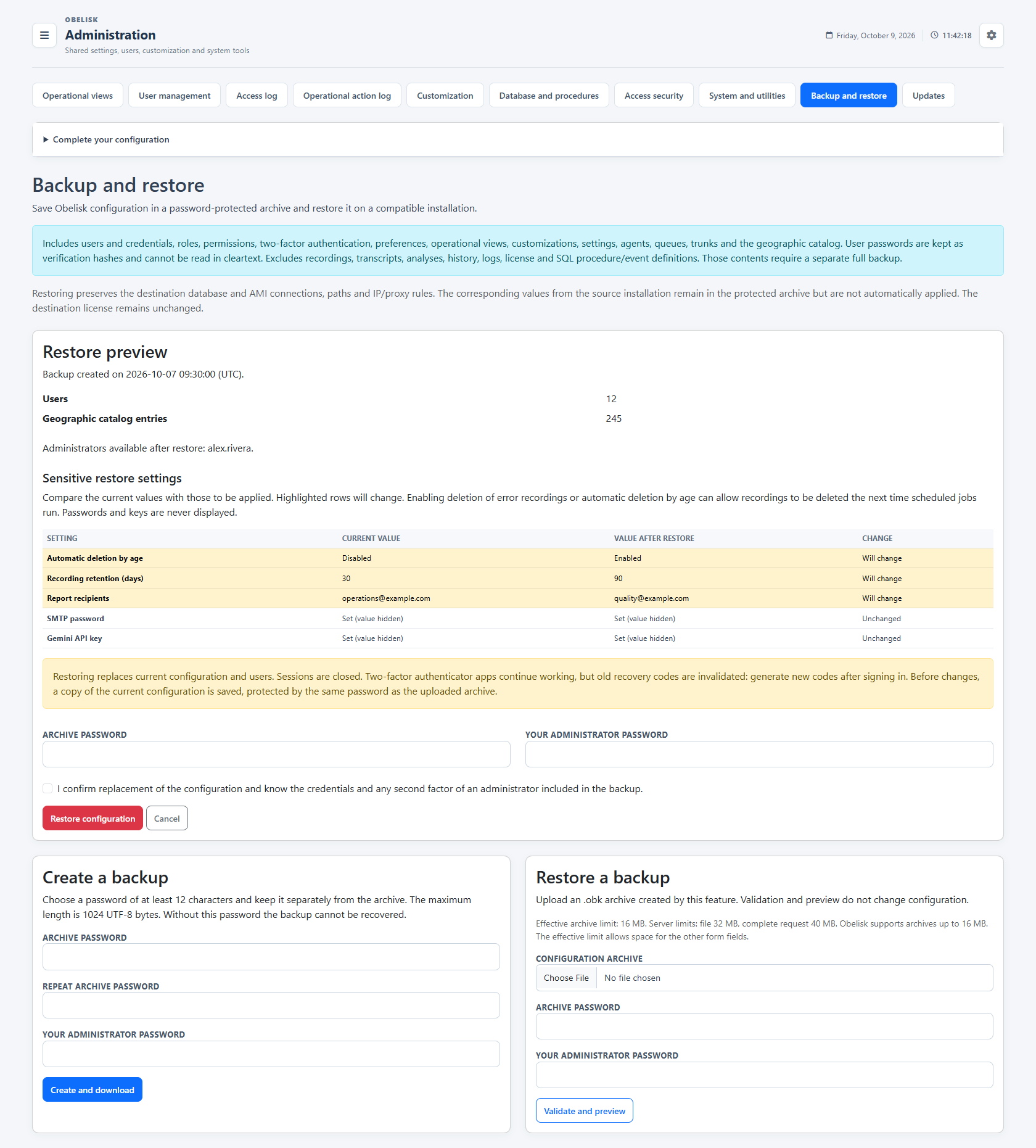
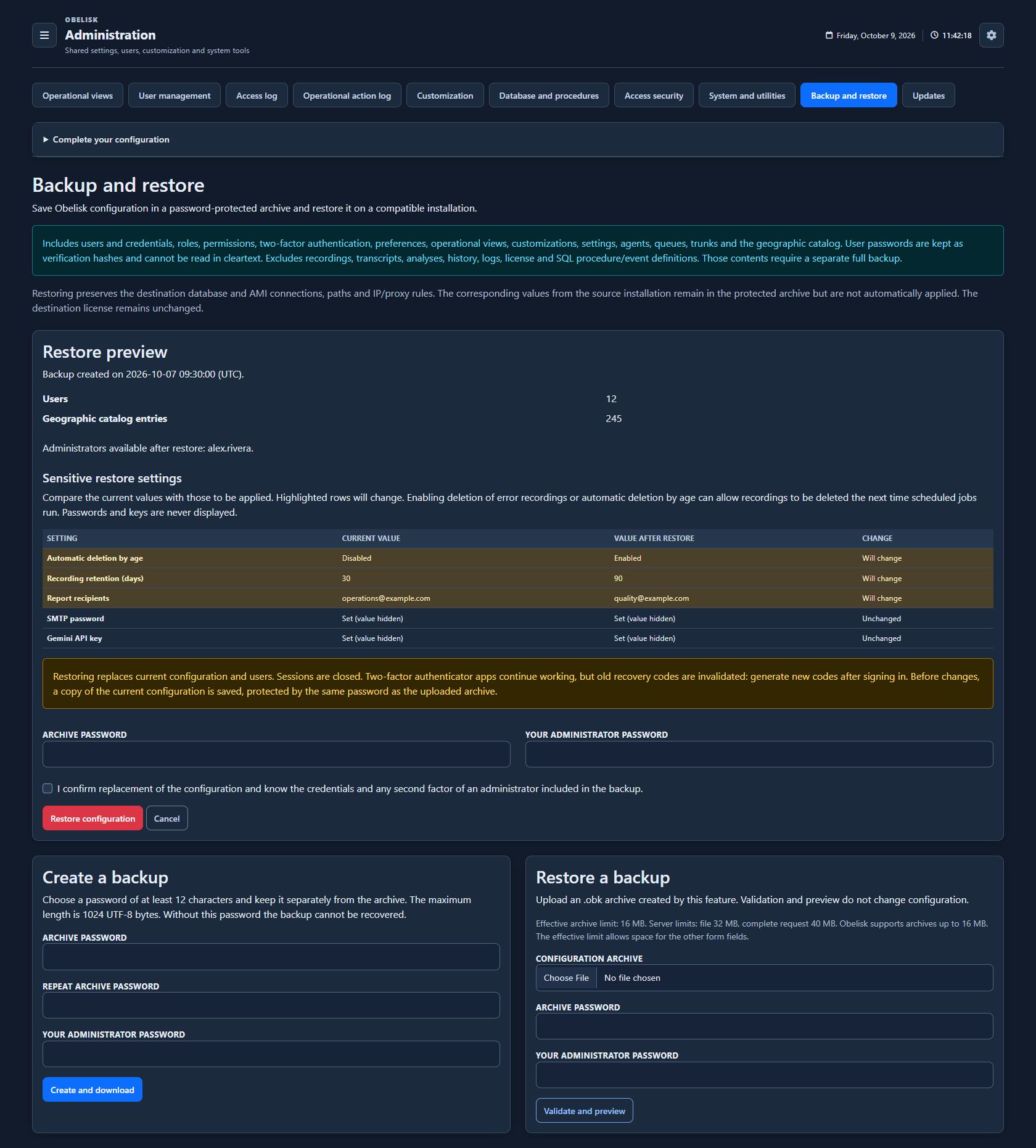
Slide the divider to compare the same workspace.
DarkRead the signal.
Choose the next step.
Your configuration, together
Back up users, roles, permissions, two-factor settings, preferences, operational views, branding, agents, queues, trunks and the geographic catalogue.
Password-protected archives
Download an encrypted .obk archive protected by a password you choose. Administrative actions require your administrator password.
A well-configured contact center is more than its call data. Your profiles, queue groups, preferences and customizations matter too. Bring those settings into one controlled backup workflow, with visible changes, protected secrets and an explicit restore confirmation.
Put it to work
Back up users, roles, permissions, two-factor settings, preferences, operational views, branding, agents, queues, trunks and the geographic catalogue.
Download an encrypted .obk archive protected by a password you choose. Administrative actions require your administrator password.
Review content counts, available administrators and changes to sensitive settings. Retention, email and provider settings are compared side by side; passwords and API keys remain hidden.
The restore keeps the destination database and AMI connections, paths, IP and proxy rules, and license. Source connection settings are not applied automatically.
Validate first, confirm explicitly and retain a protected copy of the current configuration before replacement. Backup and restore operations are recorded with their actor and outcome.
What you can do
Your configuration, together
Back up users, roles, permissions, two-factor settings, preferences, operational views, branding, agents, queues, trunks and the geographic catalogue.
Password-protected archives
Download an encrypted .obk archive protected by a password you choose. Administrative actions require your administrator password.
See changes before restoring
Review content counts, available administrators and changes to sensitive settings. Retention, email and provider settings are compared side by side; passwords and API keys remain hidden.
Preserve the destination setup
The restore keeps the destination database and AMI connections, paths, IP and proxy rules, and license. Source connection settings are not applied automatically.
A deliberate restore workflow
Validate first, confirm explicitly and retain a protected copy of the current configuration before replacement. Backup and restore operations are recorded with their actor and outcome.
Read the detail with confidence
What does this view measure?
Configuration archives exclude recordings, transcripts, analyses, call history, logs, license files and SQL procedure/event definitions. These require a separate full backup. Restoring replaces the stored configuration and accounts and closes sessions; 2FA recovery codes must be regenerated.