

The numbers change. Understand what to do next.
Open AI Manager directly from Dashboard or Wallboard. Ask for an analysis when you need it, while keeping the operational view within reach.
Start with the situation now.
Waiting customers, longest wait, answered and abandoned calls, service level and queue strategy. Agent availability includes free, busy, paused and Do Not Disturb states, within the queues you can access.
Compare the signal with its trend.
AI Manager adds the available last-hour averages for waiting calls, service level, waiting time and Do Not Disturb states. The weekly historical profile provides context for the current day and hour.
A situation summary. Three tactical suggestions.
Request the analysis from Dashboard or Wallboard. The configured model receives the operational context and returns a situation summary with three tactical recommendations: priorities to review with your team.
Choose the next action with more context.
Review where coverage needs support, how to organise breaks and which queue deserves attention first. The Team Leader decides and applies the intervention; advice does not change queue membership, schedules or PBX settings automatically.
Select a step to explore how live data becomes practical advice.
AI Manager
Review queue analysis and proposed next steps alongside the operational context.
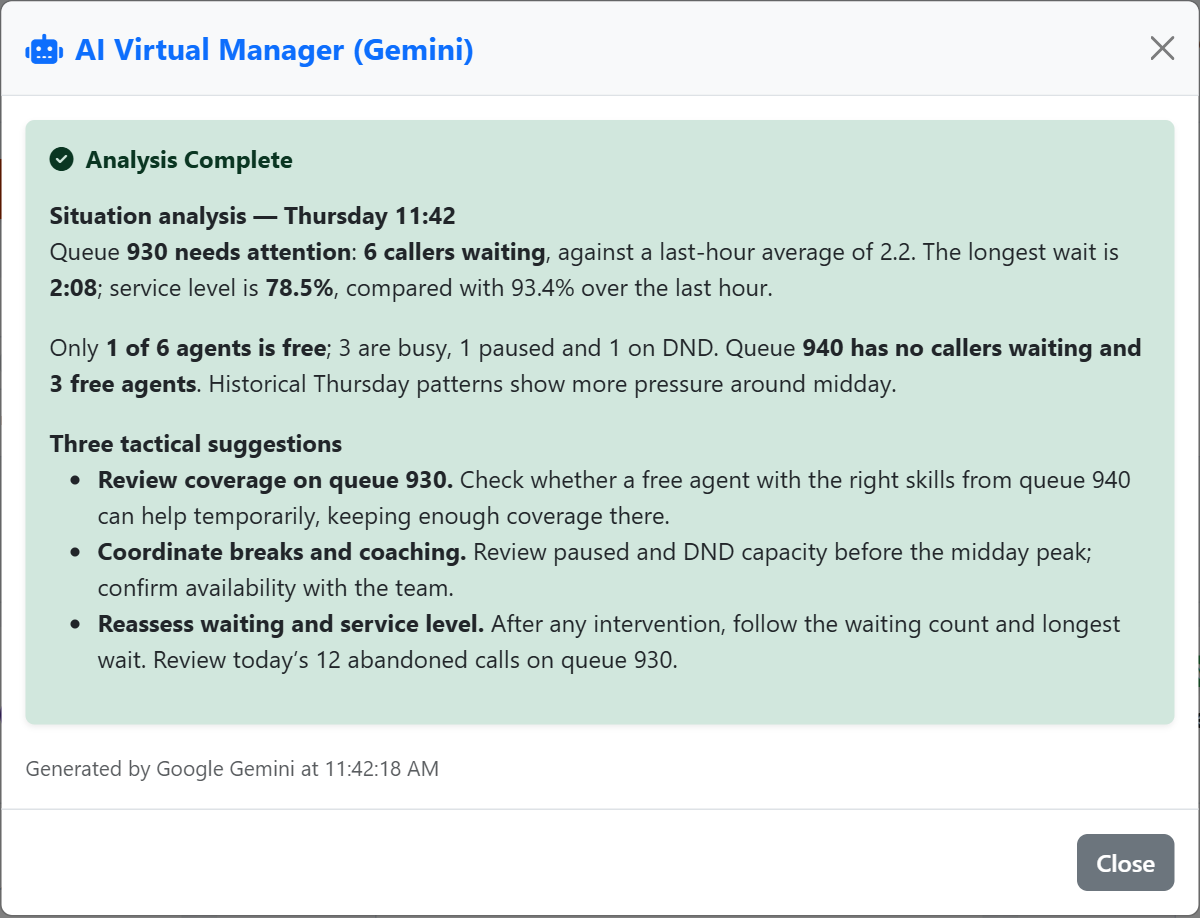
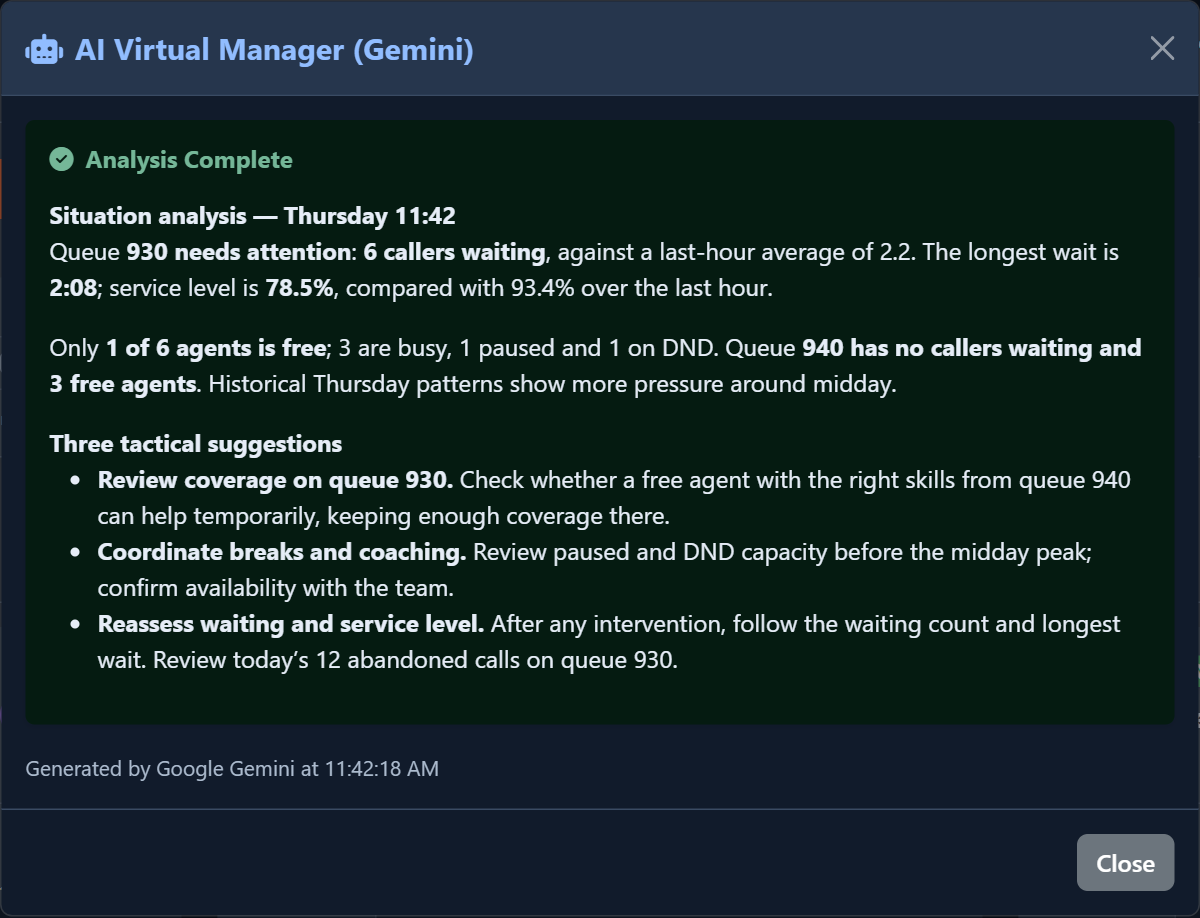
Slide the divider to compare the same workspace.
DarkKnow what to look for.
AI Manager analysis
Read an on-demand interpretation of queue pressure and practical suggestions for supervision.
Read the signal.
Choose the next step.
Ask what changed before choosing an intervention
A waiting count means more when you know whether it is rising and how agent availability has changed. AI Manager brings the current queue picture together with available recent trends and workload history, helping you review the situation before choosing a supervision or staffing response.
When several queues need attention, request an interpretation of the available live and historical context. Use the resulting advice to support your own operational judgement.
Put it to work
Open AI Manager from the Dashboard with the relevant permission and request analysis through the configured Gemini service.
Combine waiting pressure, agent states, queue strategy and available recent trends in a single operational assessment.
Review the response alongside the live data, then choose the staffing or supervision action you want to take.
What you can do
Read the current situation
Analyze available queue metrics and agent states from the current operational picture.
Add historical context
Combine live information with available recent trends and historical workload context.
Request advice deliberately
Generate an on-demand response through the configured Gemini account, subject to request controls and provider availability.
Keep a human in control
Use advice as decision support; review the evidence before changing queue membership or staffing.
Act now. Learn from the conversations.
Bring operational advice alongside the AI reports in Quality & AI: understand pressure on the floor and the reasons emerging from recorded conversations.
AI Manager
Live queues, agent states and recent trends. A summary and three suggestions to support the next supervisory decision.
Explore the processQuality & AI reports
Saved recording analyses reveal quality, sentiment, outcomes and recurring themes. On-demand reports and configured weekly or monthly email summaries support coaching and improvement.
Explore AI reportsRead the detail with confidence
What does this view measure?
AI advice is an assessment and does not automatically change PBX settings or staff schedules.
Optional Gemini use requires its own provider configuration, quota and charges.
Optional Gemini use requires its own provider configuration, quota and charges.
What context matters?
Local Workload and forecasts calculations are a separate feature and do not use Gemini.