

Operational action log
Trace queue and call-monitoring commands sent through Obelisk with their targets, outcomes and reasons.
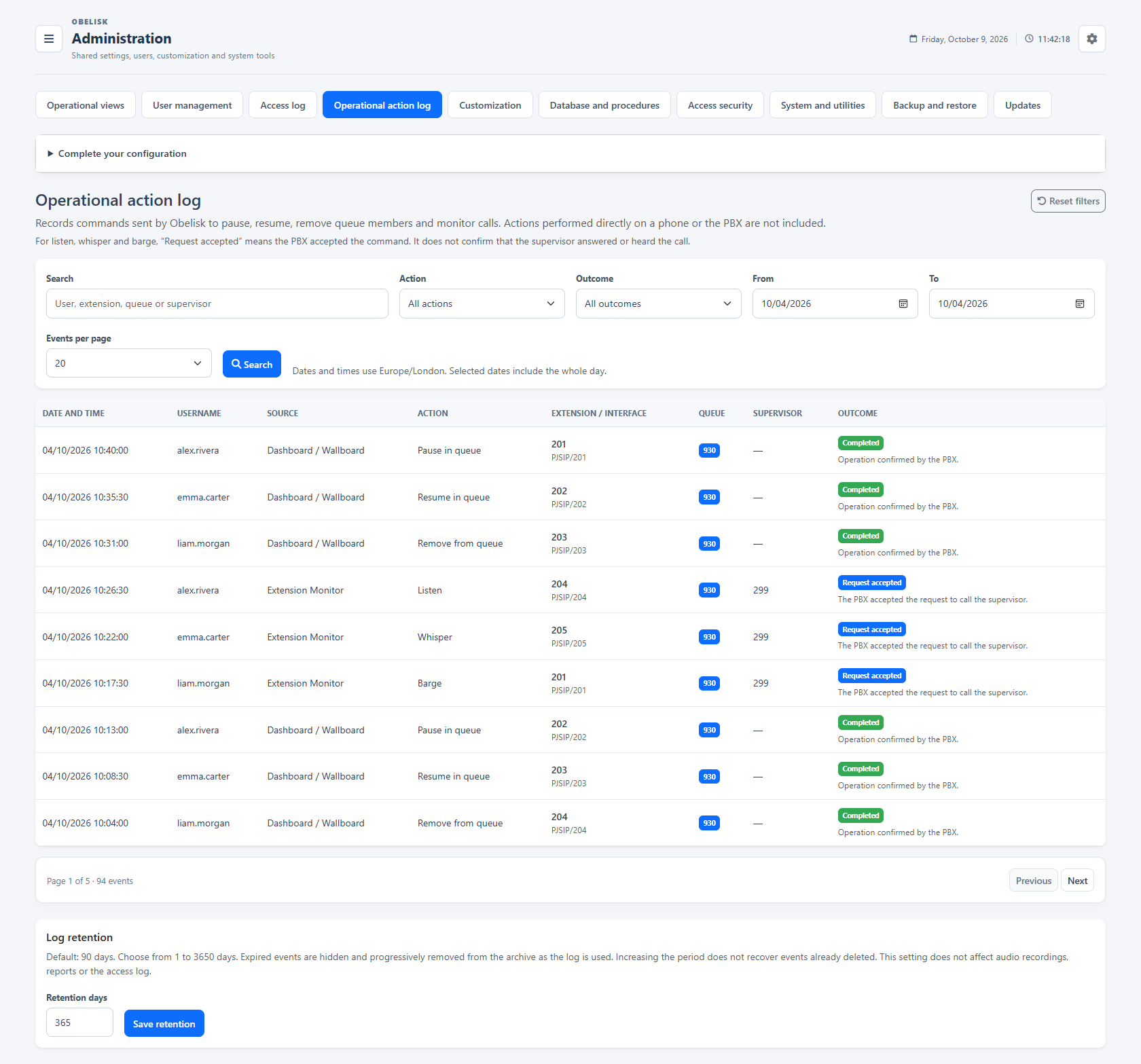
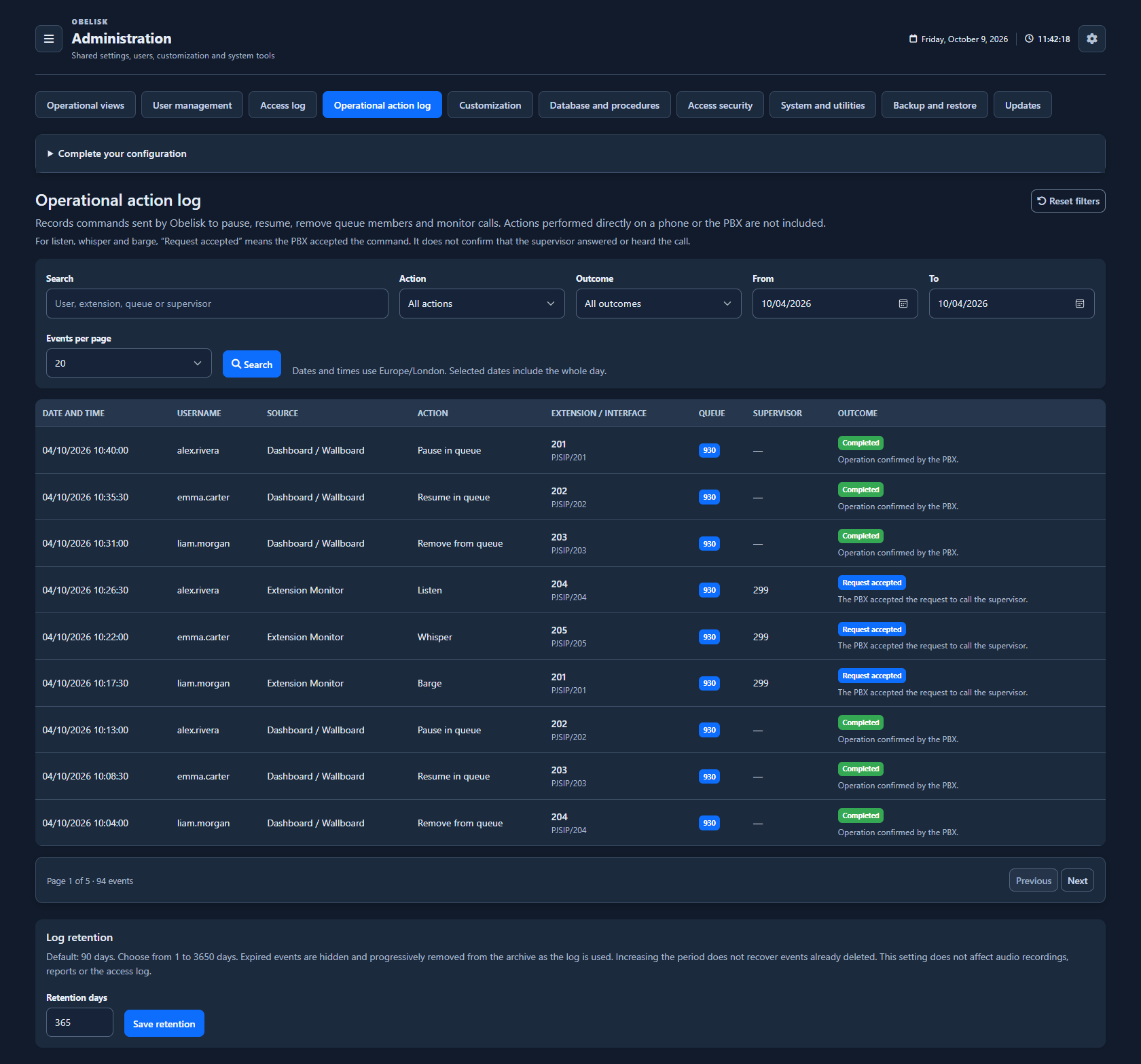
Slide the divider to compare the same workspace.
DarkAn operational action, with its context.
When privacy, security or service questions arise, an authorised administrator can reconstruct who sent an operational command, when, from which view, towards which target and with what outcome. These records support checks by the organisation’s security and privacy teams, including its DPO.
Read the request and its outcome together
- Account responsible
- teamleader.demo
- Event time
- 10:24:10
- Source view
- Queue views
- Target extension
- 201
- Queue involved
- 900
- Supervisor extension
- —
The queue pause command completed successfully.
- Account responsible
- teamleader.demo
- Event time
- 10:31:42
- Source view
- Monitor
- Target extension
- 201
- Queue involved
- —
- Supervisor extension
- 250
The PBX accepted the monitoring request. The record identifies the requested action and supervisor extension; acceptance alone does not establish that listening took place.
- Account responsible
- teamleader.demo
- Event time
- 10:37:05
- Source view
- Queue views
- Target extension
- 201
- Queue involved
- 900
- Supervisor extension
- —
The request was rejected: the member is static. The outcome and reason let you distinguish an attempted action from a completed change.
Queue commands and live supervision
The catalog covers pause, resume and queue removal, plus live listening, coaching and conference requests. It records the actor, source, target, outcome and reason. Listening here means live call supervision; recording playback has its own access permission.
A useful history over the chosen period
Filter by period, action and outcome. Administrators choose the retention period; when reducing it, the interface shows the impact before removing older records. Use this operational context alongside your organisation’s audit procedures.
What you can do
A dedicated operational register
Record queue pause, resume and removal commands and listen, whisper and barge requests issued through Obelisk.
Actor, source and result
Preserve authenticated actor, endpoint/queue, origin and controlled outcome.
Find the operation
Search and filter by date, action and outcome; paginate.
Independent retention
Configure retention independently of access logs, recordings and report data.
Installation control
Access history and operational actions are retained in the Obelisk application database.
Read the detail with confidence
Administrator-only.
Administrator-only.
How should I interpret this?
Accepted monitoring request confirms PBX acceptance, not that the supervisor answered/heard the conversation.
Actions taken directly on a phone or PBX are outside this log.
Actions taken directly on a phone or PBX are outside this log.